



















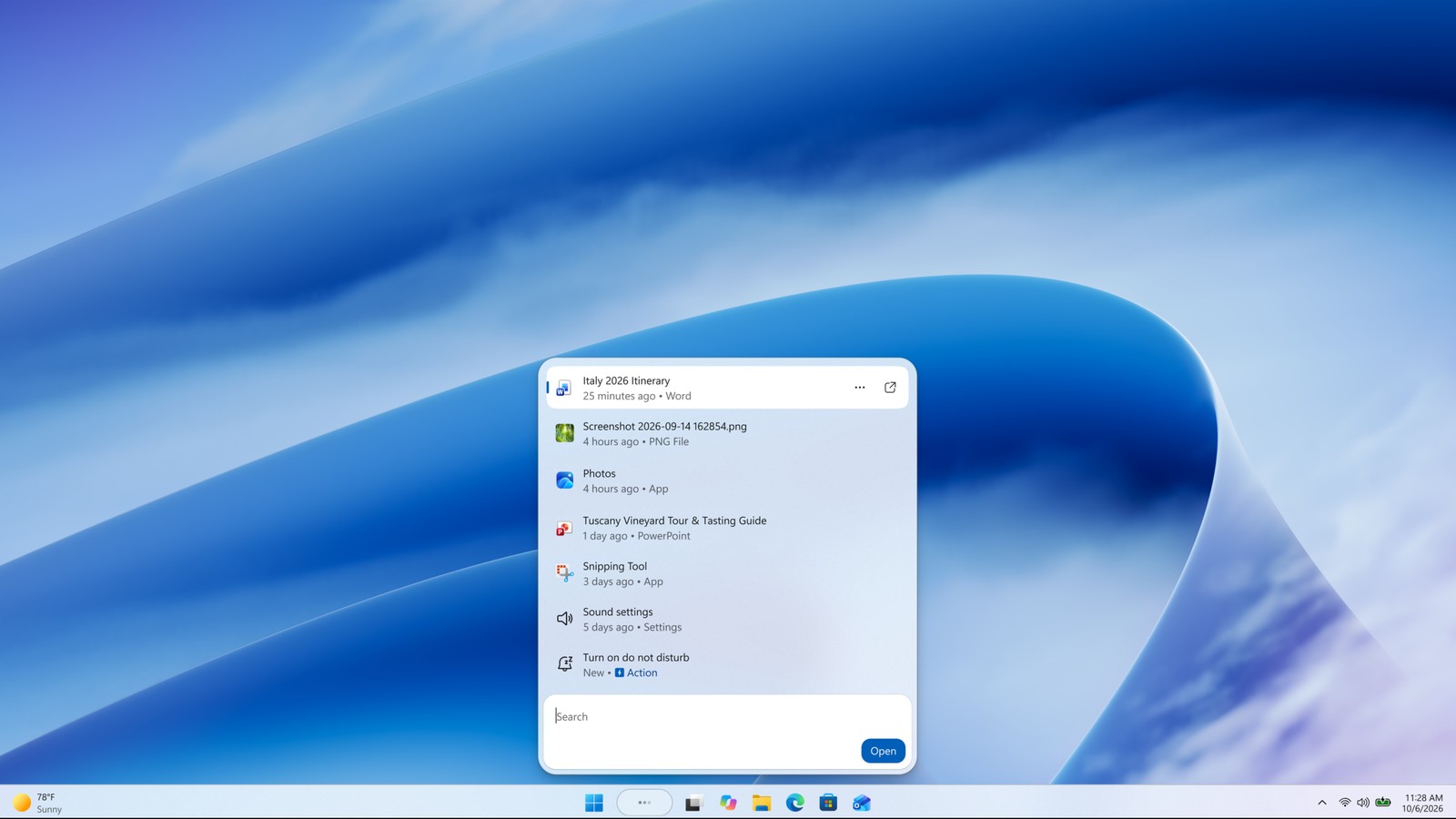
Microsoft is rebuilding Windows Search so it can finish tasks, not just list files. The new taskbar experience sits on WinUI 3, uses a single results list, and adds inline actions. Windows Insiders in the Experimental channel started getting it on October 7, 2026.
The company is shipping a faster Search box that can flip settings and arrange windows from the same field you already use to find apps. Copilot can sit inside Search later, however, and that piece is opt-in.
What Insiders can try today
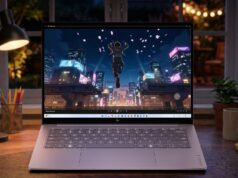
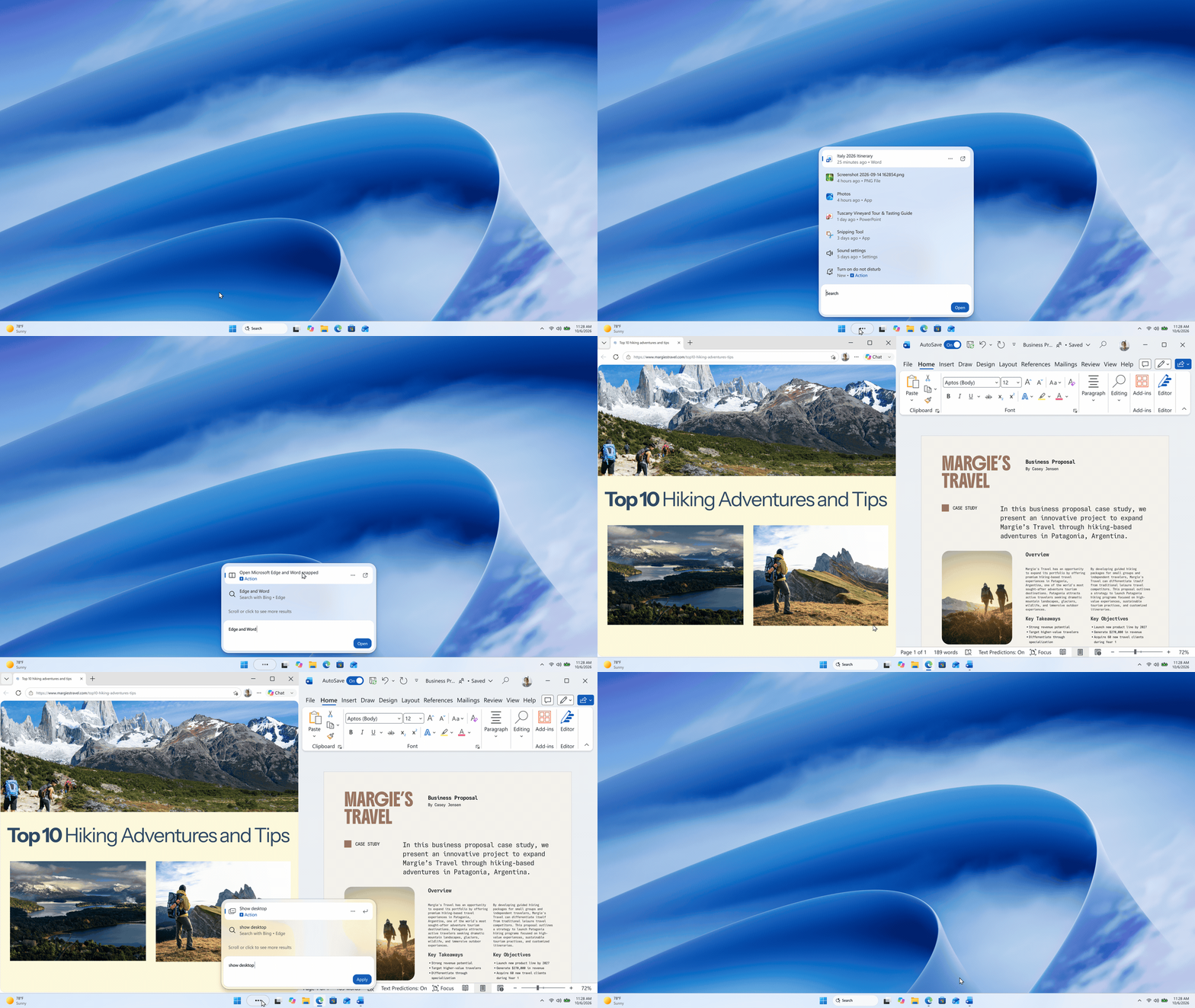
Microsoft says the WinUI 3 rebuild is the foundation. Early testing, it claims, shows substantial improvements in performance and memory. The UI then drops the old two-pane layout. Nearly all clicks already landed on the left-hand results list, so the new design puts those results in one scannable column.
Matching also gets a little more forgiving. Windows Search now handles typos and synonyms better, with more tuning promised over the coming weeks. English is the only language in this first Experimental pass.
Inline actions are the bigger change. You can type “switch to dark mode,” “turn on night light,” or “turn on Bluetooth.” You can also dim the screen or mute. Workspace commands include minimize every window, or arrange windows on screen. Microsoft’s Insider post is blunt: “We’re introducing inline actions to help you finish tasks right where you started, without opening another app or navigating through additional screens.”
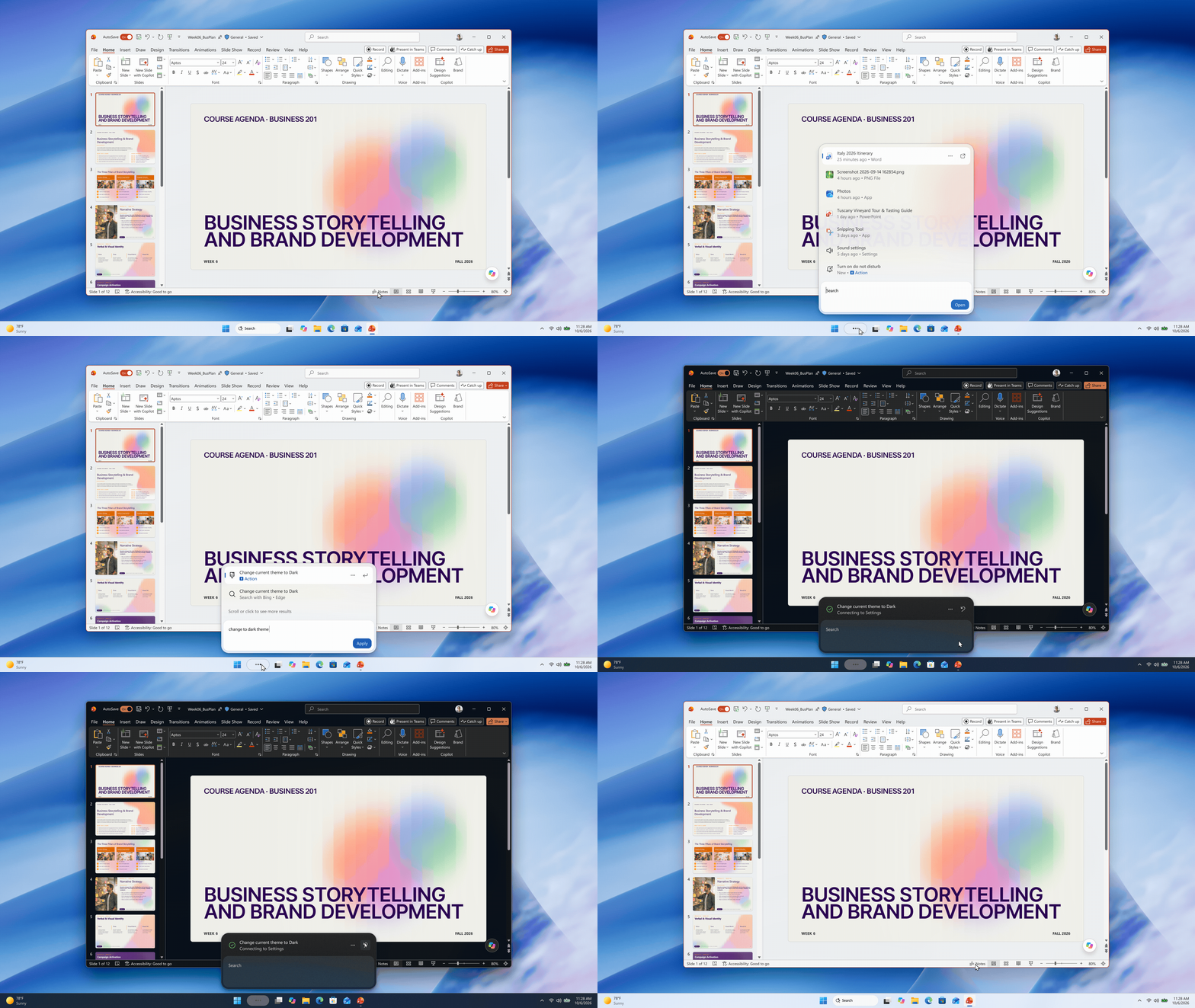
Phone Link texting from Search is still labeled coming soon. Later this year, Microsoft also wants inline previews for documents and photos, plus web cards for queries such as local weather or a landmark height. Meanwhile, those previews are not in the first Experimental drop.
How to turn it on, and what Copilot still is
The rollout is gradual. Experimental build 26340.9616 and Experimental 26H1 build 28120.3181 carry the flag. Then check for updates, restart, and open Settings, Windows Update, Windows Insider Program, Feature flags. Look for “New Windows Search Experience.” Start-menu search still uses the old UI while this preview stays on the taskbar.
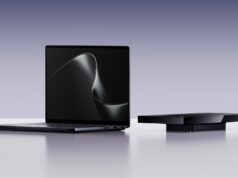
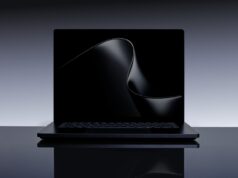
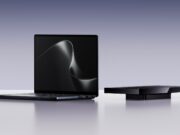
A separate Windows Experience post says Microsoft will later add an option to pull Copilot answers into Search. You can then jump to the full Copilot app for a longer chat. That integration is opt-in and starts in select markets later this year. As a result, it is not the Experimental Search build Insiders are installing today. The same October 7 Windows event also framed Search as one everyday piece of a wider hybrid-intelligence pitch, next to new Surface hardware such as the Surface Laptop Ultra.
Feedback goes to Feedback Hub under Desktop Environment, Search. Microsoft wants Insiders to poke holes in relevance and stability before the new Search leaves the Experimental channel.