




















Sponsored by invideo. This guide to AI tools for 3D camera moves was independently fact-checked and edited by Tech My Money for accuracy and reader value.
These tools do not all solve the same problem. Some, such as World Labs Marble, place a camera inside an explorable 3D world. Others infer depth from a still image or synthesize the look of a dolly, orbit, or crane move. Meanwhile, invideo’s Camera Controls package those movements as accessible presets inside a broader agentic production workflow.
That distinction matters. A generated shot may look spatially convincing without exposing a literal 3D scene or repeatable camera path. Therefore, this guide separates true world-based control, motion transfer, depth-based animation, and prompt-driven camera effects. This comparison draws on official product documentation and demos, rather than a hands-on benchmark of every tool. We checked sources again on September 8, 2026; prices are in US dollars, and credit costs can change quickly.
How the best AI tools for 3D camera moves compare
| Tool | Best for | How camera control works | Entry price |
|---|---|---|---|
| invideo agent | Multi-shot projects and broad model access | Camera presets, persistent project context, and model routing | From $17/month, billed annually |
| Moonvalley Marey | Commercial productions that prioritize licensed training data | Turns a 2D scene into a directed 3D environment | Check current access pricing |
| Luma Ray3.2 | Precise video modification and frame-level direction | Motion and structure controls preserve camera movement from source footage | Free trial; paid plans from $30/month |
| Vidu Motion Control | Reference-led motion and character workflows | Transfers movement and pacing from a reference video | Trial credits; paid plans available |
| World Labs Marble | Repeatable flythroughs of generated environments | Keyframed camera animation inside a persistent 3D world | Free; Standard from $20/month |
| Immersity | Animating a single still with depth | Neural depth layers, inpainting, and virtual camera movement | Free; image plan from $4.99/month |
| Imagera | Fast preset moves from an image | Eight camera-pose options, including orbit, crane, and dolly zoom | From $19.99/month |
| Genmo | Open-source experimentation | Mochi 1 is open weight; Replay has documented camera-control plugins | Free; Lite from $10/month |
| Kaiber | Music visuals and mixed-model creative workflows | Camera direction through prompts and supported video models in Canvas | Starter from $10/month |
| Pika | Short image-to-video clips and keyframed transitions | Prompt-guided motion plus Pikaframes start/end control | Free Basic; Standard from $8/month, billed annually |
1. invideo agent: best for directing a complete sequence
Many AI video tools concentrate on one generation at a time. In contrast, invideo agent is designed around a project-level conversation. Its filmmaking workflow keeps characters, locations, visual rules, and other production context available across scenes. The agent can also route work across more than 200 image, video, audio, and music models.
For camera work, invideo offers presets that include tracking, dolly, tilt, jib, pan, 360-degree movement, crash zoom, bullet time, and whip-pan effects. That range makes it useful when a creator wants to test several visual approaches without building a camera rig or a 3D scene manually. Additionally, its current model roster includes Veo 3.1, Kling 3.0, Seedance 2.5, Runway tools, and image systems such as Nano Banana 2.
Best for: creators building a multi-shot film, campaign, or social sequence in one workspace. Watch for: presets still rely on generative interpretation, so they are not the same as a repeatable camera path inside a conventional 3D package. The Plus plan starts at $17 per month when billed annually, while credit use varies by model and output settings.
2. Moonvalley Marey: best for licensed-data production work
Moonvalley Marey makes one of the clearest 3D claims in this comparison. Moonvalley says Marey can transform a 2D scene into a 3D environment, letting a creator direct the camera from a single image. It also supports motion transfer and user-drawn object trajectories.
Moreover, Moonvalley says it trained Marey only on licensed, high-resolution footage. That policy gives agencies and commercial teams a more specific provenance claim to evaluate. However, teams should still review the service terms for their project and confirm current access costs before budgeting.
3. Luma Ray3.2: best for preserving a camera move during modification
Luma’s Ray3.2 video model focuses on controlled generation and modification. Luma documents frame-level direction, performance tracking, and tools for reframing a shot.
Specifically, Ray3.2 supports up to 16 keyframes per clip to guide pacing, camera paths, and visual changes. Its performance-tracking tools also carry movement from source footage into a new treatment. As a result, it fits creators who have a rough plate or storyboard and want more control over how a shot develops.
Best for: controlled video-to-video work. Watch for: fast overlapping motion can lose detail, so testing remains important. Luma offers a free trial, while its current individual paid plans start at $30 per month.
4. Vidu Motion Control: best for reference-led movement
Vidu Motion Control uses a reference video to guide motion, pacing, subject action, and camera behavior. This approach can be easier than describing a complicated move in text because the source clip supplies timing information directly.
Still, the result depends heavily on the reference. Vidu recommends clean footage with a visible subject and stable movement. Therefore, creators should treat it as a motion-transfer workflow rather than a guaranteed copy of every camera path. Vidu offers trial credits and paid subscriptions, although its live pricing page loads plan totals dynamically.
5. World Labs Marble: best for a real navigable environment
World Labs Marble is the most literal 3D camera tool here. It generates persistent worlds from text, images, video, or coarse 3D input. In its Record workspace, creators position a camera, add keyframes, adjust timing, preview the path, and export a flythrough.
Because the camera travels through a spatial world, Marble offers repeatability that a prompt-only effect may not. However, its documentation warns that Record trajectories currently do not persist after leaving the page. Users should finish and download their work before exiting. The free plan includes up to four world generations; Standard starts at $20 monthly, while the $35 Pro tier adds commercial rights and higher-quality exports.
6. Immersity: best for adding depth to a still image
Immersity converts 2D media into layered depth representations. Its Neural Depth Rendering separates foreground and background regions, applies inpainting to reveal hidden areas, and then allows broader virtual-camera movement with fewer edge distortions.
Consequently, Immersity is a practical choice for album art, product photos, portraits, and other stills that need a sense of parallax rather than a newly invented scene. The free plan produces watermarked, non-commercial output. Paid image access starts at $4.99 per month and includes commercial use.
7. Imagera: best for quick preset camera moves
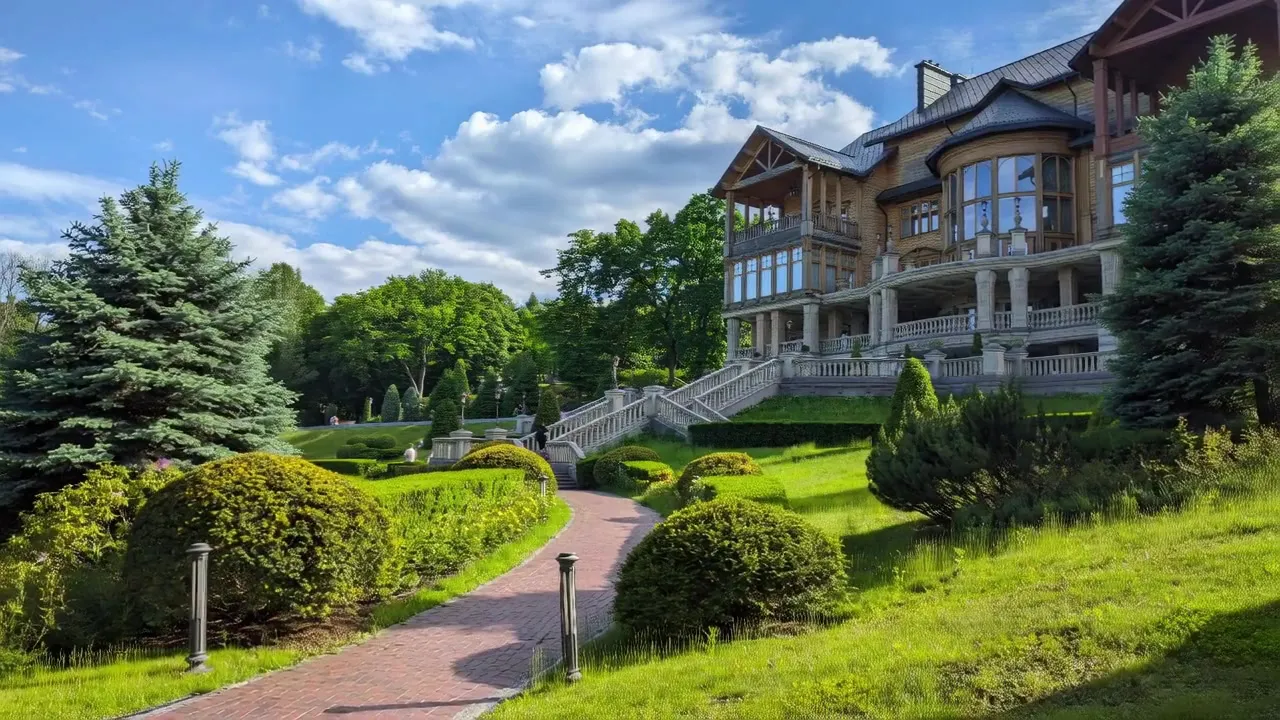
Imagera’s Camera Movement tool offers eight camera poses, including orbit, crane, dolly zoom, pan, tilt, push, and slide options. It is aimed at creators who want to animate an existing photo quickly rather than manage a full production workspace.
In fact, the current tool page prices Fast generations from 15 credits and Premium output from 25 credits. The Starter subscription costs $19.99 when billed monthly, with a lower monthly equivalent on an annual plan. Extreme viewpoint changes can still expose synthesized areas, so restrained moves usually look more coherent.
8. Genmo: best for open-source experimentation
Genmo offers two relevant paths. Mochi 1 is an Apache 2.0-licensed, open-weight video model that developers can run and customize. Separately, Genmo documented pan, tilt, roll, and zoom controls for its Replay camera plugin.
However, that Replay camera-control documentation dates to 2023, while Genmo’s current site foregrounds Mochi. Therefore, anyone choosing Genmo specifically for camera presets should confirm their current availability in the live playground. The service offers a limited free tier, and Lite costs $10 monthly. Local Mochi deployment also demands substantial GPU memory.
9. Kaiber: best for music-led creative workflows
Kaiber now organizes its product around Canvas, Beat Sync, and Editor; the older Superstudio name has been retired. Canvas provides access to several generation models, while Beat Sync and Editor help creators assemble music-driven visuals and finished sequences.
Camera direction depends on the selected model and prompt rather than a single universal 3D camera engine. Accordingly, Kaiber makes the most sense for artists who value an integrated creative canvas and audio-led editing. Starter costs $10 per month, and Creator adds all Canvas models plus commercial use for $29 monthly.
10. Pika: best for short image-to-video experiments
Pika 2.5 supports short text-to-video and image-to-video generations up to 1080p. Its prompt field guides motion, while Pikaframes gives paid users start-and-end control across clips up to 25 seconds.
Pika offers an accessible starting point for short social clips and visual experiments. However, resolution and feature access depend on the plan. Its free Basic tier includes 80 monthly video credits and Pika 2.5 at 480p. Standard starts at $8 per month when billed annually and adds all resolutions plus Pikaframes.
Which AI camera-control tool should you choose?
- Use invideo agent for a complete multi-shot workflow with camera presets and broad model access.
- Consider Marey when licensed training footage and directed 3D scene control are priorities.
- Pick Luma Ray3.2 to preserve camera motion while transforming existing footage.
- Try Vidu when a reference clip already contains the motion you want.
- Choose Marble for repeatable keyframed flythroughs inside a navigable world.
- Use Immersity or Imagera to animate a still without building a larger project.
- Consider Genmo for open-weight development and experimentation.
- Pick Kaiber for music-led creation and editing.
- Try Pika for short, accessible image-to-video tests.
For more context, see our guides to the best AI camera-control tools for video production and the best AI previz tools for filmmakers. Ultimately, the right option depends on whether you need genuine 3D navigation, faithful motion transfer, or a fast cinematic effect.
Frequently asked questions
What makes an AI camera move truly 3D?
A true 3D workflow exposes or uses spatial geometry, depth, or a navigable world. Marble is the clearest example here because users place keyframes inside a generated environment. By comparison, many image-to-video systems synthesize a convincing 3D look without providing editable scene geometry.
Can these tools animate a photo I already have?
Yes. Immersity, Imagera, invideo Camera Controls, Pika, and several other entries accept still images. However, large moves may reveal areas that never existed in the original photo, so the system must generate or inpaint them.
Which option gives the most repeatable camera path?
World Labs Marble provides the most conventional keyframed path in this list. Motion-transfer systems can also reproduce the broad movement of a reference clip, although generative variation still affects the final result.
Are free plans suitable for commercial work?
Not always. Some free plans add watermarks or restrict commercial rights. Before publishing client work, verify the current terms for the exact plan and generation model you used.