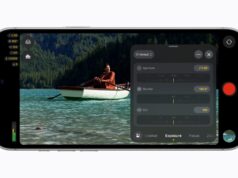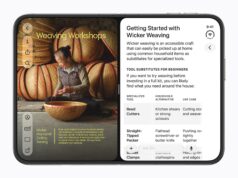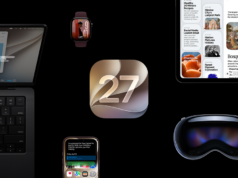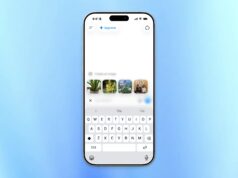


























Apple’s iOS 27 creator features arrive Monday, September 14. The company is pitching them as a working toolkit for makers, as detailed on Apple’s official iOS 27 page. It also brings Siri AI to eligible iPhones, along with new photo tools and writing help.
Siri drafts with your context
The biggest change is how Siri handles personal information. It can search across photos, email and notes to answer follow-up questions. Then it acts inside supported apps such as Messages, Music and Reminders.
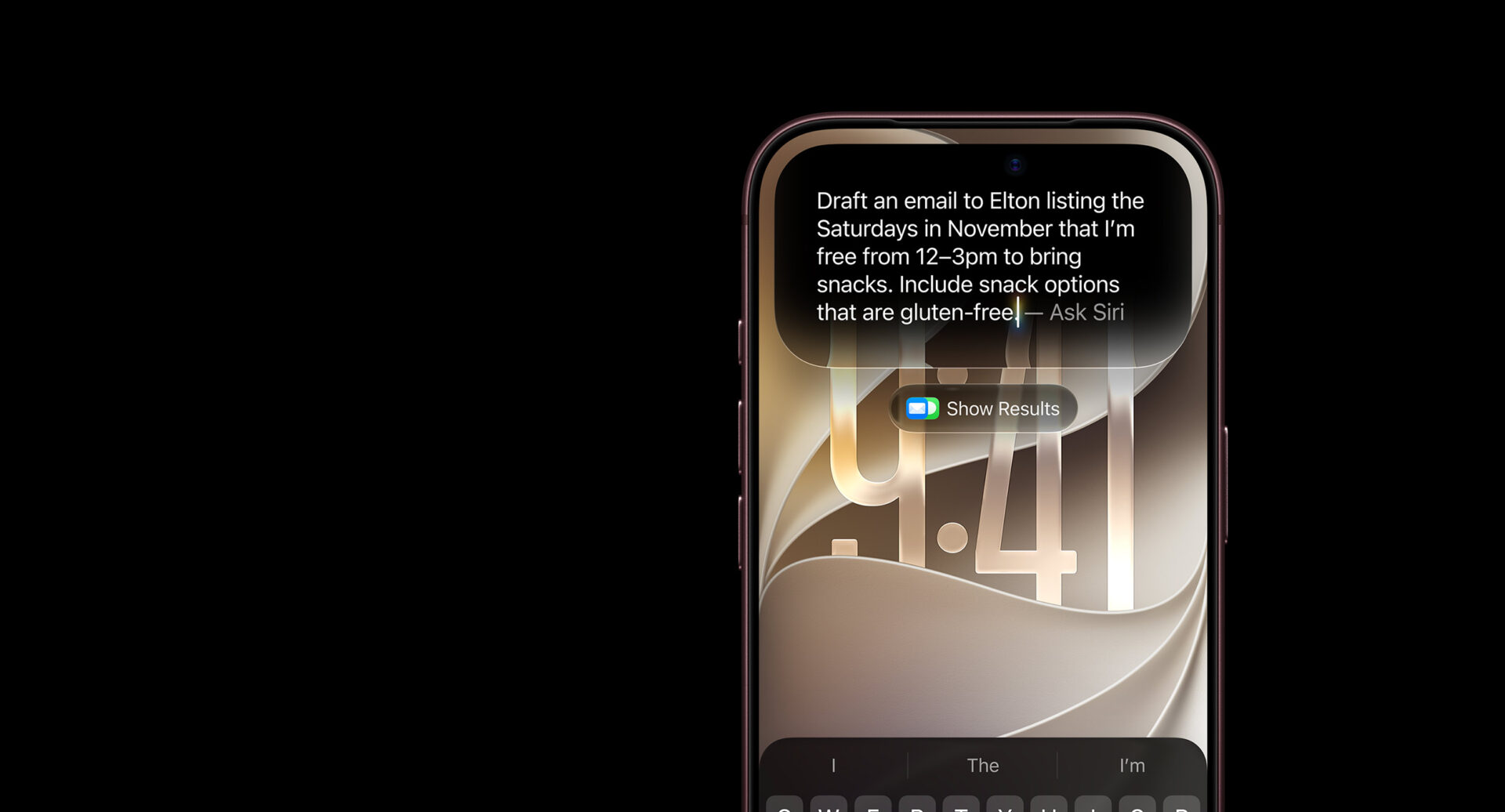
A dedicated Siri app keeps the full conversation history, so you can return to earlier requests. Meanwhile, Write with Siri matches your normal style and tone when it drafts messages and mail. For a reviewer who answers brand emails daily, that is the difference between a template reply and something that sounds like you.
Photo tools that overlap paid editors
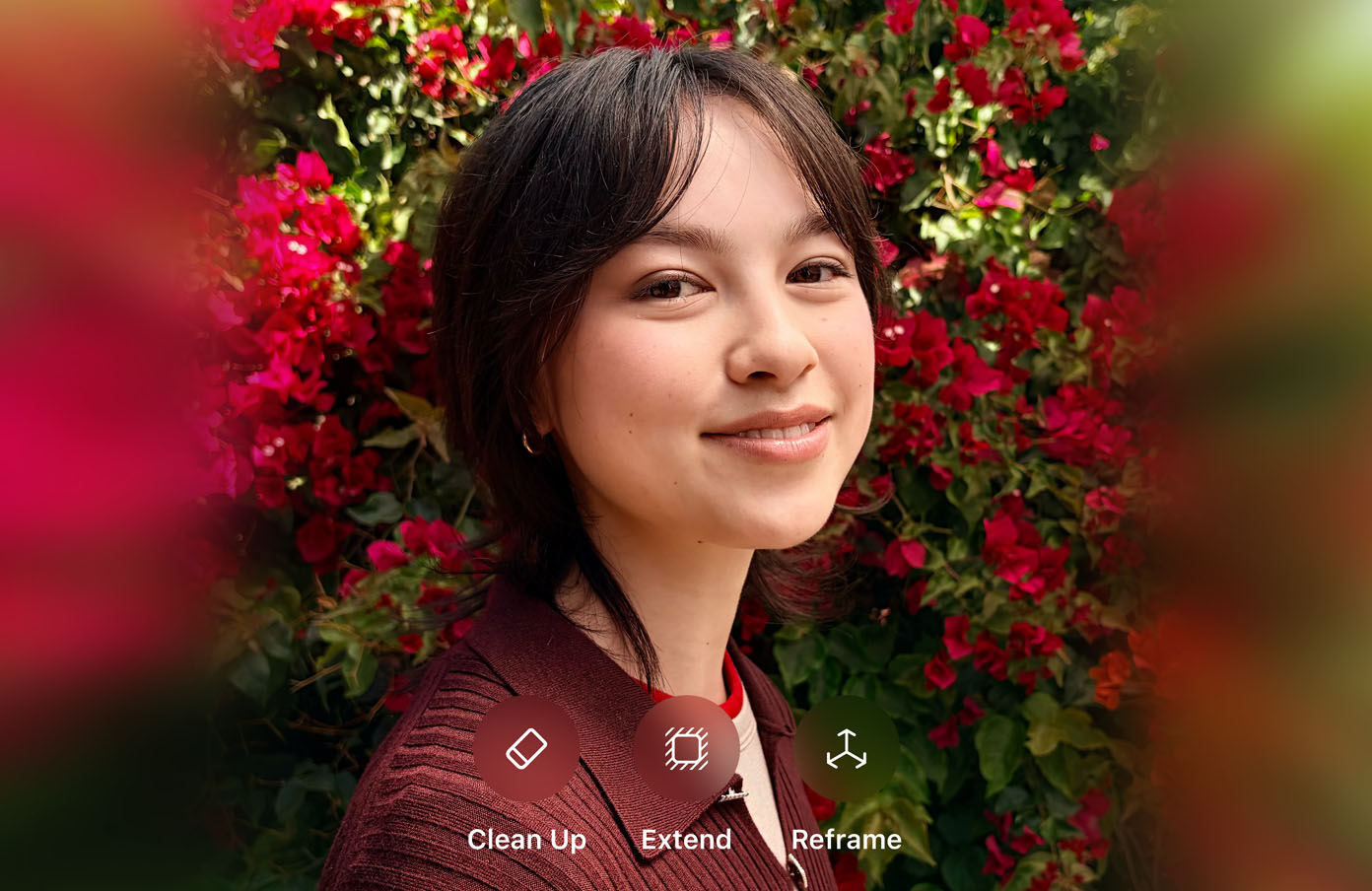
The camera app gains Spatial Reframing, which repositions subjects without rebuilding the background. Extend widens the frame by generating new edges. In addition, an enhanced Clean Up removes objects with less smearing.
Together they cover much of what creators currently pay for in Photoshop or Canva. Image Playground also moves toward photorealistic generation. As a result, product shots and thumbnails can start from a prompt instead of a shoot.
Automation and price alerts
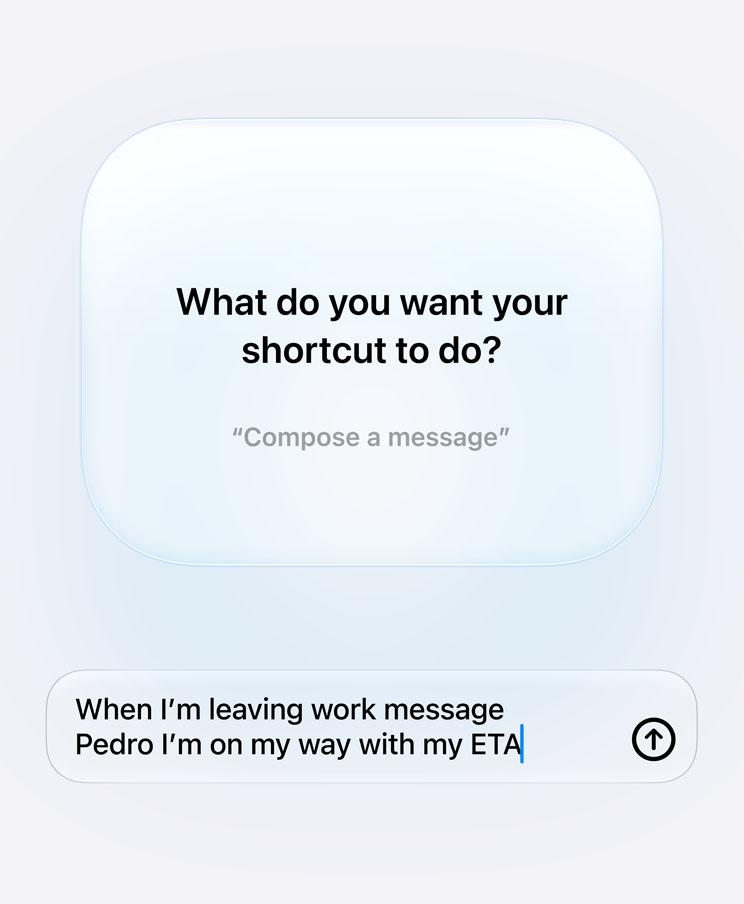
Shortcuts now accept plain-language instructions. Describe a workflow in a sentence, and iOS builds the shortcut for you. That lowers the barrier for creators who have never touched the app.
Safari adds Notify Me alerts for price changes and restocks on products you watch. It also groups open tabs into topics automatically. For anyone tracking gear prices before a buy, that is a built-in replacement for several browser extensions.
Limits, languages and the fee question
The caveats matter as much as the features. Siri AI launches in English only, with daily usage limits on server-dependent tools. It also skips the EU at launch on iPhone, iPad and Apple Watch.
Apple’s language rollout adds French, Japanese, Korean, Portuguese and Spanish in October. On money, Apple says expanded access to the limited features “will be available for a fee in the future.”
A free update that quietly meters its best AI tools is a subscription waiting to happen. That is the line creators should watch before assuming every feature stays free.
Hardware splits the audience, too. iOS 27 runs on iPhone 11 and later, plus SE (2nd generation) and newer. However, Siri AI requires an iPhone 15 Pro or any iPhone 16 model.
Our breakdown of the release date and compatibility lists covers which phones get what. Test in this order before you commit to any paid alternative: reframe a portrait, extend a product shot, clean up a cluttered background, generate an Image Playground thumbnail, draft a brand email with Write with Siri, build one publishing Shortcut from a sentence, and set a Notify Me alert on the gear you actually want.
If all seven work well on your phone, several subscriptions just got harder to justify.