



























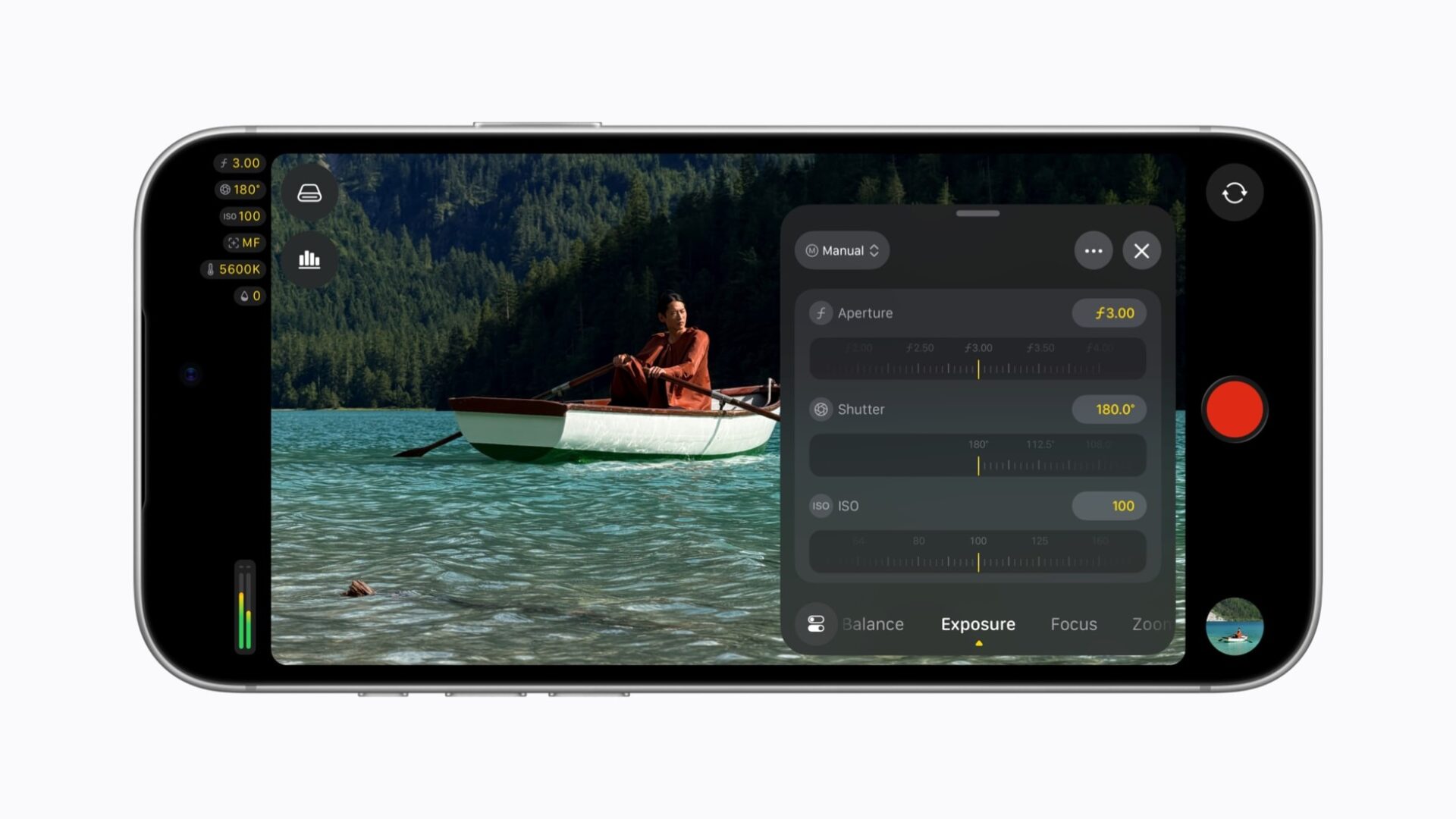
Final Cut Camera 2.4 shipped on September 29. The free update brings aperture control to iPhone for the first time. However, not every new feature needs the iPhone 18 Pro, because Apple’s two announcements split the requirements across hardware, iOS 27 and a subscription.
Here is what Apple says in its Final Cut Camera announcement and its Creator Studio update.
The new version is available as a free software update beginning today, September 29.
Apple
What needs the iPhone 18 Pro
Specifically, variable aperture comes from the new Fusion Main camera on the iPhone 18 Pro. In the app, creators can set the aperture directly. They can also choose shutter priority or aperture priority modes.
The same update also unlocks Cinematic mode effects for regular video, including ProRes and Apple Log footage. Editors then adjust focus points and depth of field in Final Cut Pro or Motion on a Mac. Apple’s Creator Studio release describes this for video captured natively on the iPhone 18 Pro.
Compressor gets a related tool. It converts video with the new Cinematic effects back into the previous Cinematic mode format. It also adds HEVC and MPEG-4 export presets for social sharing.
What needs iOS 27
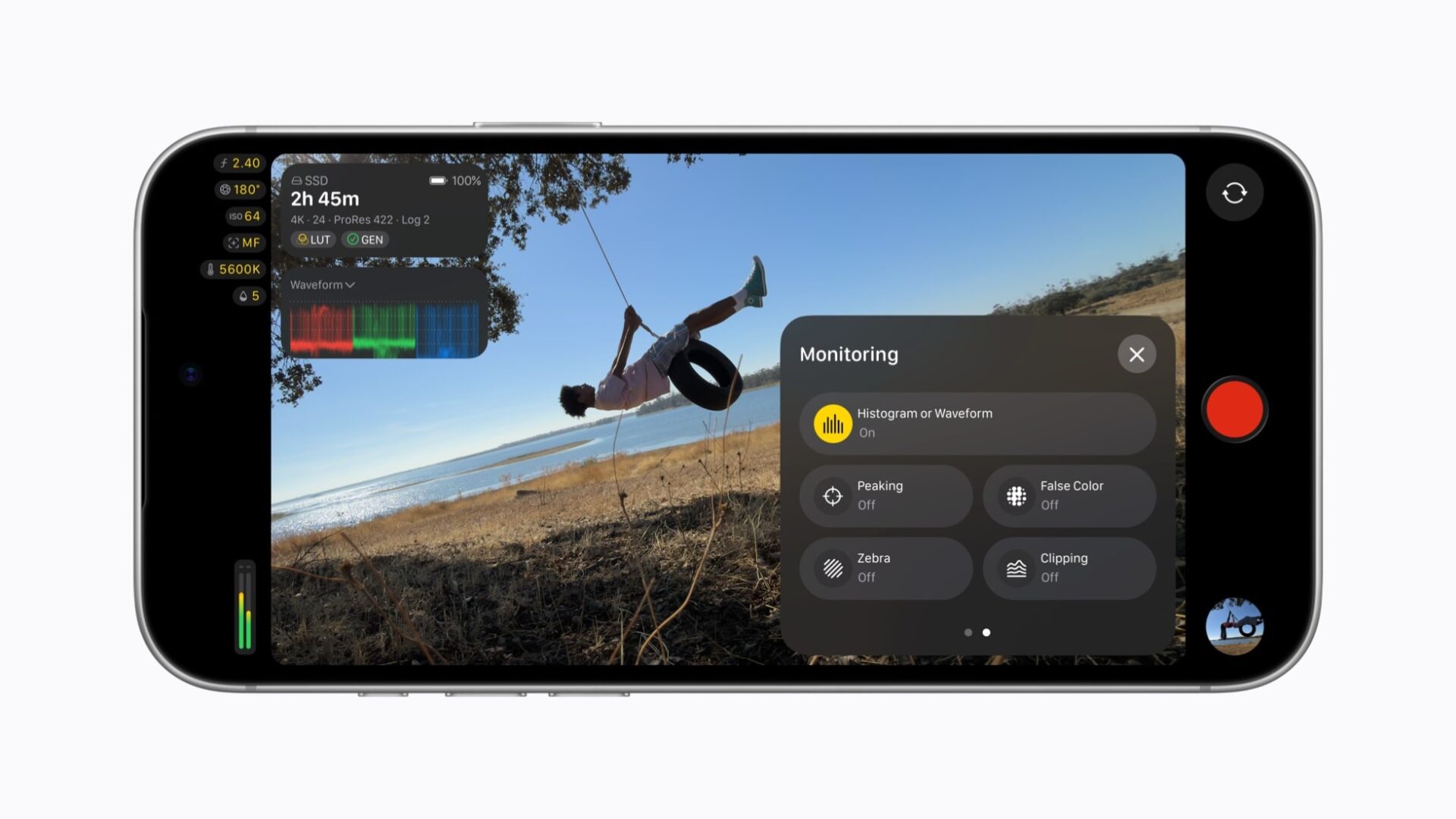
Apple ties the pro monitoring features to iOS 27, not to the new phone. Those are an RGB Parade, a histogram, clean SDI out and genlock offset.
For example, clean SDI out sends a clean signal through an HDMI-to-SDI converter for broadcast-quality streaming. Genlock offset compensates for latency differences between the iPhone and other genlocked cameras. Apple does not list an iPhone 18 Pro requirement for any of these.
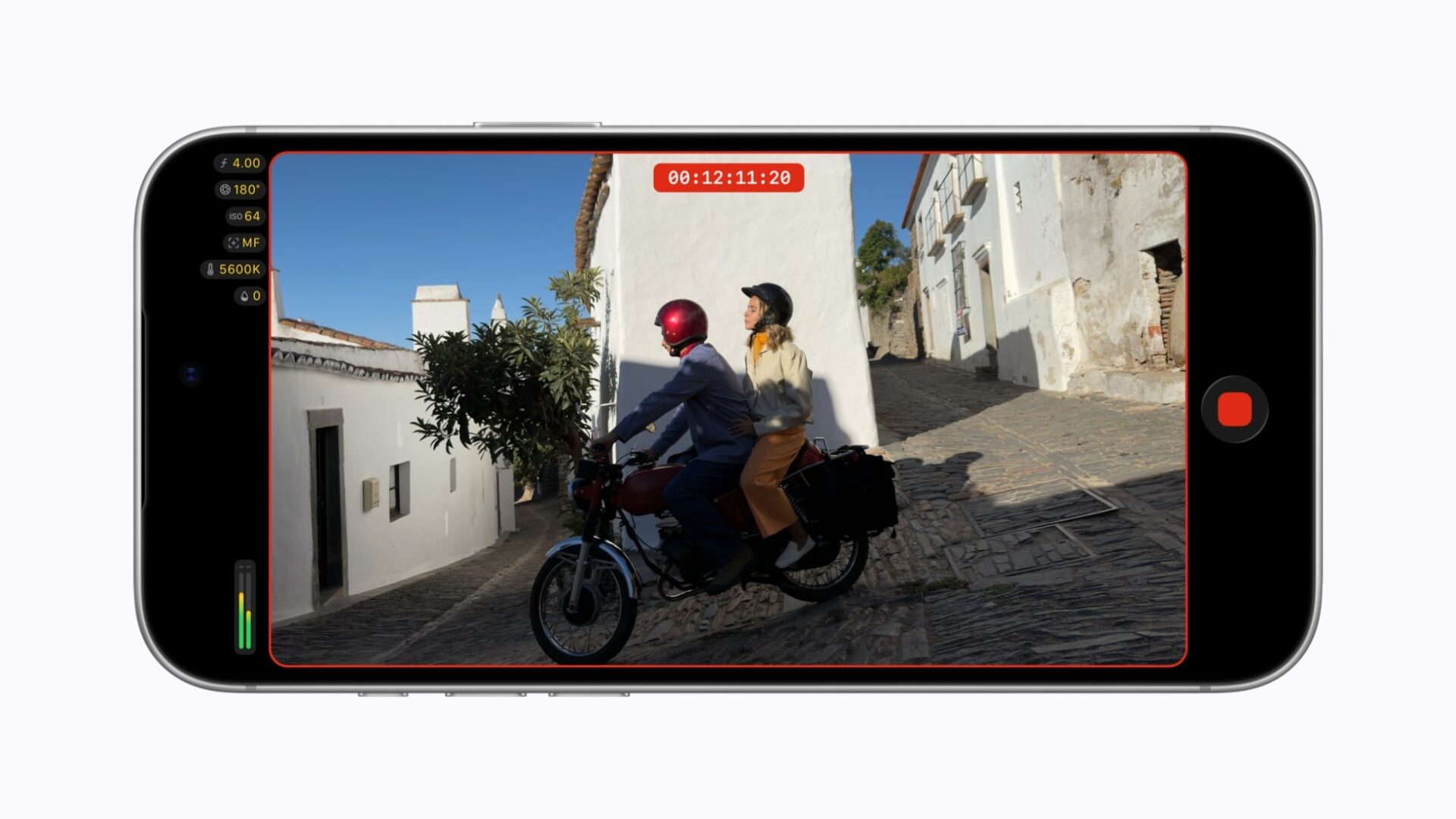
The redesign reaches everyone on the new version. Shutter angle, ISO and white balance are easier to reach. The app adds customizable overlays such as false color and clipping indicators, and focus peaking now has a sensitivity control. In addition, a two-finger tap clears the viewfinder.
What needs a subscription
Final Cut Camera itself is a free update. The Creator Studio apps, however, are different. Apple’s page prices the bundle at $12.99 a month or $129 a year after a one-month trial. Meanwhile, students and educators pay $2.99 a month.
Apple says subscribers get new templates and themes in Keynote, Pages and Numbers. Keynote also generates images that match a presentation. In addition, Pixelmator Pro on iPad gains the Select and Mask tools from the Mac. Freeform picks up Dark Mode support, collections and Writing Tools, and Pages adds a Screen View for focused writing.
Buyers still weighing the hardware can see Tech My Money’s report on the iPhone 18 Pro launch. Creators also have a checklist of iOS 27 creator features to test.