




























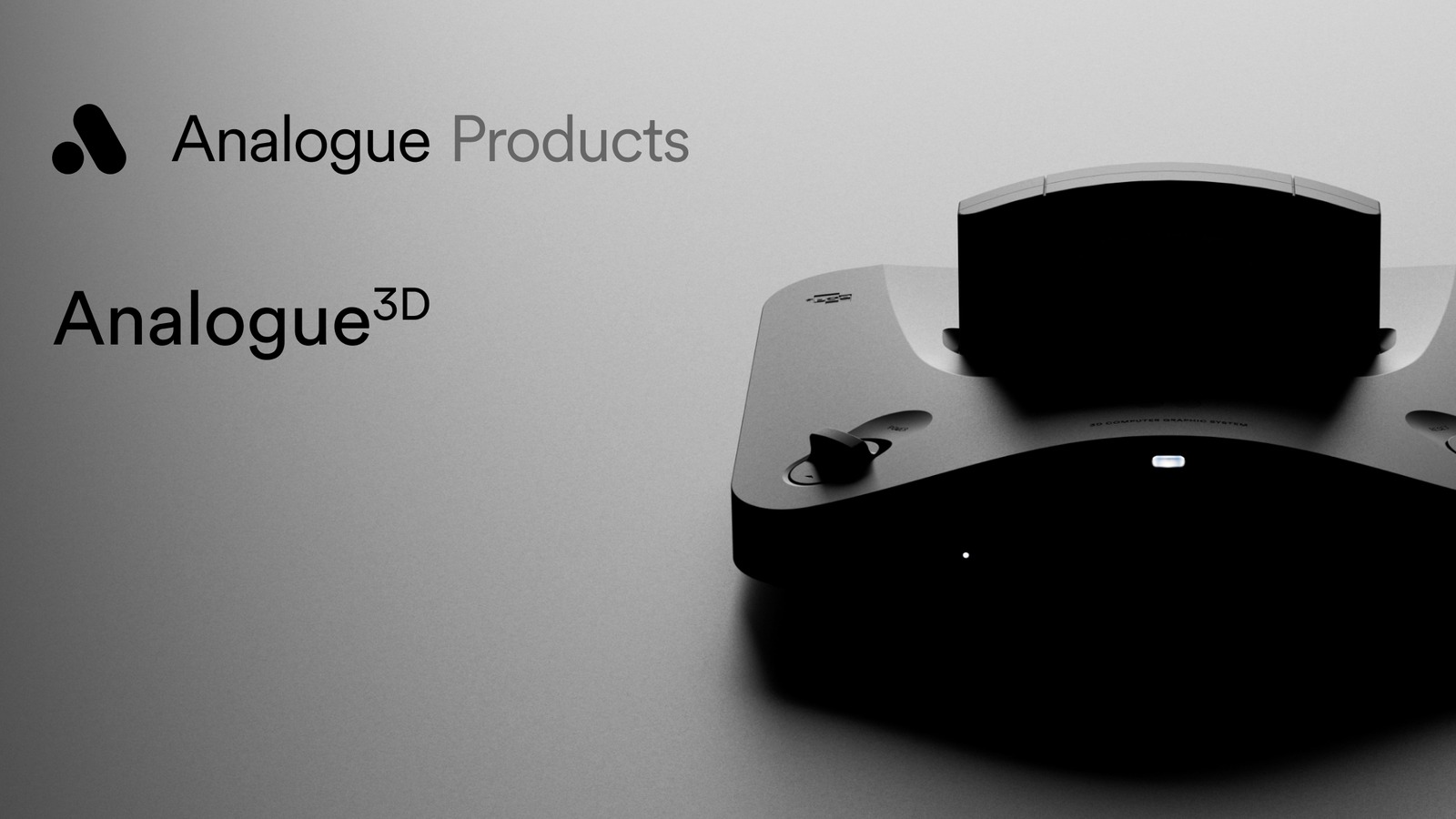
Analogue 3D Memories are here through firmware 1.3.0, and that is a meaningful update for anyone using Analogue’s FPGA Nintendo 64-style console. The new feature works like a save-state system, giving players a way to create and load snapshots during play.
Analogue says Memories are organized on a per-game basis inside the 3DOS library and the in-game menu. Each game supports up to 20 Memories, and users can pin one so it does not get bumped when the list fills up.
- Up to 20 save snapshots per game
- One pinned Memory that stays protected
- Access from the 3DOS library or in-game menu
- Less replaying after old-school mistakes
- Better daily usability for cartridge play
- A modern feature without abandoning FPGA accuracy
Hotkeys make it faster
The update also adds controller shortcuts. With the 8BitDo 64 controller, players can hold Home and press D-Pad Up to create a Memory. Holding Home and pressing D-Pad Down loads the most recent one.
Original controllers get their own combo too: hold Z and Start, then press C-Up to create a Memory or C-Down to load the last one. Analogue also notes that 8BitDo 64 BT controllers need version 2.05 or later.
8BitDo 64: Home + D-Pad Up creates a Memory. Home + D-Pad Down loads the latest one.
Original controller: Z + Start + C-Up creates a Memory. Z + Start + C-Down loads the latest one.
A practical retro upgrade
This is not the kind of update that changes the Analogue 3D’s identity. It still aims to play cartridges with FPGA accuracy. Memories simply make that experience easier for people who do not want every old-school mistake to cost them a long replay.
Firmware 1.3.0 also improves menu speed and fixes several controller and cartridge quirks. If you are following retro hardware and gaming updates, our Games section is where we keep those coming.
The timing helps because Analogue 3D owners are still watching the platform mature after launch. Firmware quality matters on a console built for accuracy, and small usability upgrades can decide whether people keep using it every week.
If you already own the console, the update is worth installing for Memories alone. It brings the kind of flexibility emulation fans know well while keeping Analogue’s hardware-focused pitch intact.
Read Analogue firmware notes See Analogue 3D