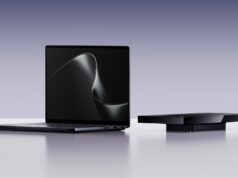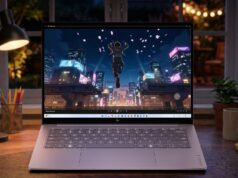
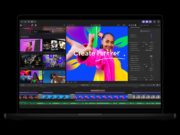



















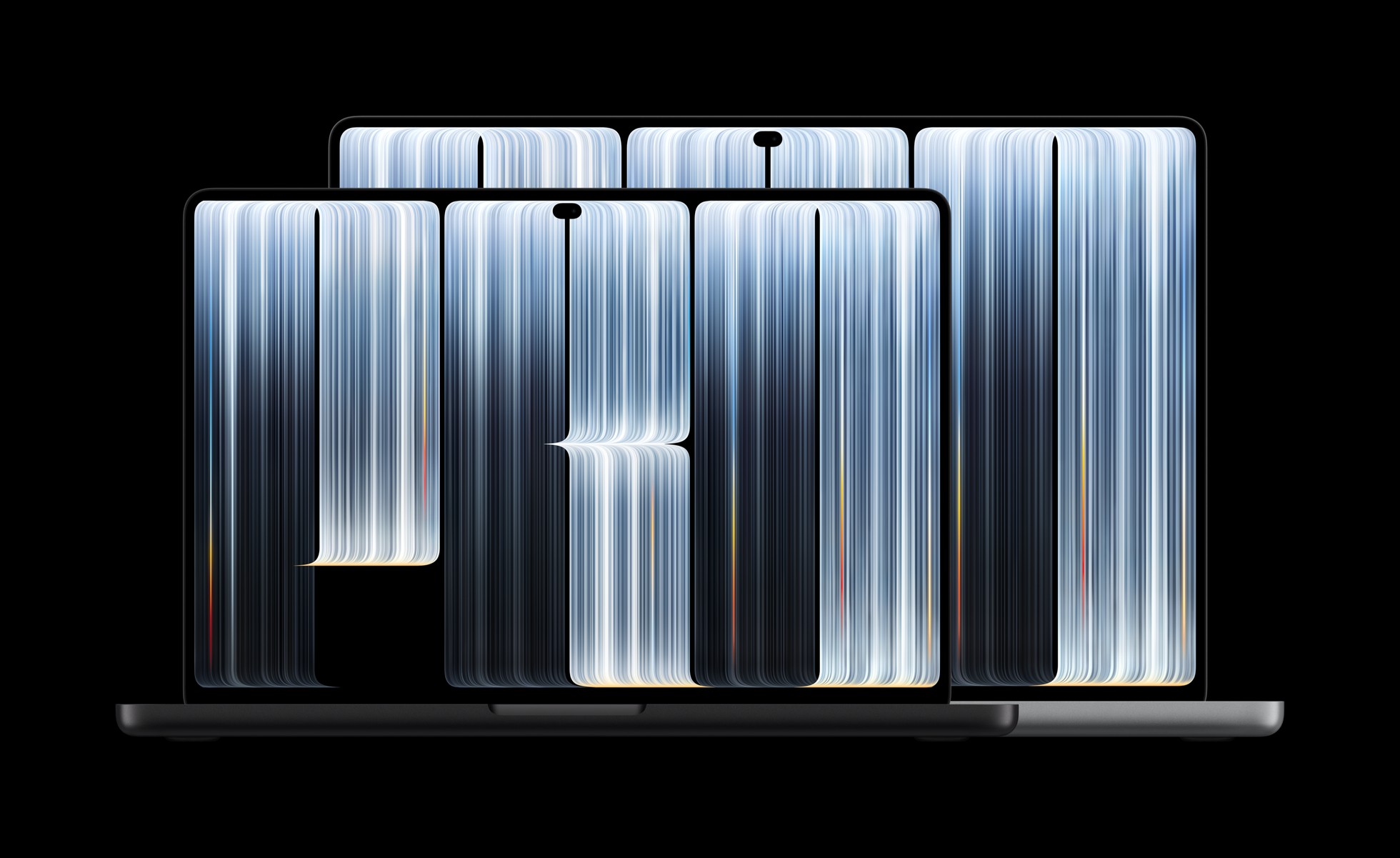
Apple has rebuilt its flagship laptop around a screen you can reach out and touch. In a press release on October 28, 2026, the company introduced the MacBook Pro with PROLED XDR Display in 14- and 16-inch sizes. It pairs a tandem OLED panel with the first touch-enabled main display on a Mac. Pre-orders opened the same day across 30 countries and regions, with availability beginning Friday, November 6.
Apple positions the screen as the headline act, and the specification sheet explains why. Its main display now responds to touch; earlier MacBook Pro models had a separate touch-sensitive Touch Bar above the keyboard, but not a touchscreen main display.
“The new MacBook Pro with PROLED XDR Display is a monumental step forward for the Mac. PROLED XDR is the world’s best laptop display.”
Johny Srouji, Apple’s chief hardware officer
What the MacBook Pro with PROLED XDR Display delivers
PROLED XDR stacks two self-illuminating pixel layers — the tandem OLED approach Apple already uses in the iPad Pro — and then leans on display-engine algorithms and factory calibration to keep every panel consistent. Apple claims up to 2000 nits of peak brightness for both HDR and SDR content, plus a 10,000,000:1 contrast ratio.
Read the technical specifications, however, and a second number matters more for everyday work: sustained full-screen brightness tops out at 1000 nits. The 2000-nit figure describes peak highlights, and Apple reserves the peak SDR figure for outdoor use. So the screen will not hold 2000 nits across a white document.
Color coverage looks more straightforward. The panel spans both P3 and Adobe RGB, and Apple puts both inside a single default preset so switching between them does not interrupt a workflow. Apple also claims more than 80 percent Rec. 2020 coverage for HDR grading. Meanwhile, ProMotion scales the refresh rate from 10Hz up to 120Hz, and the display engine adjusts each pixel at what Apple describes as the sub-millisecond level, compensating for content, pixel history, temperature and ambient conditions.
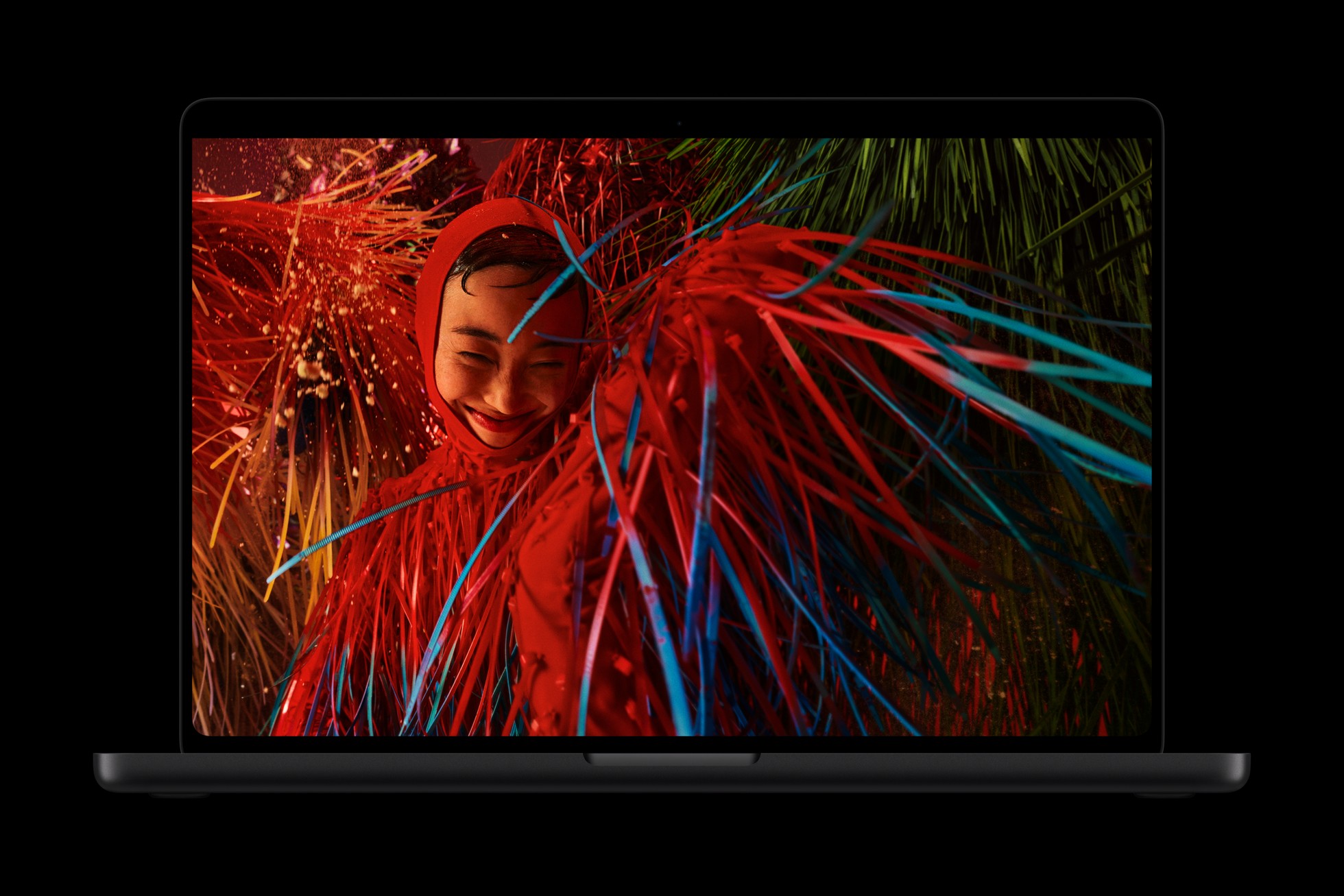
The nano-texture option returns too, and Apple now etches it precisely into the cover glass.
Touch finally arrives on the Mac
Apple builds the touch sensor into the display panel itself instead of layering it over the top, and the company credits that choice for lower latency. The everyday gestures behave as you would expect: swipe to scroll, pinch to zoom, drag a slide from one deck into another, double-tap a window to fill the screen.
The more interesting cases sit further up the workflow. Designers can draw across the whole display rather than inside the trackpad’s footprint. Musicians can play software instruments onscreen. Developers can test how their iOS and iPadOS apps respond to touch without leaving the laptop. Apple also redesigned the hinge for stability under finger pressure, and it added real-time video stabilisation so a camera feed stays steady while someone taps during a call.

Many existing apps work right away, because macOS translates a touch into a click. Apple also lists Notion, Canva, Zoom, Microsoft Office, Adobe Lightroom, DaVinci Resolve, Blender, Cinema 4D, ZBrush, Shapr3D and djay Pro among apps gaining dedicated Touch support. Apple says the listed apps will be available later this year; that timing concerns the Touch-enabled versions rather than a claim that existing versions cannot run at launch.
The Dynamic Island moves to the Mac
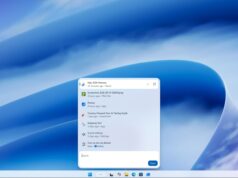
The Dynamic Island crosses over from the iPhone and becomes the home for Spotlight, Live Activities and Siri AI. Users can search the machine, take a call, control music, accept an AirDrop request or pause a track with a tap.
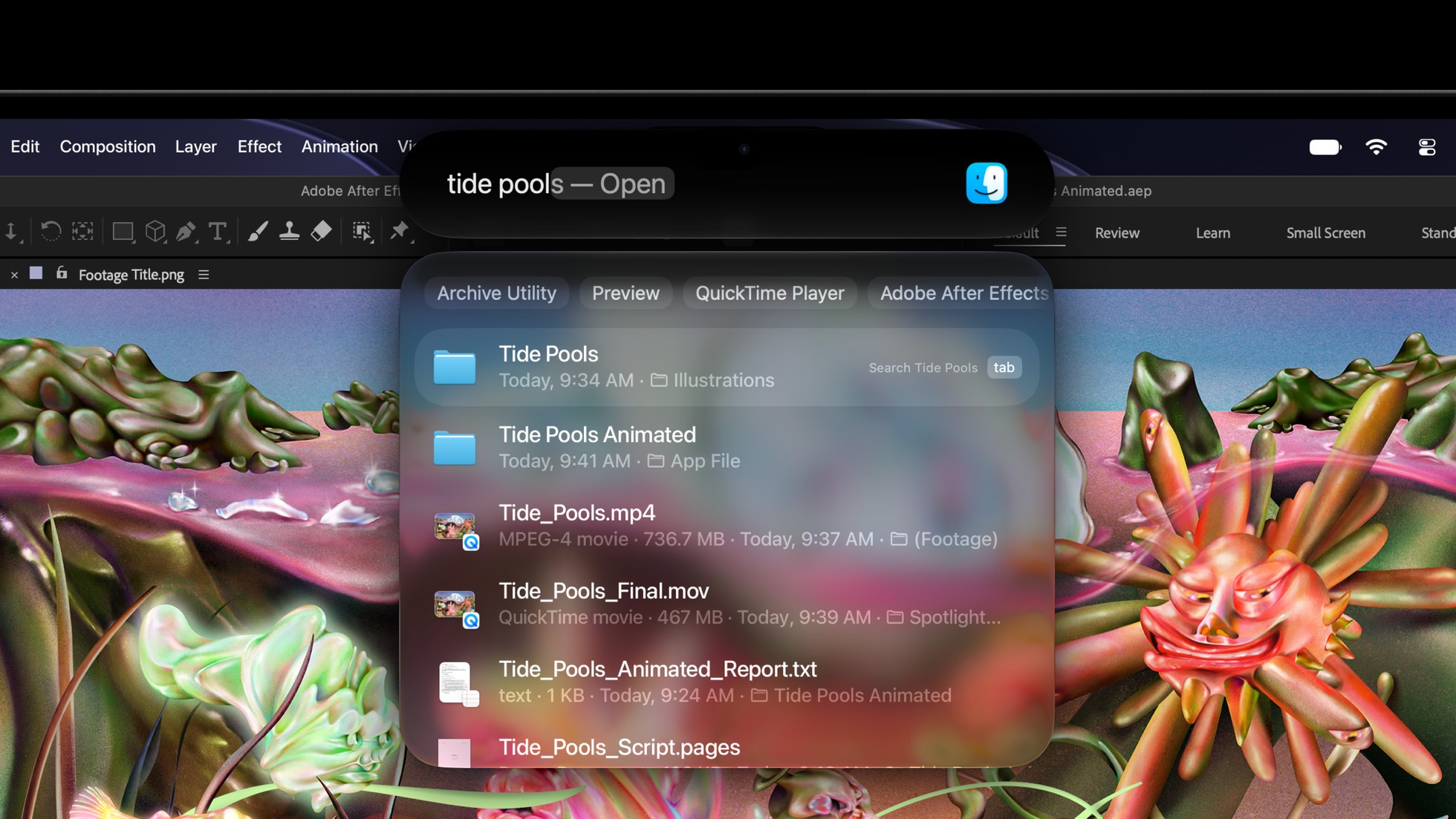
One condition sits underneath that, though. Apple’s footnotes state that Spotlight only moves into the Dynamic Island if Siri AI is available and enabled, so the layout depends on a feature that is still in beta. Those same footnotes place Siri AI in beta in macOS 27.2, available in English, French, Japanese, Korean, Portuguese and Spanish, with daily usage limits on features that call server-side models.
M5 Pro, M5 Max and up to 16TB
Both laptops run M5 Pro or M5 Max, which Apple calls its most powerful chips for a pro laptop. Unified memory reaches 128GB, and storage now configures up to 16TB. Each GPU core carries a Neural Accelerator, and the GPU gains a third-generation ray-tracing engine. Apple points M5 Max at users running large language models with hundreds of billions of parameters entirely on device.
Apple does publish comparisons on its product page — up to 10.9x faster time to first token than M1 Pro, for example, and up to 12x faster time to first token than M1 Max on the 14-inch model. Note the baseline, however: those figures measure against M1-generation machines, not last year’s model. Independent testing has not landed yet, so treat the performance framing as a vendor claim for now.
Lighter, and longer-lasting
The 14-inch model drops half a pound to 3 pounds, while the 16-inch drops 0.7 pounds to 4 pounds. Both figures describe the M5 Pro configurations, though; choose M5 Max and each machine gains a tenth of a pound, at 3.1 and 4.1 pounds. Apple also notes that weight varies by configuration and manufacturing process.
Thinner borders change only the larger screen, which grows from 16.2 to 16.3 inches. The 14-inch display stays at 14.2 inches diagonally, although it does gain a little vertical resolution, moving from 3024×1964 to 3024×1986. Meanwhile, a redesigned thermal architecture now pushes warm air away from the panel.
Apple headlines up to 24 hours of battery life. That figure applies to the 16-inch model with M5 Pro, streaming video, from testing Apple ran in September 2026; wireless web on the same machine reaches 17 hours, and the 14-inch M5 Pro reaches 22 hours of video. Battery life varies by use and configuration. Fast charging reaches up to 50 percent in 30 minutes, but only from a sufficiently large power source — 96W or higher for the 14-inch, 140W or higher for the 16-inch.
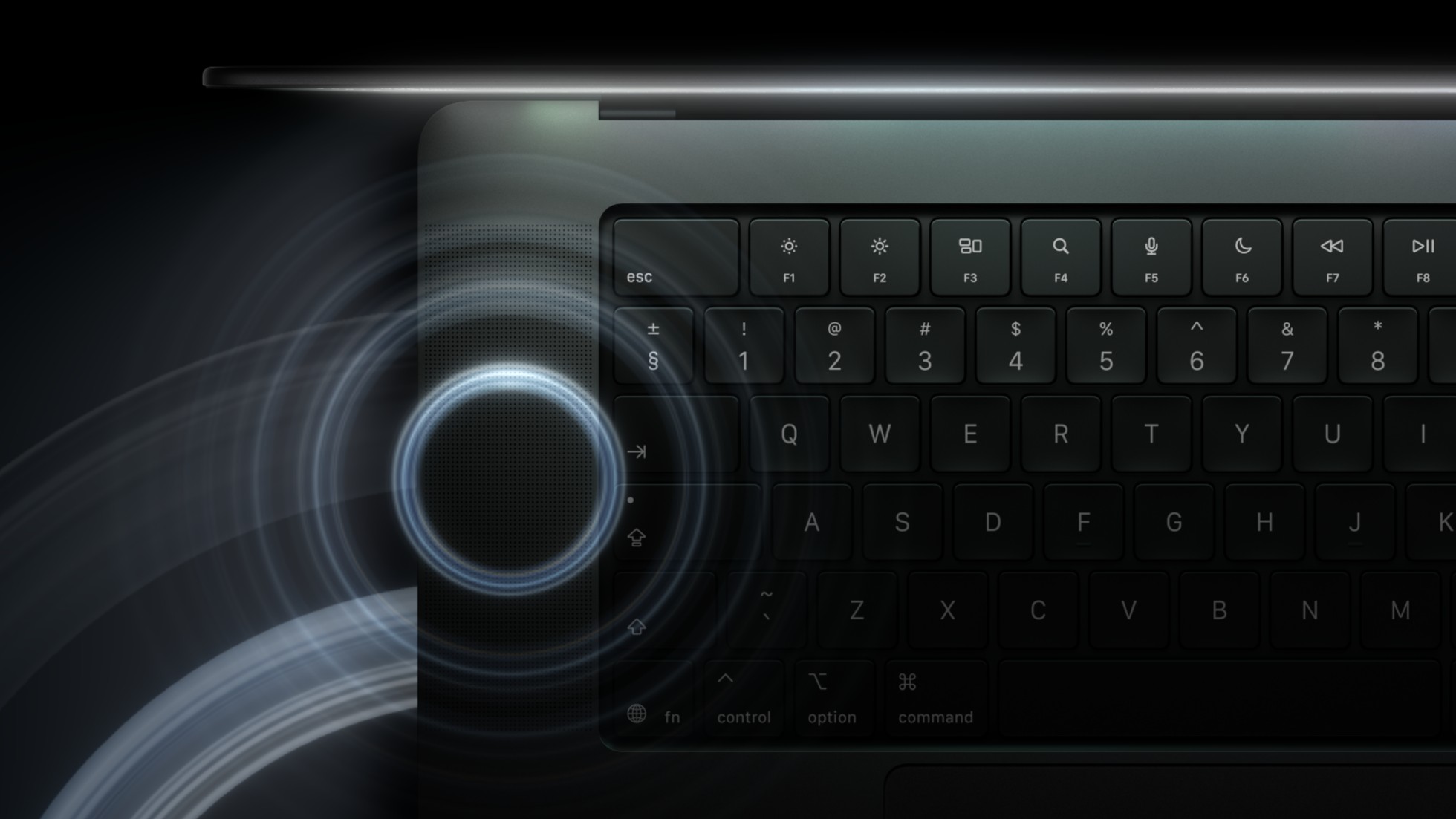
Audio improves as well. The six-speaker system gets a new woofer design that Apple rates at 50 percent deeper bass, along with new tweeters, and the laptop now carries dedicated tuning for closed-lid use with an external display.
Reference tools for color-critical work
Apple ships the Pro Display Calibrator alongside industry-standard reference modes for cinema, photography, print and design. New DICOM medical-imaging modes appear too, though Apple restricts them explicitly to nondiagnostic review, research and teaching.
Genlock support synchronises the display’s refresh rate with a camera’s capture, which helps on virtual production stages, though Apple notes it needs compatible third-party hardware and software. Apple Color Matching Function 2026, meanwhile, aims to keep the laptop visually consistent with an iPhone 18 Pro or a Studio Display XDR.
Connectivity stays familiar: three Thunderbolt 5 ports, HDMI, an SDXC slot, MagSafe and a headphone jack. M5 Pro supports up to three external displays, and M5 Max supports up to four, with available combinations depending on resolution and refresh rate. Wi-Fi 7 and Bluetooth 6 arrive through Apple’s N1 chip. For a lower starting price, the 14-inch MacBook Pro with M6 uses a Liquid Retina XDR display instead.
Price and availability
Pre-orders are live now. Apple begins deliveries, and stocks Apple Stores and authorised resellers, on Friday, November 6. The table shows U.S. starting prices and education prices for eligible buyers:
| Model | Chip | Starting price (U.S.) | With education savings |
|---|---|---|---|
| 14-inch | M5 Pro | $2,899 | $2,749 |
| 16-inch | M5 Pro | $3,399 | $3,199 |
| 14-inch | M5 Max | $4,499 | $4,199 |
| 16-inch | M5 Max | $4,799 | $4,499 |
On the environmental side, Apple puts recycled content at 55 percent of the device overall, excluding packaging and in-box accessories, and says 45 percent renewable electricity went into manufacturing across the supply chain. The enclosure uses 100 percent recycled aluminium, and multiple capacitors mark Apple’s first use of 100 percent recycled tantalum.
Taken together, the MacBook Pro with PROLED XDR Display reads as the most substantial Mac laptop revision in years. Whether the tandem OLED panel and the touchscreen justify the step up in price is a question only hands-on time can settle.