





















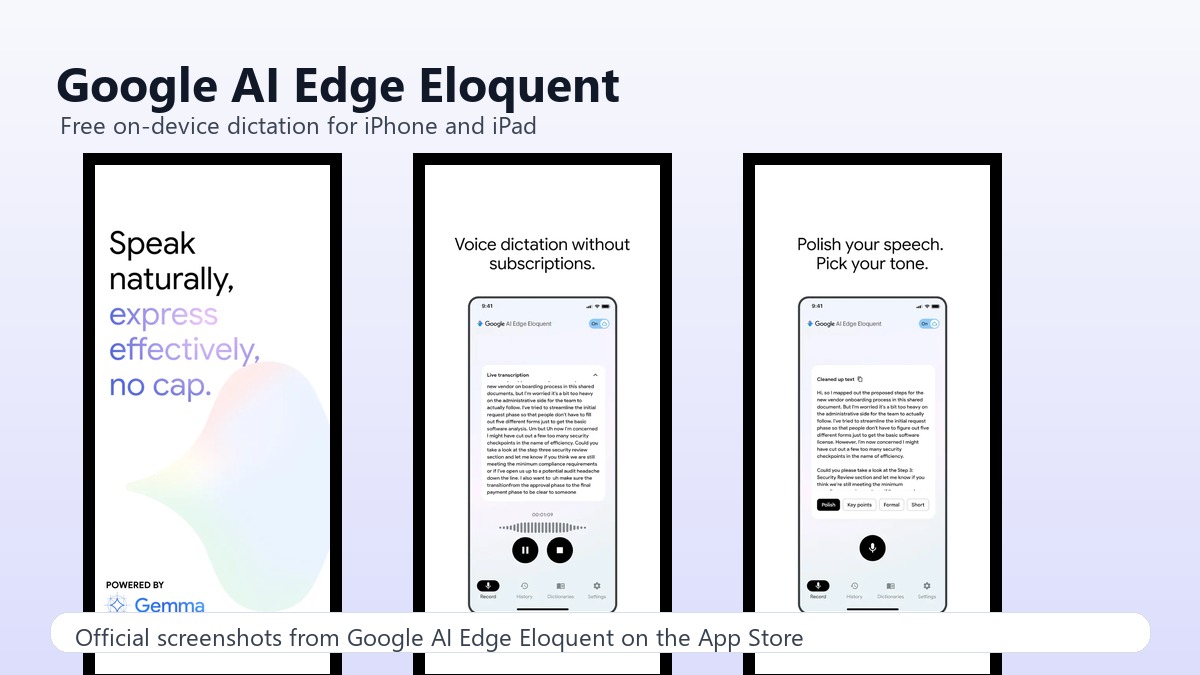
Google AI Edge Eloquent is a free dictation app for iPhone and iPad that runs speech processing on-device instead of sending every recording to the cloud.
The earlier draft called it a Mac app. That was wrong. Apple’s listing says the app requires iOS 16.0 or later, iPadOS 16.0 or later, or visionOS 1.0 or later. A native Mac experience is still something users are asking for.
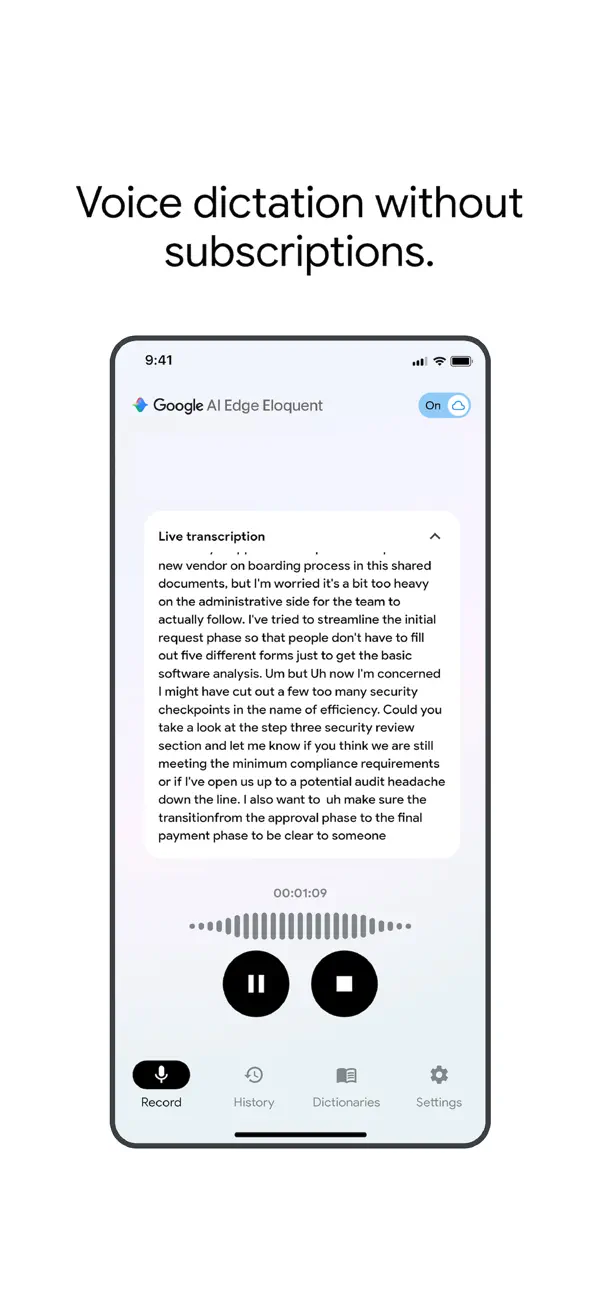
Google’s pitch is privacy and price. The app can transcribe speech, polish the text, remove filler words, and keep working offline after the needed models are downloaded.
What Eloquent does
The App Store listing says machine-learning processing runs locally on the iOS device. It also says audio, confidential conversations, and personal data never leave the device for core processing, although some advanced optional features require cloud services.
Eloquent can also upload audio or video files from Photos or Files for transcription. A recent version removed dictation length limits and added support for longer recordings.
The app includes a personal context dictionary. Users can add names, jargon, or vocabulary, and Google says an optional Google account connection can build that dictionary from account data processed securely on device.
Why it matters
Free local dictation puts pressure on paid tools such as Wispr Flow, Superwhisper, and Willow. Those apps still have deeper workflow features, but Google’s app changes the baseline for casual voice-to-text.
The launch also fits Google’s broader push to move AI features onto devices. Tech My Money recently covered another Google app shift when Google started winding down Pixel Studio’s standalone AI image tools.
The caveat is platform support. Eloquent is useful if you live on an iPhone or iPad, but it is not the dedicated Mac dictation tool the old headline promised. For desktop power users, that distinction matters.