


























An Android digital car key can be convenient. Still, check the fine print before you leave your physical key at home.
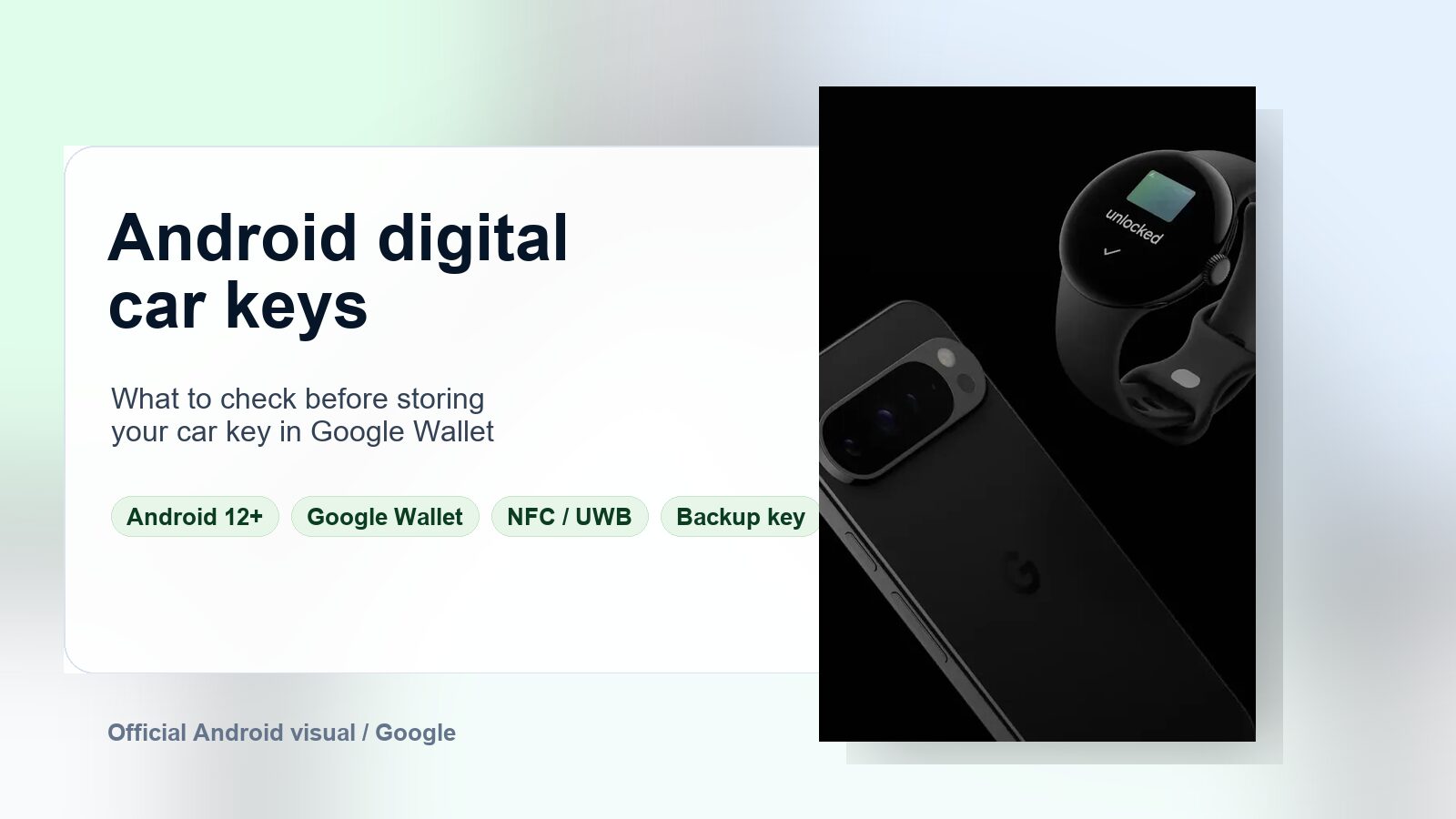
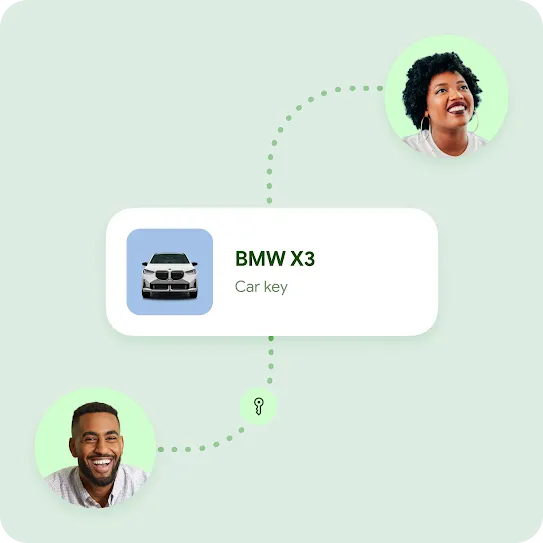
Google says digital car key can let a compatible Android phone or watch lock, unlock, start, and share access to a supported vehicle through Google Wallet. That sounds simple. However, it depends on the right phone, car, and setup path.
The short version is simple. You need a vehicle that supports digital key. You also need a compatible Android device, Google Wallet, and a Google Account. Google lists Android 12 or later as a baseline. Some functions also need NFC, Bluetooth, and Ultra Wideband support.
How setup works
According to Google’s Android Help page, setup can start from a car maker’s app, an email link, or the vehicle’s head unit. Usually, you sign in with your Google Account, accept the terms, and place the phone on the car’s key reader. Then the phone and car pair.
After setup, Google Wallet stores the key. From there, you can hold the phone near the door handle or place it on the reader to start the car. Some vehicles also support remote commands, such as lock, unlock, alarm, or trunk controls.
Why NFC and UWB matter
Digital car keys usually rely on NFC, Bluetooth, and UWB. NFC handles close-range tap access. Bluetooth helps nearby devices communicate. UWB can help the car judge distance more precisely. That matters for passive entry and relay-attack resistance.
The Car Connectivity Consortium works on the Digital Key standard. It says NFC can still work after a phone shuts down from low battery in some implementations. Google also says a phone may unlock and start a car for a few hours after the battery dies. That only applies in supported conditions.
That is useful, but it is not a magic guarantee. If you require phone unlock to use the key, dead-battery access may behave differently. Vehicle software, phone hardware, and automaker rules all matter.
The safety checklist
Before relying on an Android digital car key, check three things. First, confirm support for your exact car model and market. Second, confirm your phone or watch appears on the compatible-device list. Third, keep a physical key or card as a backup. Test the phone key in normal, low-battery, and no-signal situations before making it your main key.
Also review passive entry. Google says some digital keys turn passive entry on by default during setup. You can turn it off in Google Wallet. If accidental unlocking or phone theft worries you, requiring verification may be the better trade-off.
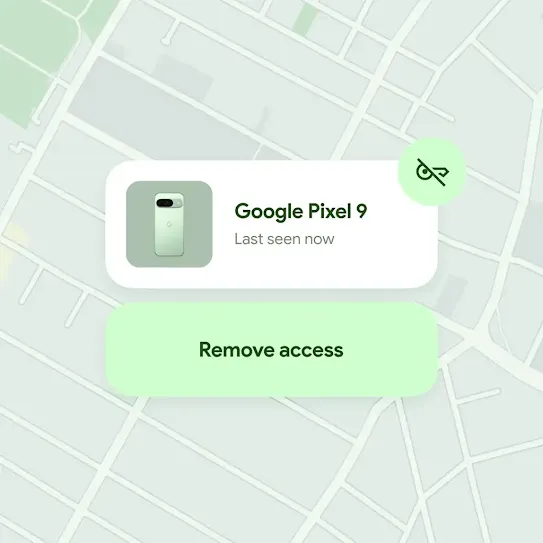
If you lose your phone, Google says you can suspend or delete digital car key access from another device. That gives you a real advantage over a missing key fob. Still, it only helps if your Google Account stays secure. You also need quick access to another trusted device.
So yes, a phone-based car key can be easier than carrying another fob. For now, treat it like a smart backup. Let it become your main key only after testing. For more Android tips, check our Android coverage.