



























Hands-on verdict: Tech My Money bought the Blush 512GB MacBook Neo. This article will be updated with our own battery, keyboard, display, performance and daily-use notes now that we have used it for a couple of days.
I finally pulled the trigger on Apple’s new MacBook Neo in Blush with 512GB of storage, and that choice says a lot about why this machine is interesting. The $599 starting price is the easy headline, but the upgraded storage is the configuration I expect a lot of real buyers to consider once they start thinking beyond schoolwork and streaming.
The Neo is Apple’s lowest-cost MacBook in years, but it does not read like the throwaway budget laptop category that price usually suggests. Apple’s spec sheet lists an aluminum enclosure, a 13-inch 2408 x 1506 Liquid Retina display, Wi-Fi 6E, Bluetooth 6, a 1080p FaceTime camera and a 2.7-pound body. On paper, that is much closer to a real MacBook experience than the price prepares you for.

Why I Bought the 512GB Model
The base MacBook Neo is the model Apple wants everyone to talk about, but storage is the first pressure point I expect most people to feel. Between iCloud photo libraries, offline files, apps, video projects, games and cached media, 256GB can become a chore faster than people expect. The 512GB version gives this laptop more breathing room without pushing it into MacBook Air money.
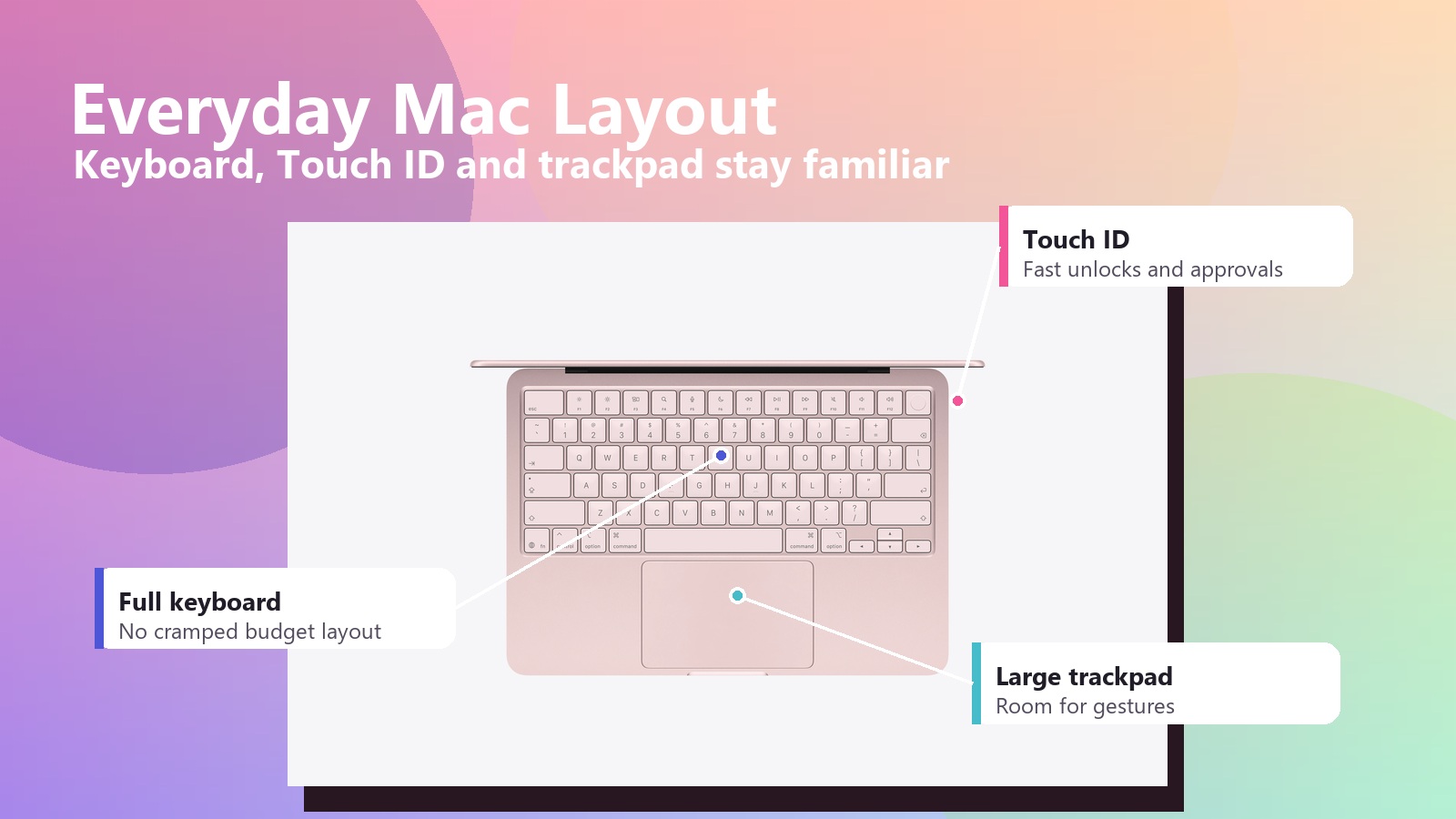
The other small daily upgrade that matters is Touch ID. On a budget laptop, unlocking quickly, approving passwords and paying online without typing a password over and over can make the whole computer feel more premium. Those are not spec-sheet flexes, but they are the kind of things you feel every day.
Design and Display
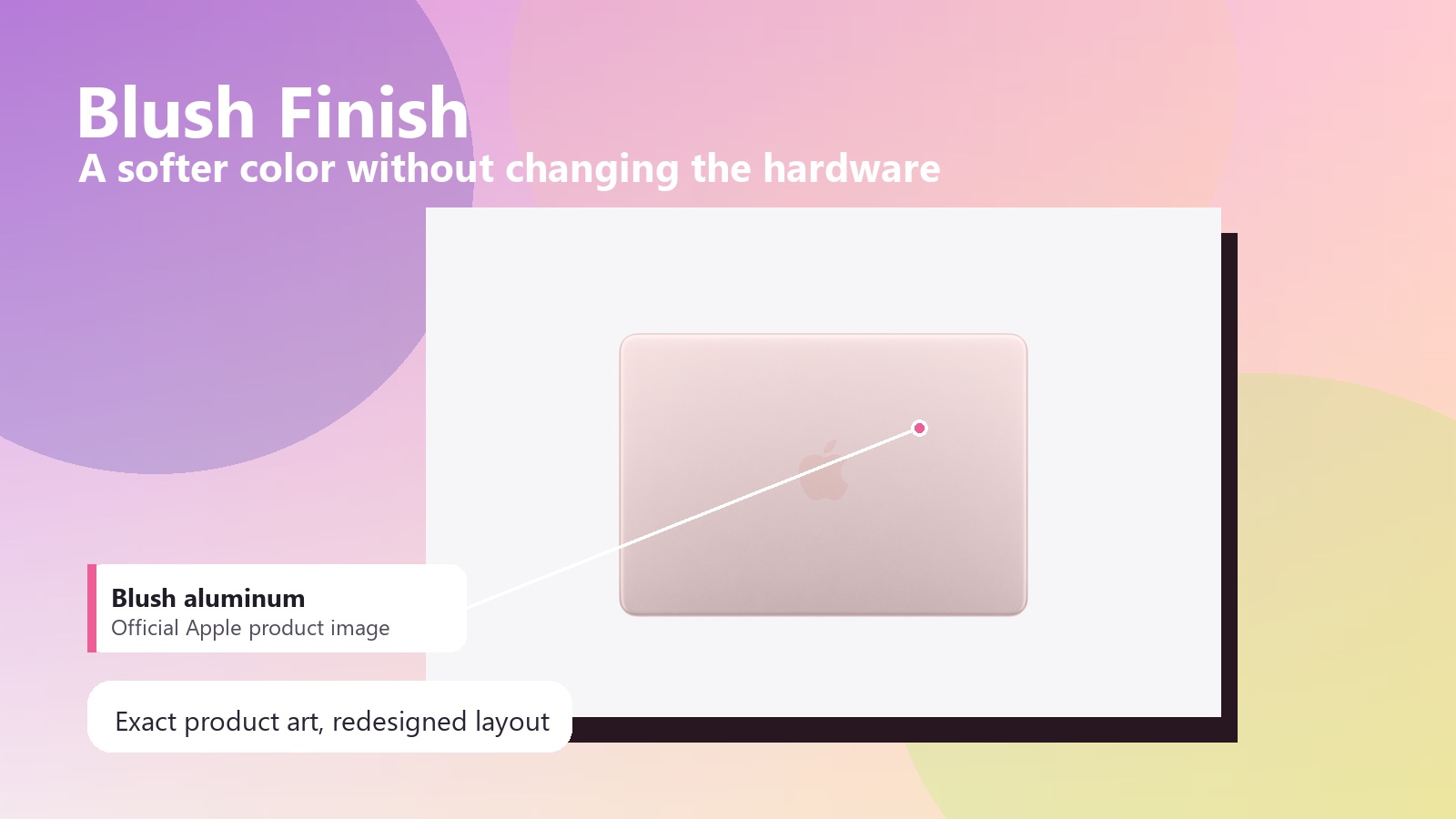
The Blush finish is also part of the appeal. It gives the Neo a softer personality than silver or space gray without turning it into a toy. I want to see how that color holds up under real lighting, fingerprints and desk clutter, because Apple’s polished product pages can make almost anything look cleaner than life does.
The display may be the most important part of the whole machine. A 13-inch Liquid Retina panel with 500 nits of brightness should be more than enough for writing, browsing, video calls, streaming and light creative work. It is not the ProMotion mini-LED panel from Apple’s higher-end machines, but at this price it does not need to be. It just needs to look sharp, bright and consistent in the places people actually use a budget laptop.
The 8GB Memory Question
The number I am watching hardest is 8GB of unified memory. Apple has gotten very good at making modest RAM configurations feel smoother than they should, but 8GB is still 8GB when you start stacking Chrome tabs, photo edits, Messages, Spotify, Slack, WordPress, Canva and whatever AI tool you forgot was open in the background.
That does not mean the MacBook Neo is underpowered for everyone. For students, writers, family users and light creators, the A18 Pro should have plenty of speed for everyday work. The real question is how gracefully the system behaves once memory pressure shows up. That is one of the first things I want to test once our Blush unit arrives.
Ports, Battery and the Budget Tradeoffs
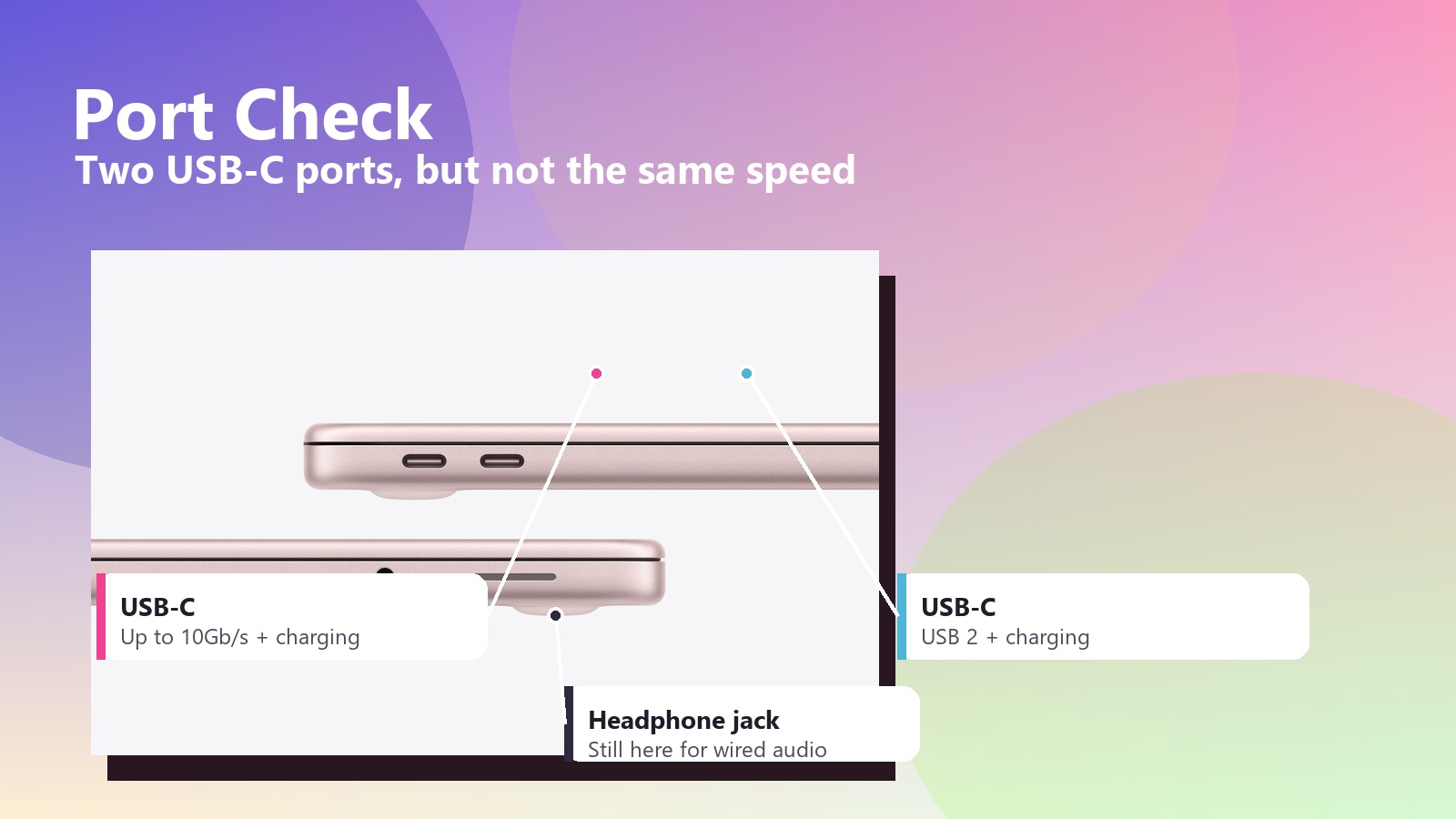
The ports are where Apple reminds you this is the entry model. You get two USB-C ports, but only one supports USB 3 speeds up to 10Gb/s. The other is USB 2. Both can charge the laptop, and the headphone jack is still here, but anyone who regularly moves large files from cameras, SSDs or audio gear will want to pay attention to which side they plug into.
Battery life is another area where the Neo could either become the default recommendation or reveal its limits. Apple is making big claims, but our real test will be a normal workday: browser tabs, WordPress editing, image uploads, email, video playback, hotspot use and enough multitasking to make a cheap laptop sweat.
Repairability Is the Surprise
The most unexpected part of the MacBook Neo story may be repairability. iFixit teardown coverage highlighted a more serviceable design, and Engadget noted that the Neo earned a 6 out of 10 repairability score. For Apple, that is not nothing.
A screwed-in battery, modular ports and a flatter layout do not suddenly make this a tinkerer laptop, but they do make the Neo feel less disposable. For a $599 MacBook aimed at students and everyday buyers, that matters. A cheaper computer only stays cheap if repairs do not become absurd later.
Early Tech My Money Take
After a couple days of real use, the Blush 512GB MacBook Neo looks like the most exciting kind of budget Apple product: one that actually makes sense. It is not trying to beat a MacBook Pro, and it probably should not be the first choice for heavy video work, software development, serious gaming or people who never close a browser tab. But for school, writing, travel, family use and everyday creative work, Apple may have built something unusually easy to recommend.
My final score is an 8.7 out of 10. Apple did well here: the Neo makes the Mac feel less intimidating, and that might be its most important feature.
Image Gallery