























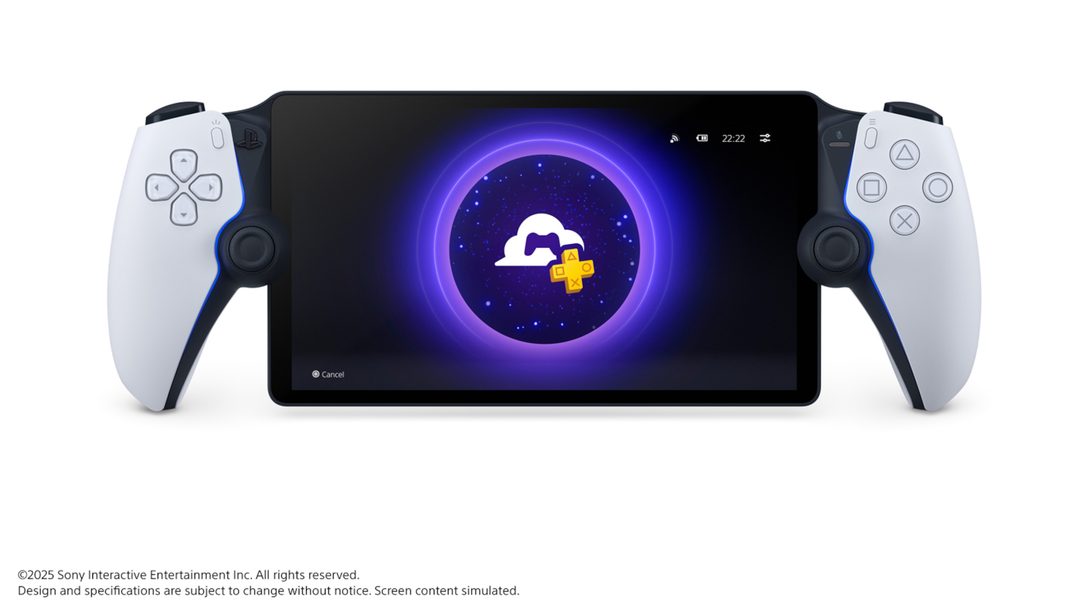
As of November 24, 2026, the U.S. PlayStation Store listing shows GTA 6 cloud streaming support on PS5 and PlayStation Portal with PlayStation Plus Premium. To stream the game, you need the digital PS5 edition in your library and an active Premium membership. PlayStation’s listing confirms support and does not give a separate date for when streaming switched on.
What GTA 6 cloud streaming costs
As of November 24, 2026, the U.S. PlayStation Store lists the digital PS5 Standard Edition of Grand Theft Auto VI at $79.99. Sony lists its U.S. PlayStation Plus Premium monthly plan at $19.99 per month, billed until canceled. The game purchase and the membership are separate costs. If you already own the digital game and subscribe to Premium, those requirements are covered.
How to stream on PS5 or PlayStation Portal
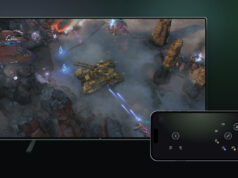
On PS5, look for the Stream button on the game’s page while signed into the account with your digital copy and Premium. Sony says its cloud streaming service can start eligible games without a local download. On PlayStation Portal, open the Cloud Streaming tab, choose the game from Your Library and select Stream.
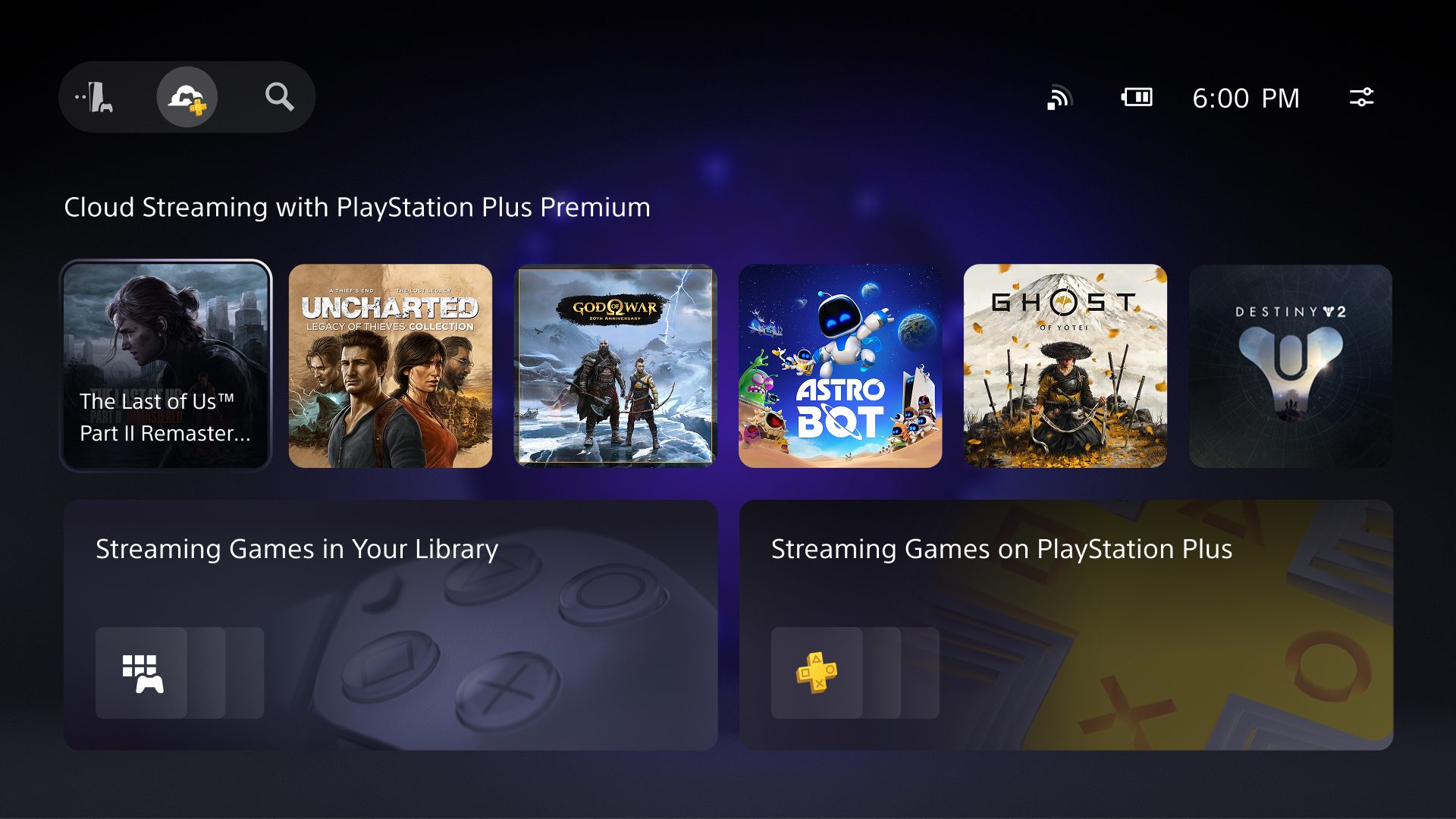
Cloud streaming on Portal runs from Sony’s servers, so your own PS5 can be off. Remote Play streams from your console instead. If you already started playing on PS5, Sony says you can pick up where you left off by signing into Portal with the same account you use on your console.
Sony’s Portal support guide requires an adult PlayStation account, an active Premium plan and a supported country or region. For Portal specifically, Sony lists minimum upload and download speeds of 5 Mbps to start a session, 7 Mbps for 720p and 13 Mbps for 1080p. The stream can adjust its resolution as connection quality changes.
If the game does not appear in the Portal’s cloud library, check whether your account owns the digital game and has an active Premium subscription. Sony’s support guide also recommends updating the handheld’s system software when cloud streaming is unavailable.