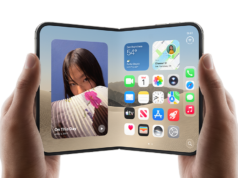

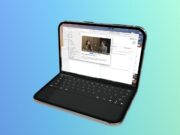























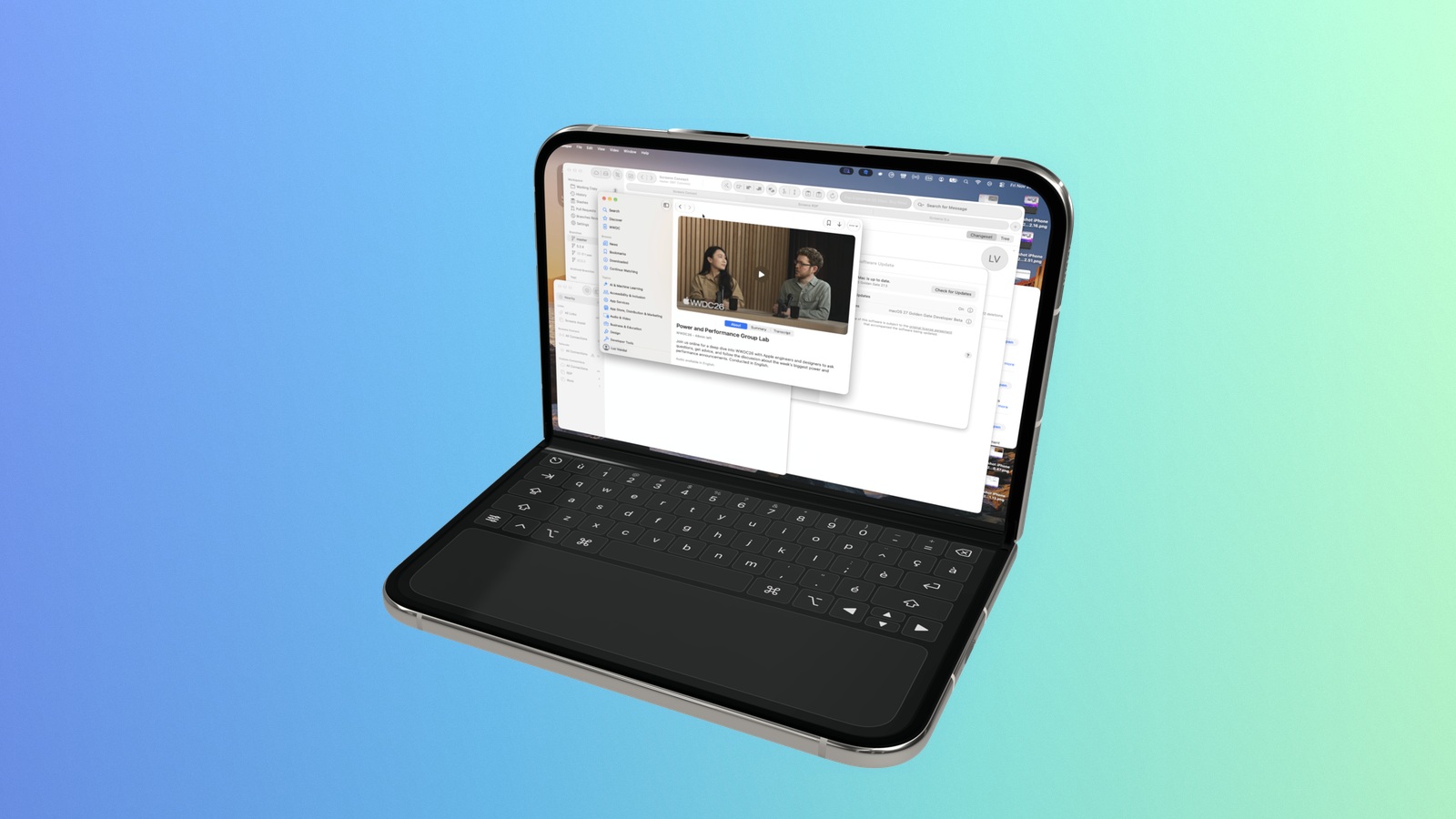
Edovia added Screens Laptop Mode for iPhone Duo in its November 25 update to Screens 5.10.6. Fold the iPhone Duo halfway during a remote desktop session and the upper half shows the computer you control. The lower half gives you a software keyboard and trackpad. The programs you control still run on the remote computer.
How Laptop Mode uses the fold
The split gives the pointer and keyboard their own space below the desktop. For example, you can type into a remote app or move the pointer without reaching across the part of the screen that shows your work. Edovia says the trackpad supports the app’s existing gestures and the keyboard follows your selected system keyboard language. Swipe down on a key to enter its secondary character, as you can on an iPad.
What High Performance Screen Sharing requires
Edovia recommends pairing Screens Laptop Mode with High Performance Screen Sharing, which it introduced on November 10. With that connection, Screens can resize a remote Mac’s desktop to fit the top half of the phone. As a result, you may spend less time panning around a desktop sized for a larger monitor.
High Performance requires a remote Mac with Apple silicon, macOS 14 Sonoma or later, and Screen Sharing enabled. Edovia says you can use the Mac’s built-in screen sharing without installing a separate host app for this mode. However, smooth video and remote audio need a fast, stable connection. If the connection cannot sustain that stream, Edovia says Screens can fall back to standard screen updates while keeping dynamic resizing.
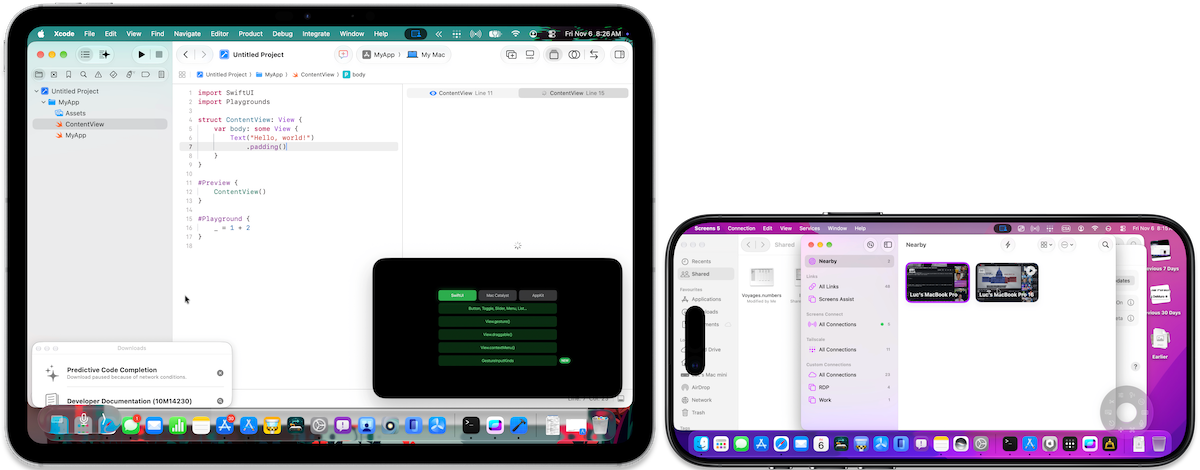
Those are the requirements for High Performance. By contrast, Edovia’s Laptop Mode announcement gives no Apple silicon requirement for the split layout itself. In addition to Macs, Screens can connect to Windows, Linux and Raspberry Pi systems. Edovia describes the resizing and audio above for a compatible Mac.
Where to get Screens 5.10.6
Edovia said the update was available for iOS, iPadOS and visionOS on November 25. Meanwhile, Edovia said the Mac update still needed App Store approval. The new fold layout is for iPhone Duo. The U.S. App Store listing shows Screens as a free download. Among the listed U.S. in-app purchases are a $4.99 monthly subscription, a $29.99 yearly subscription and a $249.99 lifetime option.