
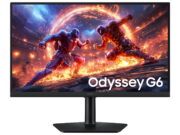


























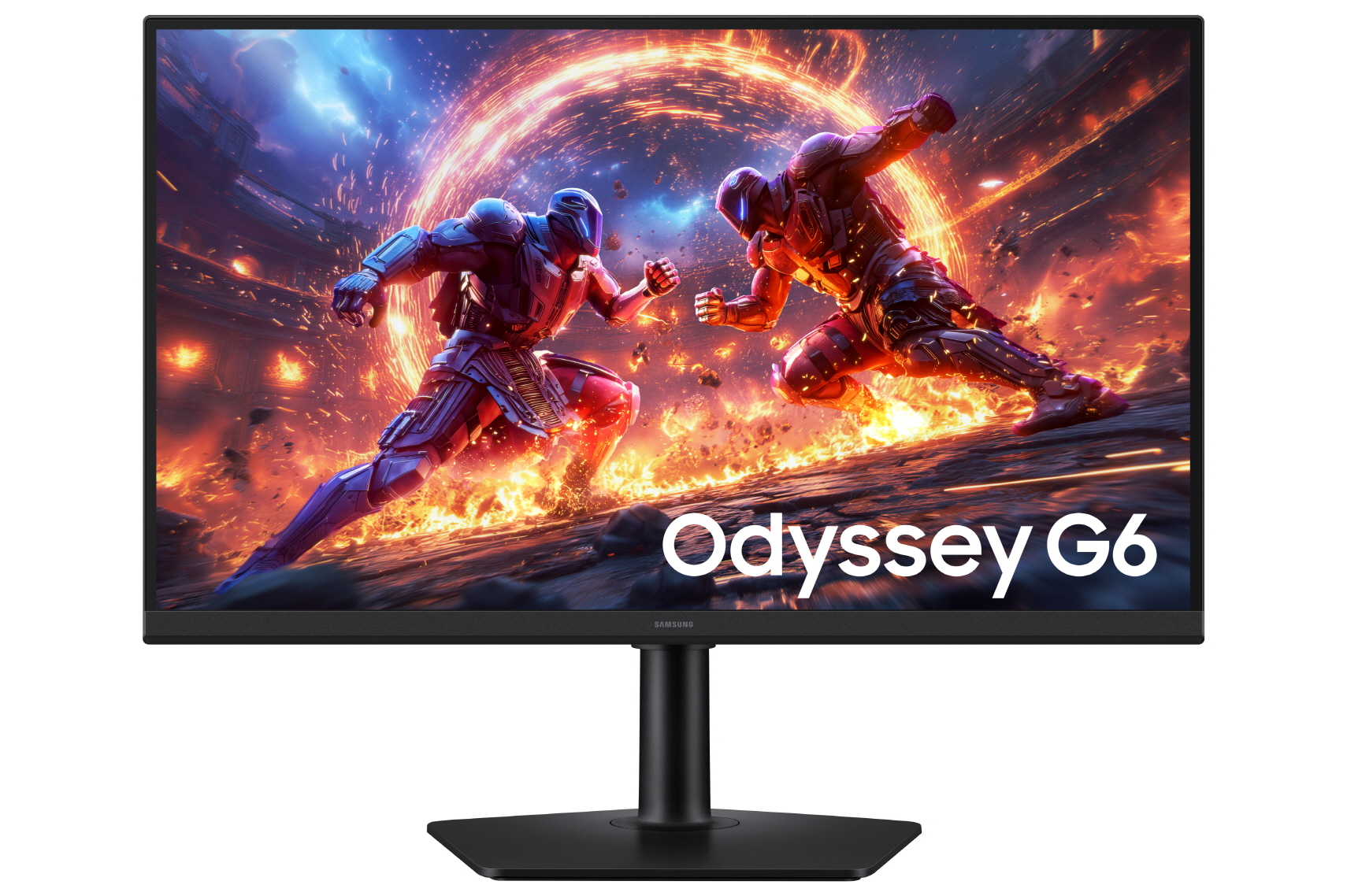
Samsung announced the 27-inch Samsung Odyssey G6 (G60H) on November 23. The IPS gaming monitor runs at up to 1,100Hz in HD or up to 600Hz at its native 2,560 by 1,440 resolution. Samsung says U.S. retailers will begin carrying it in December for $899.99.
The December rollout adds a price and a U.S. sales window to the G60H Samsung showed at Gamescom. The launch announcement gives the month, with no specific sale date or list of participating stores.
What changes when you switch modes
Dual Mode gives you a choice between two refresh-rate ceilings. At QHD, you keep the panel’s native resolution for games where fine detail matters. Switching down to HD gives you the 1,100Hz ceiling. The screen can refresh more frequently in that mode, while your game and PC still determine how many new frames it has to show.
Samsung says the available refresh rate depends on the game content and the performance of the device you connect. Mac users face an additional limit. Samsung says macOS supports neither Dual Mode nor the native 600Hz maximum. The U.S. announcement does not specify the highest refresh rate Mac users can select.
Check your graphics card before buying
The G60H works with NVIDIA G-SYNC Compatible and AMD FreeSync Premium when paired with compatible graphics cards. These features help match the monitor’s refresh rate to your game’s frame output. Samsung says FreeSync Premium does not support 1,100Hz on this monitor. It also says AMD Radeon RX 6000-series cards and older models do not support 1,000Hz or higher.
Samsung rates the IPS panel at 1ms gray to gray in its Extreme mode. Its footnote explains that it rounds down a measured average between 1.00ms and 1.99ms in internal testing. Results vary with the content and monitor settings. That figure measures how quickly a pixel changes between gray levels.
The monitor also debuts Odyssey Clear Motion, Samsung’s feature for reducing motion blur. Samsung plans to add it to more gaming monitors. HDR10+ Gaming comes with its own requirements. It works with supported titles and needs an HDMI 2.1 cable connected to a compatible NVIDIA or Intel GPU. PC specs and cable standards can limit what works. Samsung says its Black Equalizer separately adjusts dark areas to make details easier to see. Samsung also says the adjustment adapts to the type of game.
Ports, stand and U.S. availability
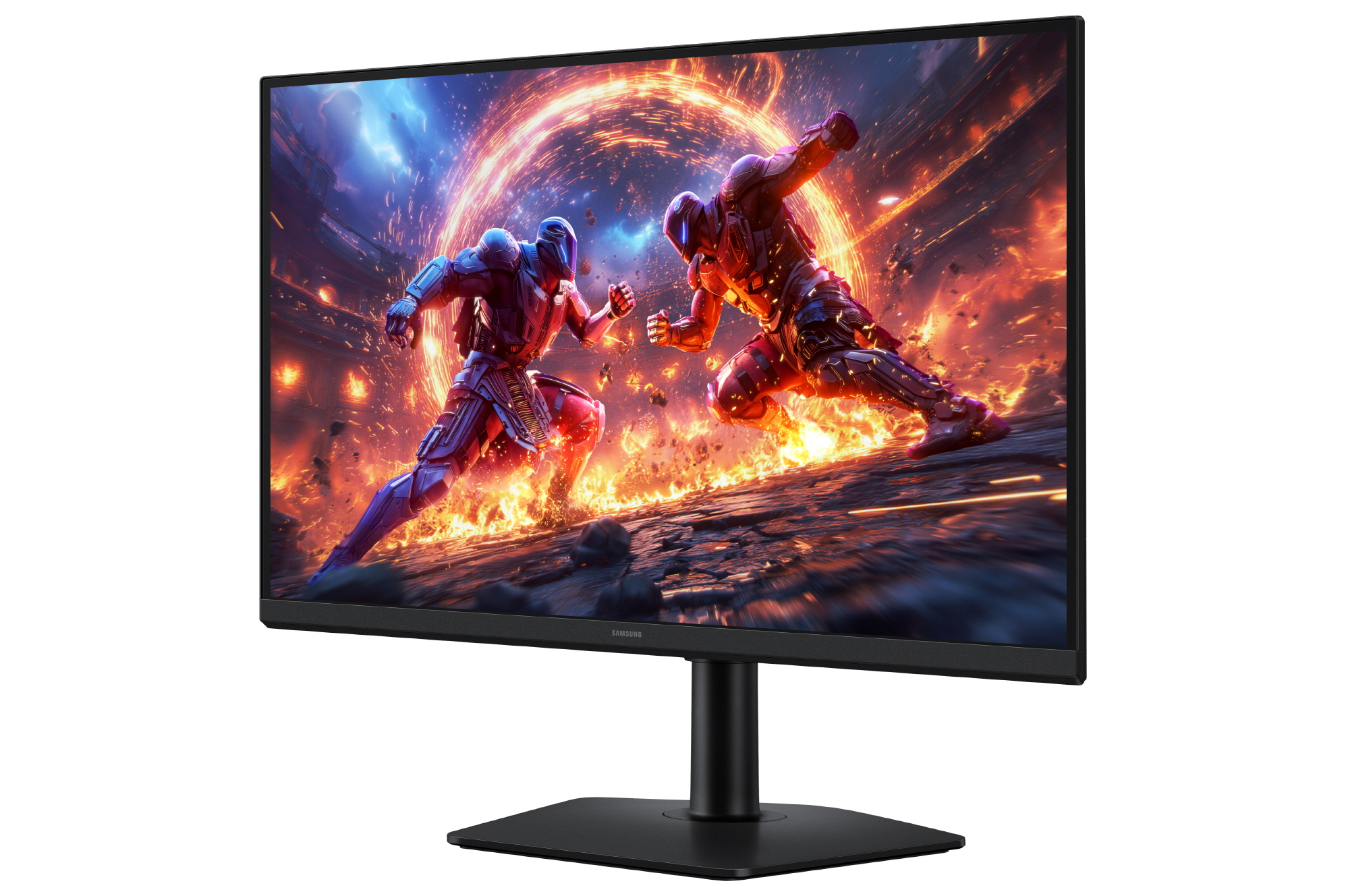
You get one DisplayPort 2.1 input and two HDMI 2.1 inputs. Samsung says Auto Source Switch+ can detect a newly connected device and switch inputs automatically. The stand adjusts for height, tilt and swivel, and it can pivot when you want to rotate the screen.
Before the December rollout, check the graphics card and operating system in the PC you plan to use. If you want to play at native QHD, the relevant ceiling is 600Hz. If you’re shopping for 1,100Hz, plan to use HD and check which features your setup can still run in that mode.