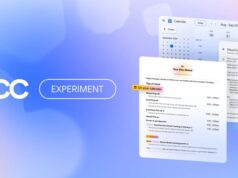






















Anthropic has rebuilt its browser extension around one idea. Work should not be stranded in a tab. Claude in Chrome now runs as a full Cowork session, so a task you start in the browser carries on inside the desktop, web and mobile apps.
Previously the side panel behaved like a separate product. Conversations stayed in the browser. Skills and connectors did not follow. Switching to the desktop app therefore meant starting again.
What actually changed
Three things move at once. Conversations now save to your account history. Skills and connectors work inside the browser. Sessions also travel, because they live with the account rather than one device.
The connector half carries the most weight. Connectors are what let Claude reach outside services such as a drive or a project tracker. Until now the side panel could read a page, yet it could not touch any of that. Consequently the browser was the weakest place to work, even though it sat closest to the task. Skills travel as well, so a saved workflow behaves the same wherever you open it.
The extension itself is not new. Anthropic describes it as a tool that lets Claude “see the page you’re on and take actions in it, including clicking links, typing text, navigating between pages, and filling out forms, using your existing logins.” That last clause matters, and we will come back to it.
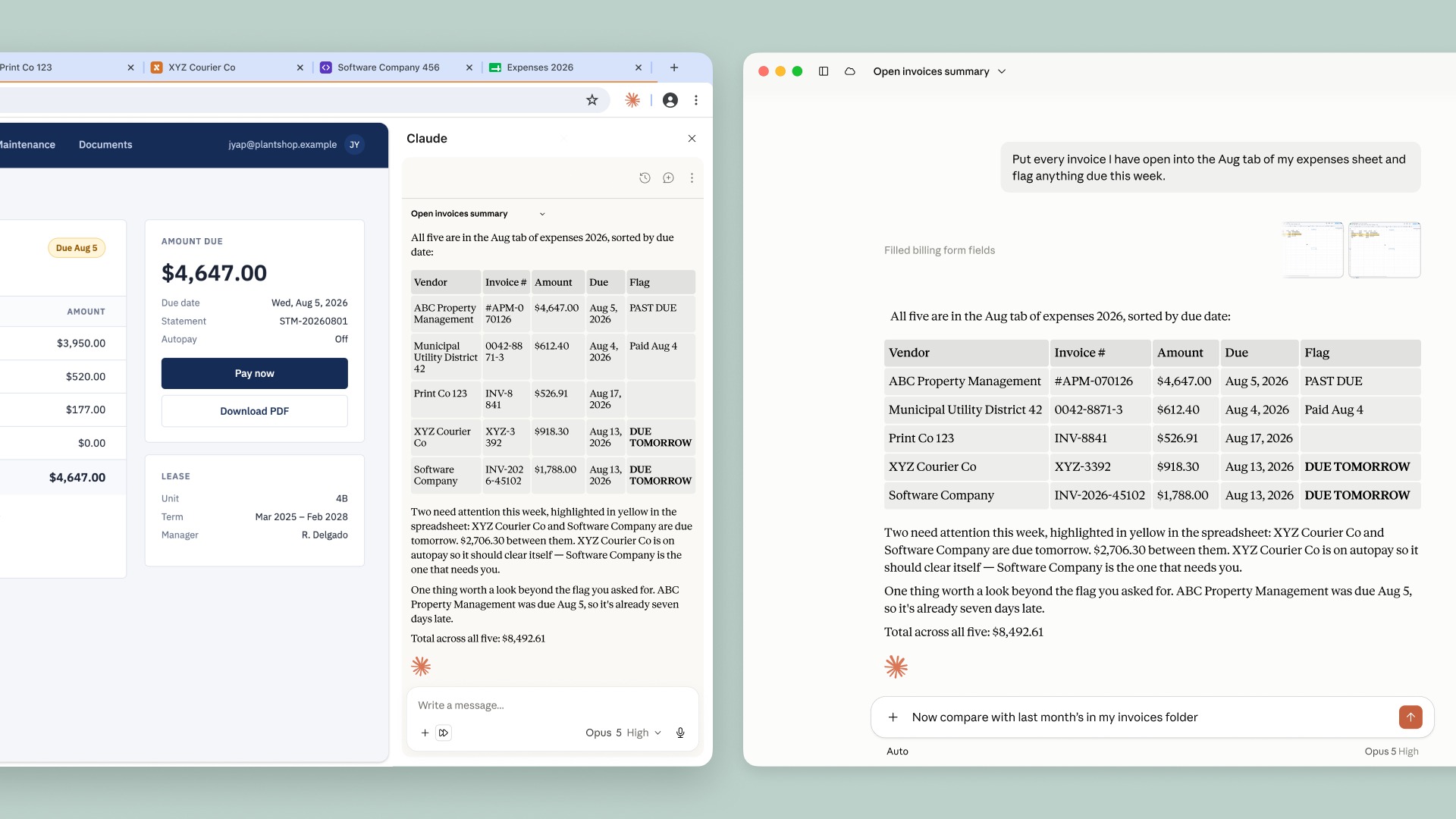
Anthropic’s own example is an invoice chore. Claude opens several vendor portals, reads the invoices, then builds a spreadsheet from the amounts and dates. Afterwards you move to the desktop app, add local files, and compare the result against last month.
Who gets it, and when
Max and Team subscribers have it today. Pro users get it over the coming weeks. Enterprise works differently, however. There the feature stays off by default, and admins switch it on themselves. They can also restrict it to approved domains, which gives IT a way to keep Claude away from sensitive internal tools.
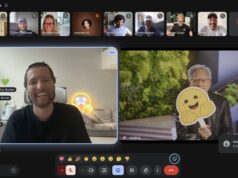
Anthropic’s demo
The permission model deserves attention
An assistant that clicks buttons while signed in as you is a different risk from an assistant that writes text. Anthropic clearly knows this. Consequently the release ships with several guardrails rather than one.
An “automatically approve” mode lets Claude work through a task without pausing at every step. Before anything consequential, though, a separate check compares the action against your original instructions. Form submissions, messages and file downloads all fall into that category. Purchases and personal data still require a human yes.
Anthropic is unusually direct about the ceiling here. “While these measures meaningfully reduce the risk, they cannot eliminate it.” Malicious instructions hidden inside a web page remain the hard problem for every browser agent, and nobody has solved it yet. We saw the consequences elsewhere when an OpenAI agent spent days probing Hugging Face before anyone noticed.
What it still will not do
The limits are worth knowing before you install anything. Local files remain desktop-only, so the extension cannot reach your drive. Other Chromium browsers are not supported either. Mobile misses out entirely for now.
That desktop dependency explains the shape of the feature. Anthropic is not replacing the app with the extension. Instead it is stitching the two together, so each one handles what it is actually good at.
The timing puts Anthropic in a crowded lane. Google reached the same place from the other direction when Gemini Spark began browsing inside Chrome last week. Both companies have decided the browser is where assistants earn their keep, and both now face the same injection problem.
For anyone already paying for Max or Team, the practical change is small but genuinely useful. A half-finished task no longer dies with the tab. Whether you hand a browser agent your logins is a separate decision, and Anthropic has at least been honest about what that costs.