




















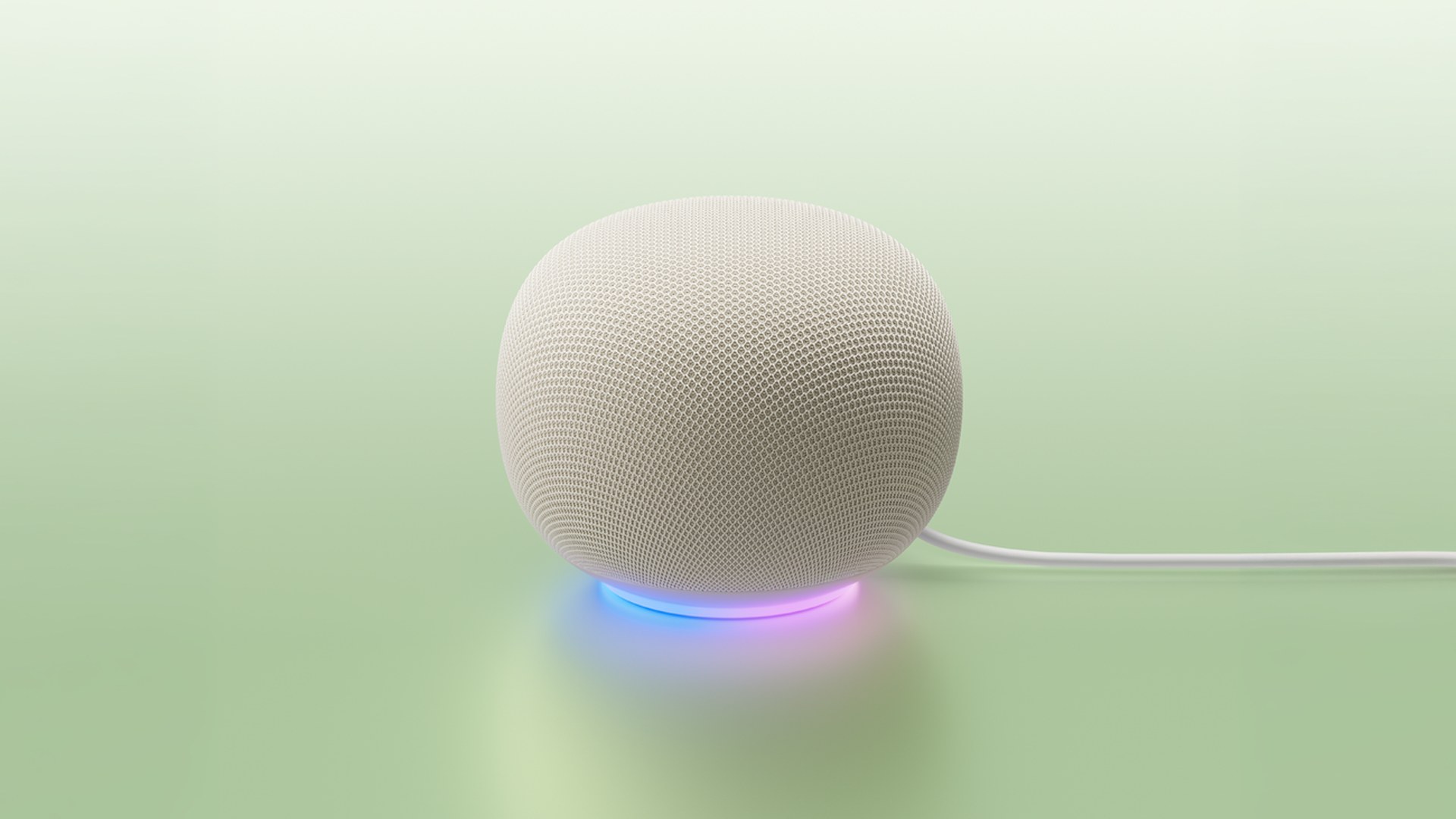
Google opened Google Home MCP to early access. The Model Context Protocol server lets compatible AI agents inspect a home and read live device state. Those agents can also run supported commands and query event history. Google requires Google Home Premium Advanced and a Google Cloud project.
What an agent can actually do
Home MCP is not a new speaker firmware. Instead, it is a remote MCP endpoint at home.googleapis.com. An agent that speaks MCP can call five tools. Specifically, it can list homes, list devices and rooms, read live states, run actions, and pull history.
Google’s docs spell out the jobs in plain language. Ask how many lights you have. Ask whether the house is secured. Then tell the agent to turn off the outside lights. Also ask what happened while you were out. Setup pages name Google Antigravity, Claude Cowork, and OpenClaw as example clients.
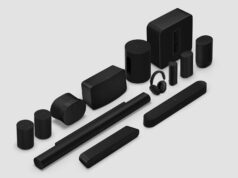
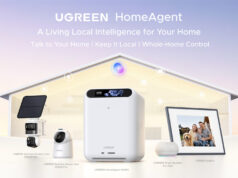
That still sits beside Gemini for Home on speakers and in the Google Home app. Home MCP adds a second path after OAuth. As a result, your chosen agent can reach Nest cameras, thermostats, Matter bulbs, and other Works-with-Google-Home devices.
Safety limits, and a messy setup
“Connecting a real-life home to an AI agent allows that agent to control devices on your behalf,” Google warns. However, Home MCP blocks some sensitive moves, including unlocking doors. Users can revoke access in the Google Home app or on the My Accounts page. Google still says the wrong agent can produce unexpected or unwanted behavior.
Setup is not a one-tap Home app toggle. Users create a Cloud project, enable the Home API, publish an OAuth client, then paste those credentials into the agent. Familiar-face camera data needs a second, explicit consent step. Meanwhile, Google does not support automations yet. The company lists that work for a later release.
One known bug currently lets some Nest Aware Plus subscribers through, even though entitlement should be Premium Advanced only. Google says a fix is coming. Latency can also run long while the team optimizes.
Why this matters now
Google is handing household hardware to the same agent stack people already use at a desk. That matches a broader shift toward agents with accounts and tools. See how Google CC became a family agent with its own Google account. It also follows Gemini showing up in more places, such as the native Gemini app for Windows.
Until automations arrive, Home MCP is a live control and history pipe. It is not a full replacement for routines in the Google Home app. Finally, early access is live in the developer docs for Premium Advanced homes that complete the Cloud and OAuth steps.