
























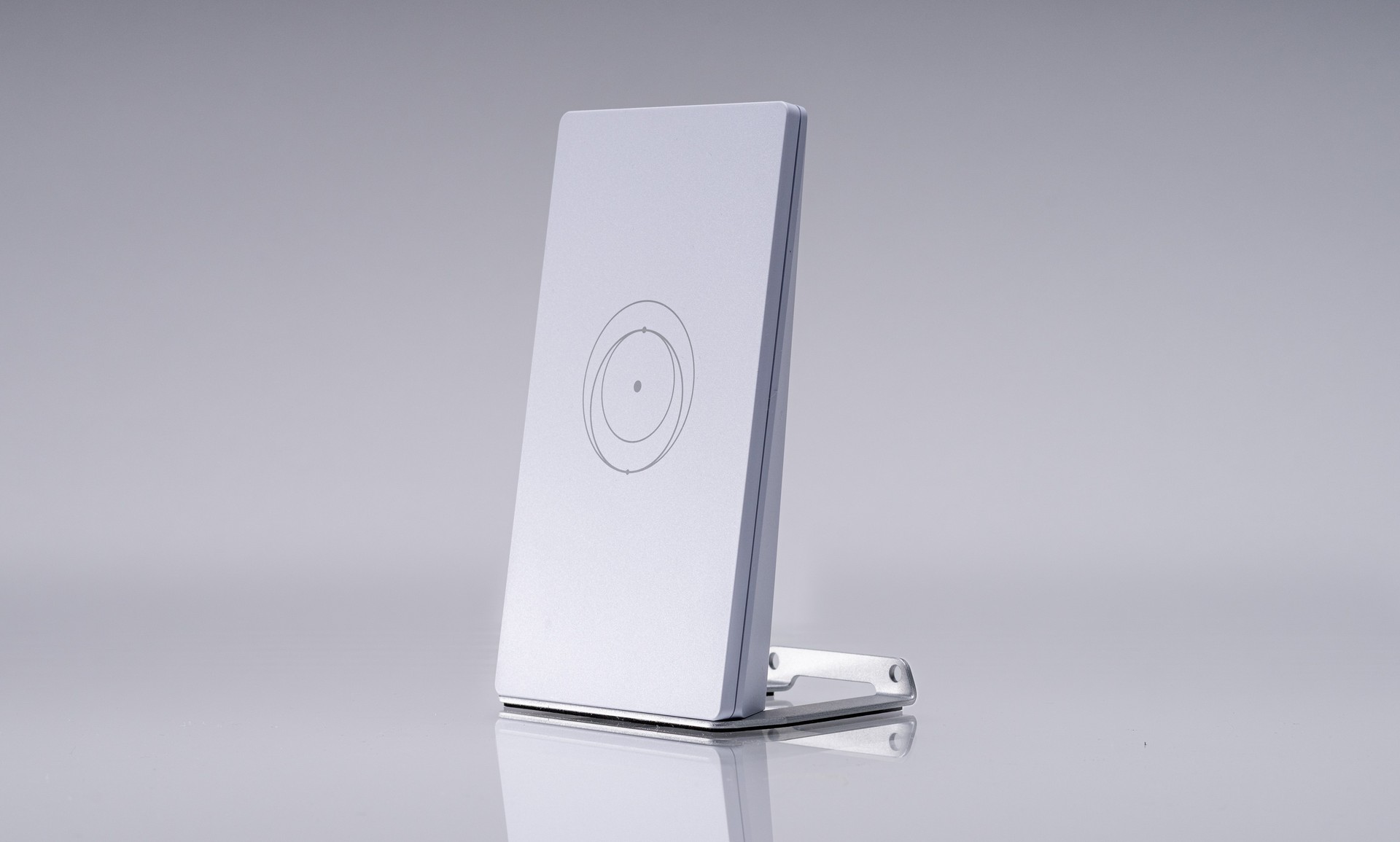
SpaceX’s Starlink Mini X kit pairs the portable Mini dish with a second box: the Router Mini. Starlink presents that combo as a compact, low-power link for travel, cabins, and small homes. Instead, you still get online from the dish’s own Wi-Fi. The extra router is optional hardware, not a second satellite.
What’s in the Mini X kit
Starlink’s Mini X spec sheet lists the Mini with integrated Wi-Fi, a kickstand, and a pipe adapter and flat mount. The box also holds a 15 m DC power cable, a power supply, and a Starlink plug. It ships the Router Mini, a matching power brick, and a stand as well. The packed kit weighs 2.99 kg (6.6 lb).
Meanwhile, the dish itself matches the regular Mini at 298.5 x 259 x 38.5 mm and about 1.10 kg. Average draw is 25-40W. It stays IP67 with the official plug and DC cable installed. Starlink therefore treats Mini X as a kit change, not a new antenna.
Help pages are blunt: you must set up your Starlink Mini first, then the Router Mini second. Starlink warns that reversing that order can throw setup errors.
Built-in Wi-Fi versus Router Mini
Likewise, the Mini already runs Wi-Fi 5, dual-band 3×3 MU-MIMO. Starlink rates that radio for up to 112 square meters (1,200 sq ft) and 128 devices. A phone or laptop can join the STARLINK network as soon as the dish has power and a clear sky.
The Router Mini steps up to Wi-Fi 6, dual-band 2×2 MU-MIMO. Starlink rates it for up to 120 square meters (1,300 sq ft) and 235 devices. It is IPX0 and indoor-only. As a result, coverage barely moves versus the dish radio, so the gain is placement, not a bigger bubble.
That split matters on the road. For example, a roof or treeline gap can be right for satellites and wrong for laptops inside a van. Mesh then lets you park Wi-Fi closer to people. Cabins and workshops hit the same trade-off. It sits beside the smaller Starlink V5 home dish Starlink already sells for fixed use.
How Starlink wants you to mesh
In addition, Starlink’s install guide lets the Router Mini join over Wi-Fi or Ethernet. It still recommends a wired backhaul when you can run cable. For a Mini, that means the 15 m Mini Starlink Ethernet cable if you want to keep the weather rating. However, a standard RJ45 lead works, but Starlink then drops the IP67 claim.
Starlink mesh stays inside the Starlink family. Specifically, the spec sheet says the Router Mini works with Mini, Gen 3, and Gen 2 kits. It is not compatible with third-party mesh systems. You can still wire other hardware to the Mini Ethernet port. Just do not expect Apple, Google, or Asus nodes to join Starlink’s mesh.
In the US, Starlink already sells the Router Mini on its own for $40. That add-on is for Mini, Gen 3, and Gen 2 customers who want extra nodes. The Mini X kit, by contrast, currently lists Argentina and Germany, with more markets later. Finally, Tesla is also wiring Starlink into vehicles. The Cybercab’s built-in Starlink V5 link is a different product from this portable kit.
The extra box will not clear trees or hills. It only moves Wi-Fi off the dish. If the built-in radio already reaches your devices, you can leave the Router Mini in the bag instead.