






























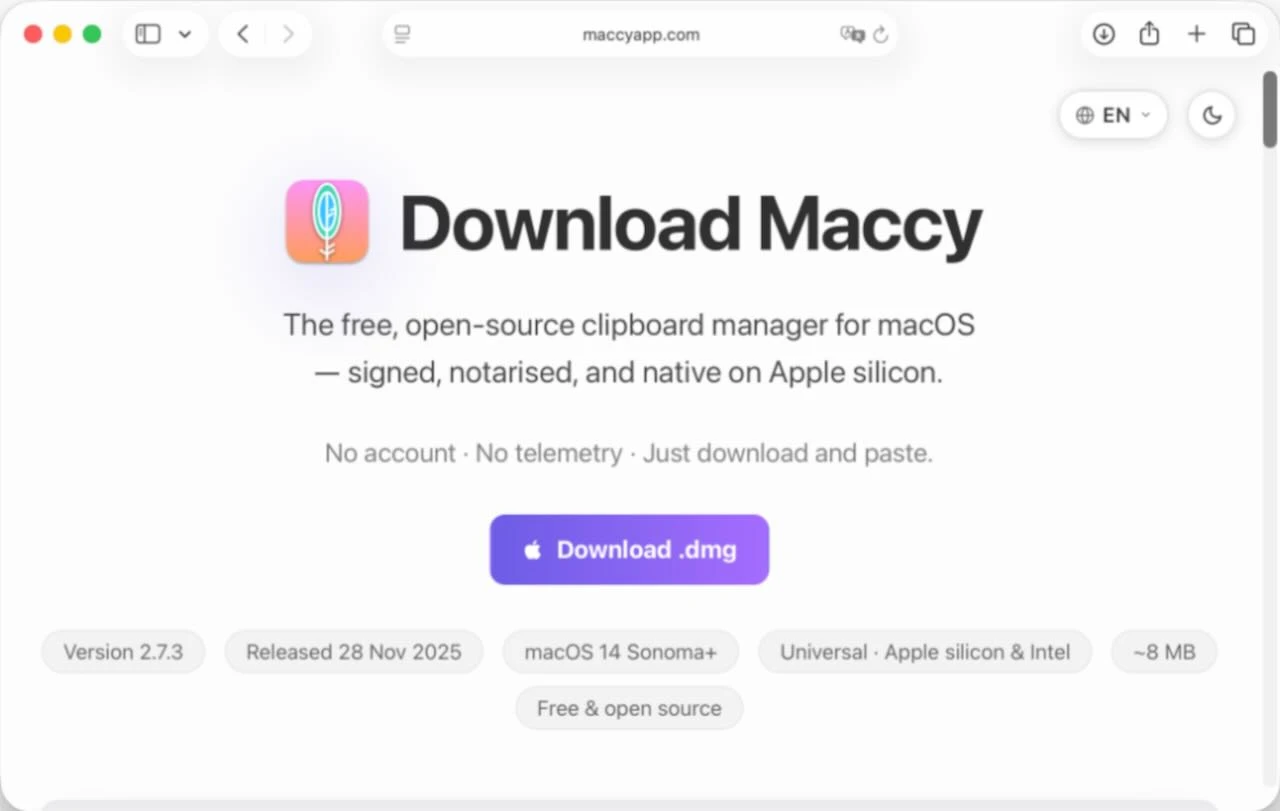
Fake Maccy app downloads are spreading a new macOS infostealer called PamStealer, according to Jamf Threat Labs. The real Maccy project is still a lightweight open-source clipboard manager. However, attackers are abusing its name with a lookalike site and a fake installer flow.
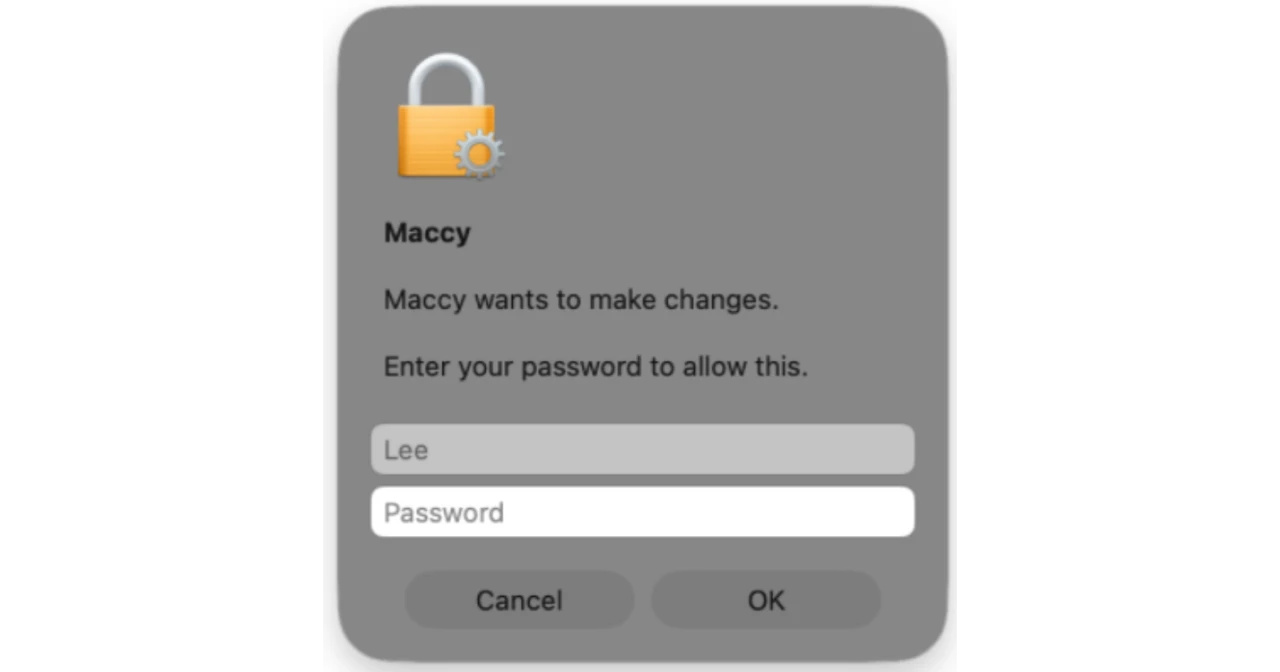
Jamf says the malware arrives as a compiled AppleScript file inside a disk image. It then stages a Rust-based second payload. However, the dangerous trick is not a zero-day. It is social engineering. The fake “Maccy” asks the user to run code in Script Editor. Later, it shows a password prompt that can validate the Mac login password through macOS Pluggable Authentication Modules.
The fake download is the red flag
The legitimate app’s own site now warns users that maccy.app is the only official website. That matters because Jamf traced the malicious dropper to a lookalike domain using Maccy’s branding. Meanwhile, ManageEngine’s threat reference says legitimate Maccy releases come from four normal places: maccy.app, GitHub, the Mac App Store, or Homebrew. A random DMG pretending to be Maccy should not be treated as normal.
Specifically, the lure leans on a familiar Mac habit: approving prompts for software that appears trustworthy. Jamf says the visible AppleScript text tells victims to press Command-R or click Run. Meanwhile, the real downloader is hidden deeper in the file. As a result, the attack can avoid some noisy shell-command patterns that defenders often watch for.
What PamStealer tries to take
Once the second-stage payload runs, Jamf says PamStealer can collect credentials, browser data, clipboard contents, and other local data. The password-verification piece is especially nasty. It tells the attacker whether the captured password actually works. In other words, the prompt is not only harvesting whatever a victim types. It is checking the credential locally before moving on.
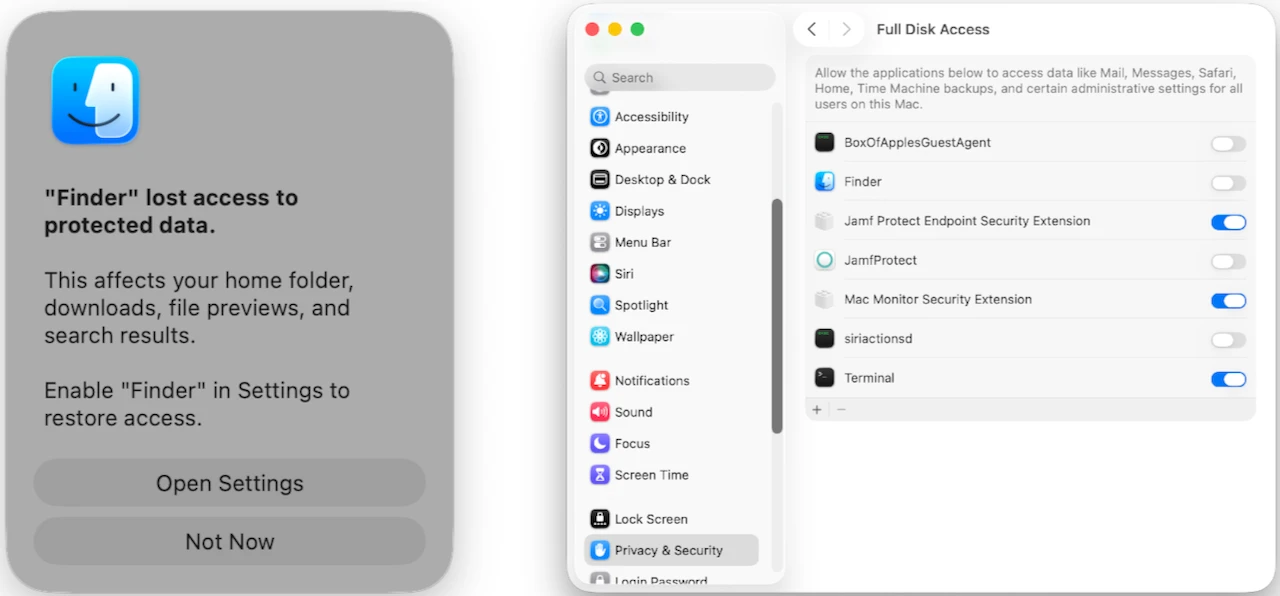
ManageEngine adds that the campaign can masquerade as Finder and persist through Login Items. It can also communicate with command-and-control infrastructure. Therefore, Mac users and IT teams should treat this as more than a bad download page. It is a credential-theft campaign built around a trusted utility name and a convincing install path.
How to avoid the trap
The safest takeaway is simple: use the official Maccy sources. Be suspicious of any site that adds extra letters, changes the domain, or serves an odd DMG. Also, do not treat Script Editor as harmless just because it is an Apple app. If a downloaded “installer” opens as a script and asks to be run manually, that is the moment to stop.
This fits a broader pattern of Mac-focused malware leaning on fake utility apps, search traffic, and trusted-looking prompts. We saw a similar lesson in recent security research on AI worms as a new kind of internet threat. The same source-first caution applies to software downloads. Also, the risk is not limited to macOS. Recent web security stories like the WP Maps Pro vulnerability show why trusted names still need verification.
Still, the real Maccy app is not the villain here. The story is about an impersonation campaign. Jamf’s research gives defenders the technical indicators. Maccy’s official site gives everyday users the cleaner rule: if it is not coming from the official Maccy channels, leave it alone.