























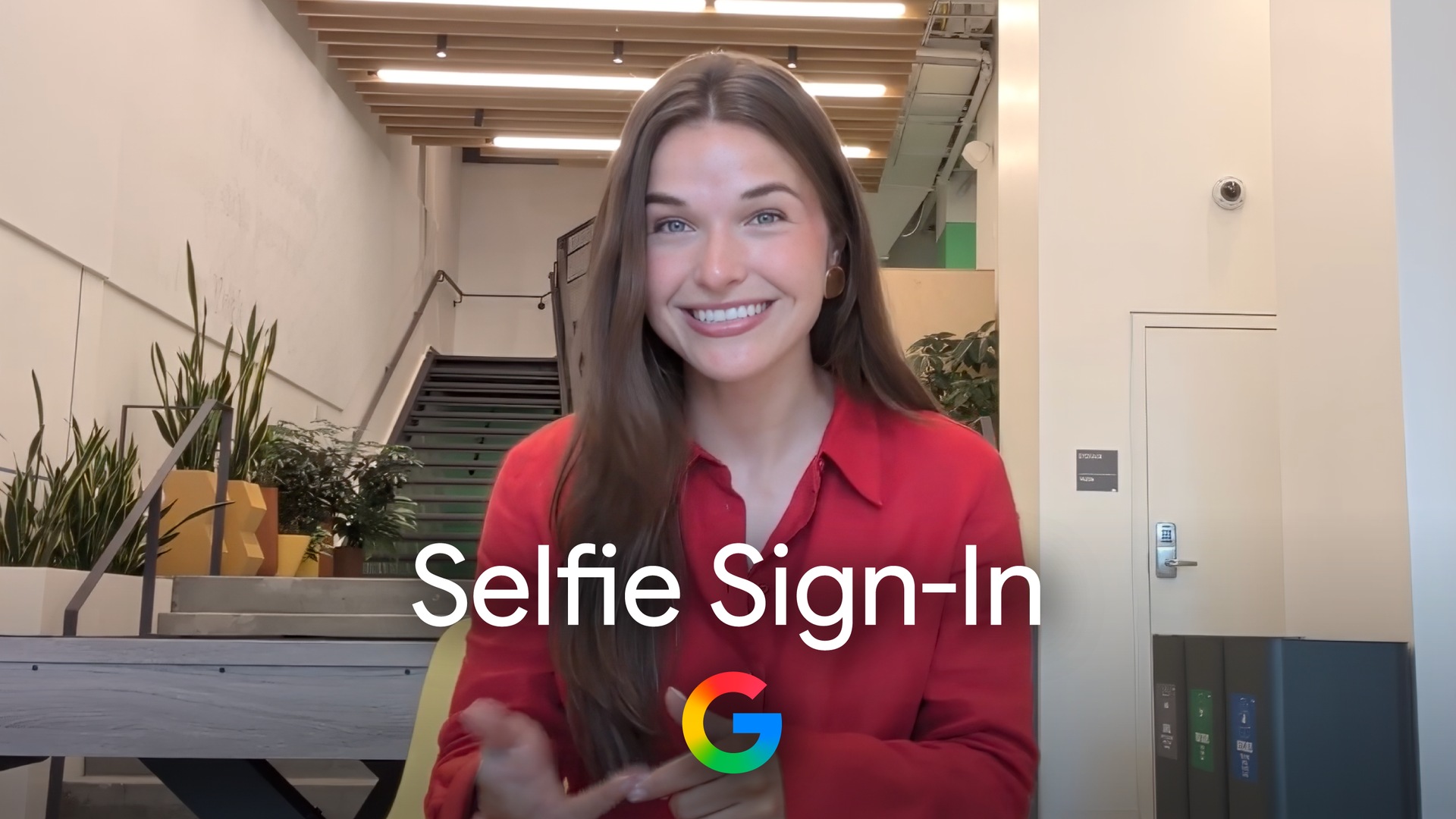
Google just introduced selfie video sign-in for personal Google Accounts. The Google selfie video sign-in option stores a short guided face clip so people can prove who they are later if they get locked out or lack their usual phone or computer.
Therefore Google is stacking another recovery path next to passkeys and recovery contacts. The company frames the feature as flexibility under pressure, not a replacement for everyday passwords or device biometrics.
How setup works
According to Google Account Help, people must enroll while they still can sign in. Setup lives under Security and sign-in, then Selfie video. On the Add selfie for sign-in page, Google walks through guided head movements so the system captures multiple angles.
Desktop cameras can finish the job in place. If the computer lacks a camera, Google shows a QR code so a phone can complete enrollment. Official tips tell users to keep eyes, nose, and mouth visible, drop sunglasses or masks, and avoid busy backgrounds with other faces.
Google also published a short support walkthrough at Take, manage and use a selfie video. That page is the mechanical checklist for enrollment, sign-in prompts, and deletion.
Sign-in and anti-deepfake checks
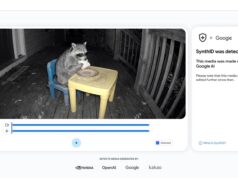
When account recovery offers the option, Google asks for a fresh selfie with live motion, such as turning the head. The new clip is compared with the saved enrollment video. Matching faces unlock access. Meanwhile, Google says multiple layers look for impersonation, including fake photos and deepfake-style video.
In addition, Google encrypts the stored selfie at rest and says it uses the video to help with sign-in unless the user opts into broader improvement sharing. People can delete the clip later from the Selfie video page in Google Account. Deletion removes that recovery path once the purge finishes.
Who cannot use it yet
Availability is limited. Google Account Help states selfie video is not available for all regions, accounts, or devices. Workspace accounts, child accounts, and accounts enrolled in the Advanced Protection Program cannot add selfie videos at this time.
Also, people cannot enroll during an active lockout or recovery flow. They need access first, then set the backup method before the next crisis. That design keeps enrollment from becoming an attacker shortcut, but it also means the feature only helps after someone prepares ahead.
Privacy trade-offs and context
Face biometrics always raise hard questions about retention and secondary use. Google says the selfie remains under user control and encrypted, and an optional Improve Google services toggle can share video data for facial recognition and related research. Users who want the recovery tool without that research path should leave the optional setting off.
The launch also sits next to a wider industry push for safer sign-in tooling. Tech My Money recently covered how 1Password for Claude keeps agent logins from exposing secrets. Similarly, Google keeps expanding identity products such as Wallet TSA PreCheck touchless ID across more airlines. Selfie video is another biometric recovery lane, not a full password replacement.
What to do next
Eligible personal accounts can check setup at g.co/signin-selfie or through My Account Security and sign-in. Treat the clip like any recovery factor: enroll only on trusted devices, review deletion controls, and keep passkeys or hardware keys as the primary daily path. Google has not published a full global availability calendar, so eligibility still varies by account and region.