























Microsoft Edge mobile just got a serious AI upgrade, and this one is not only for desktop users.
Microsoft says its latest Edge update brings several Copilot features to the mobile app, including tab-aware answers, Journeys, Voice, Vision, and a redesigned new tab page. The short version: Edge on your phone is trying to become a browser that remembers what you were doing, not just where you went.
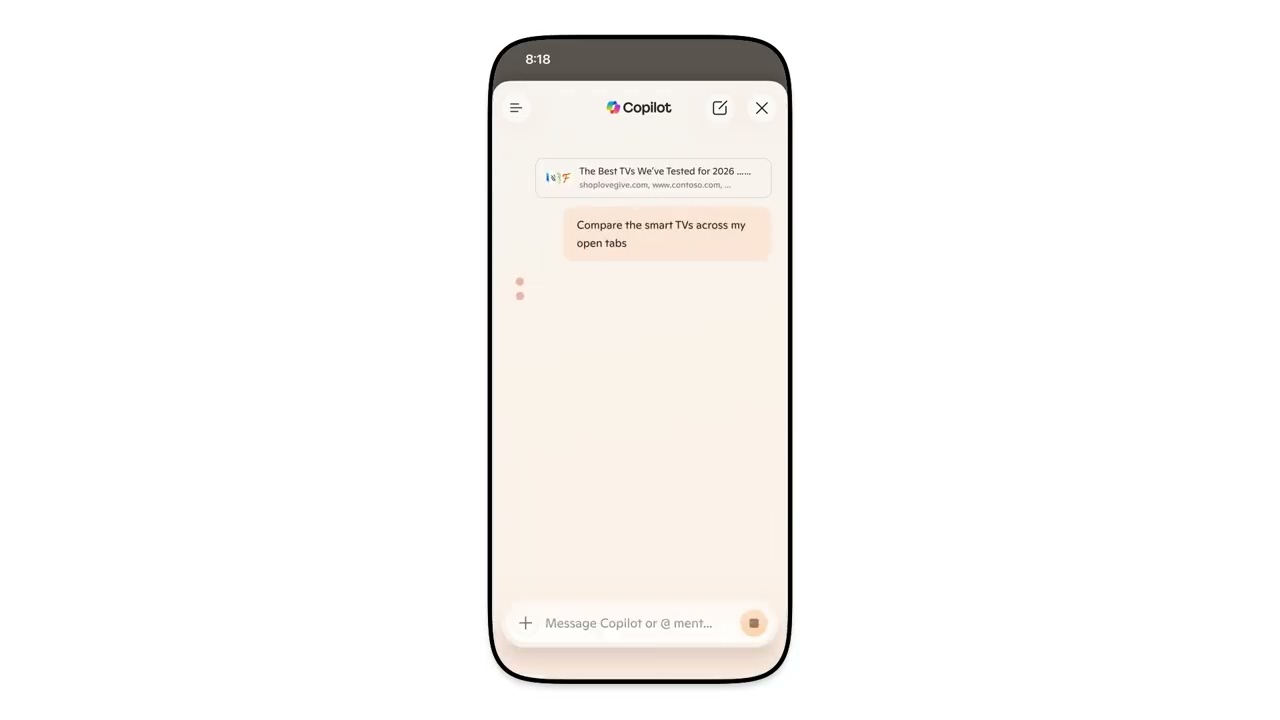
The biggest change is Copilot’s ability to reason across open tabs, with permission. If you are comparing hotels, laptops, or flight options, Edge can pull the important details from your open pages and help sort them out without all the jumping back and forth.
Why Edge feels more useful on phones now
Journeys is also moving onto mobile in the U.S. It groups browsing history into topics, then offers summaries and suggested next steps. That could be handy for shopping research, trip planning, or the usual rabbit hole where you forget which tab had the useful answer.
Microsoft is also bringing Vision and Voice into the mobile app. That means you can talk through what is on screen and ask Copilot questions while browsing. Microsoft says Edge shows visual cues when Copilot is listening, viewing, helping, or taking action.
This update matters because Chrome still owns the browser habit for a lot of people. Edge is now trying to win on workflow instead of raw speed alone. If you already use Copilot, Windows, or Microsoft 365, the phone browser suddenly has more reason to stay installed.
There is a privacy angle, too. Microsoft says these features work with permission, and that users can choose which experiences stay on or off in Edge settings. That control is important because browsing history and tab context are sensitive data.
For Tech My Money readers, this pairs nicely with the way AI tools are starting to move from desktop-only power features to mobile control. We saw that same shift recently when OpenAI brought Codex control to the ChatGPT mobile app. The phone is becoming the command center, not the backup screen.