
























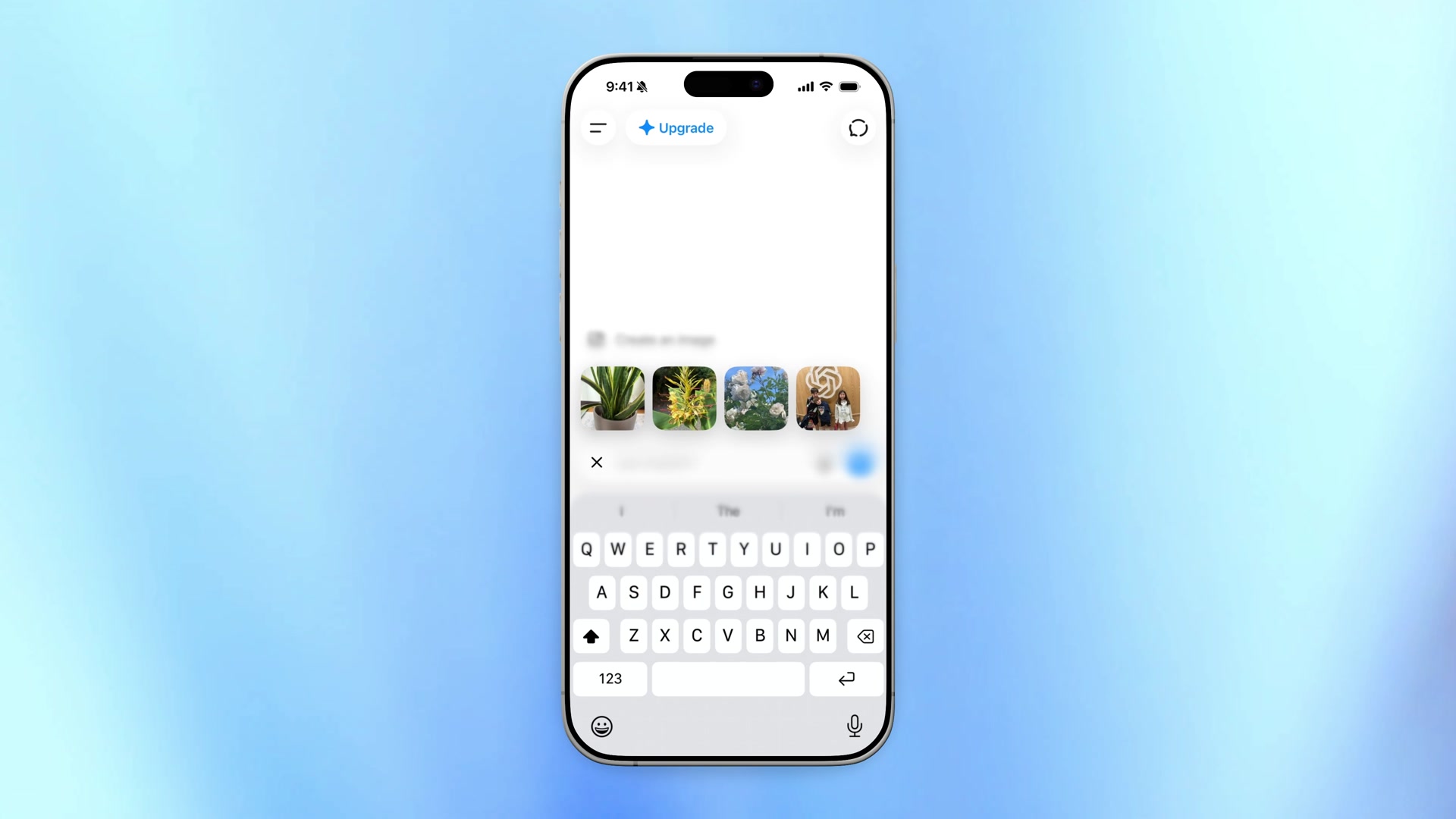
OpenAI’s ChatGPT iPhone recent photos shortcut is live in the ChatGPT iOS app. Press and hold the + button beside the prompt. Then pick a photo and drop it into the chat.
The company logged the change in its August 21, 2026 release notes. It also said photo access has to be on. Without that permission, the gesture cannot open recents.
How the long press works
However, the old path still exists. Tap +, open Photos, then hunt through the library. That still works if the shot you want is older.
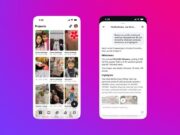
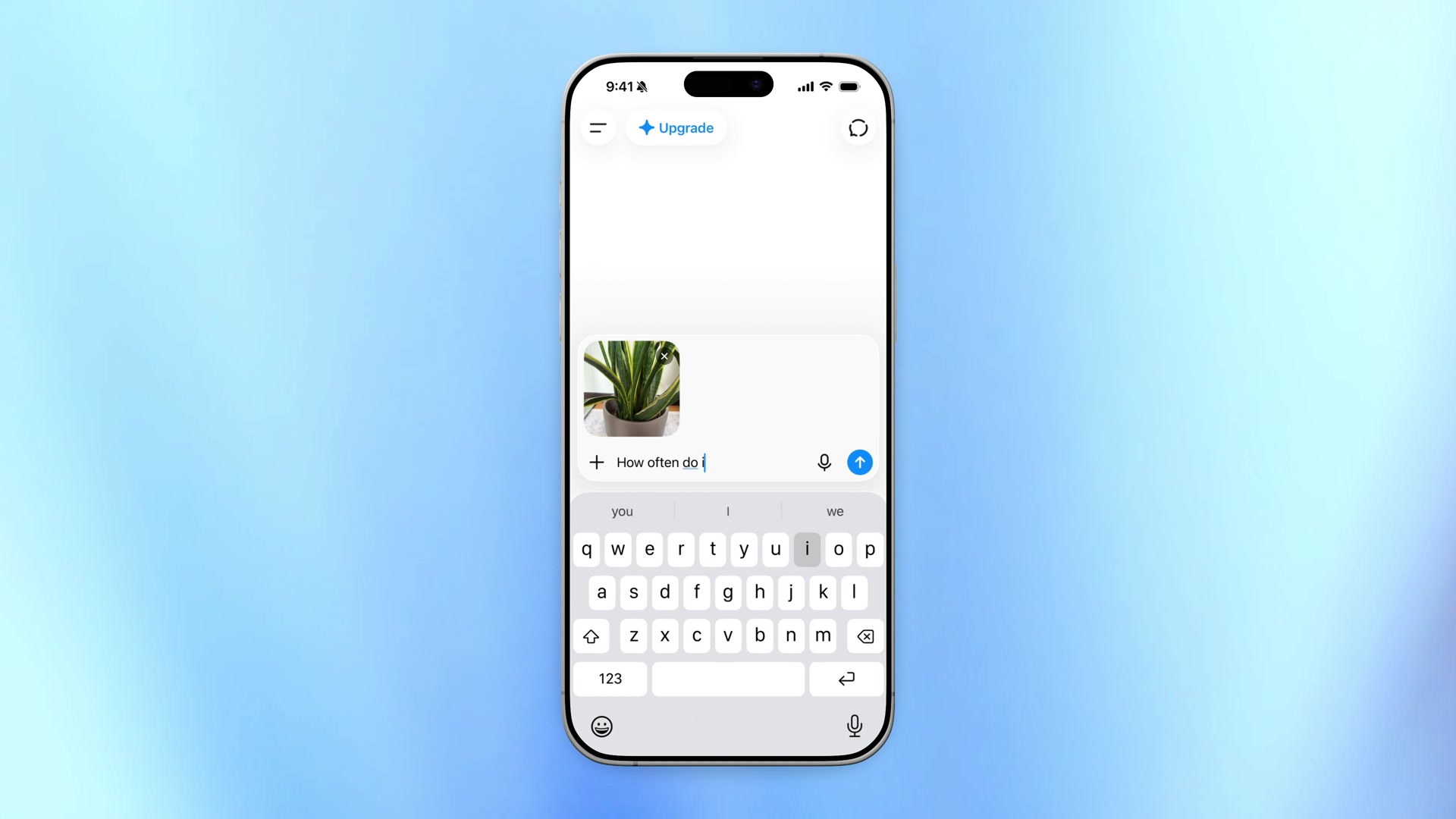
The new path is shorter. Hold the + control. ChatGPT then surfaces recent photos. OpenAI’s official demo shows four thumbnails in a row. Tap one to attach it. Then type the question.
Adam Fry, OpenAI’s consumer product lead, called it a power-user shortcut in the same week’s drop. His clip walks through the gesture on a real iPhone composer.
The help notes do not name an iOS build number. They do say the feature is in the ChatGPT app for iOS.
What else shipped in the same drop
The iOS notes also add clearer connection-status messages. ChatGPT now tells you when it is waiting for an internet connection.
The same Friday drop also tightens time awareness. ChatGPT can better account for local time on time-sensitive questions. Long chats on the web load in smaller sections. Interactive content can start appearing before the full experience is ready.
So this is not a new vision model. It is a faster on-ramp for the photos people just took. That is the usual path when someone asks ChatGPT about a plant, a receipt, or a screenshot.
OpenAI also keeps expanding ChatGPT into other Apple surfaces. Last week’s notes covered the Apple Messages plugin on Mac. Codex already sits in the ChatGPT mobile app.
Meanwhile, Android users did not get this long-press recents control in the same notes. That update instead stretched generated images to full width. It also showed up to eight recent chats in the sidebar.