























Microsoft Copilot in Excel just gained a powerful set of finance-focused tools. The company announced reusable Skills, live financial data connectors, and improved change tracking. Together, they aim to turn Copilot from a helpful assistant into something closer to a trained analyst.
Skills: teach Copilot your workflow once
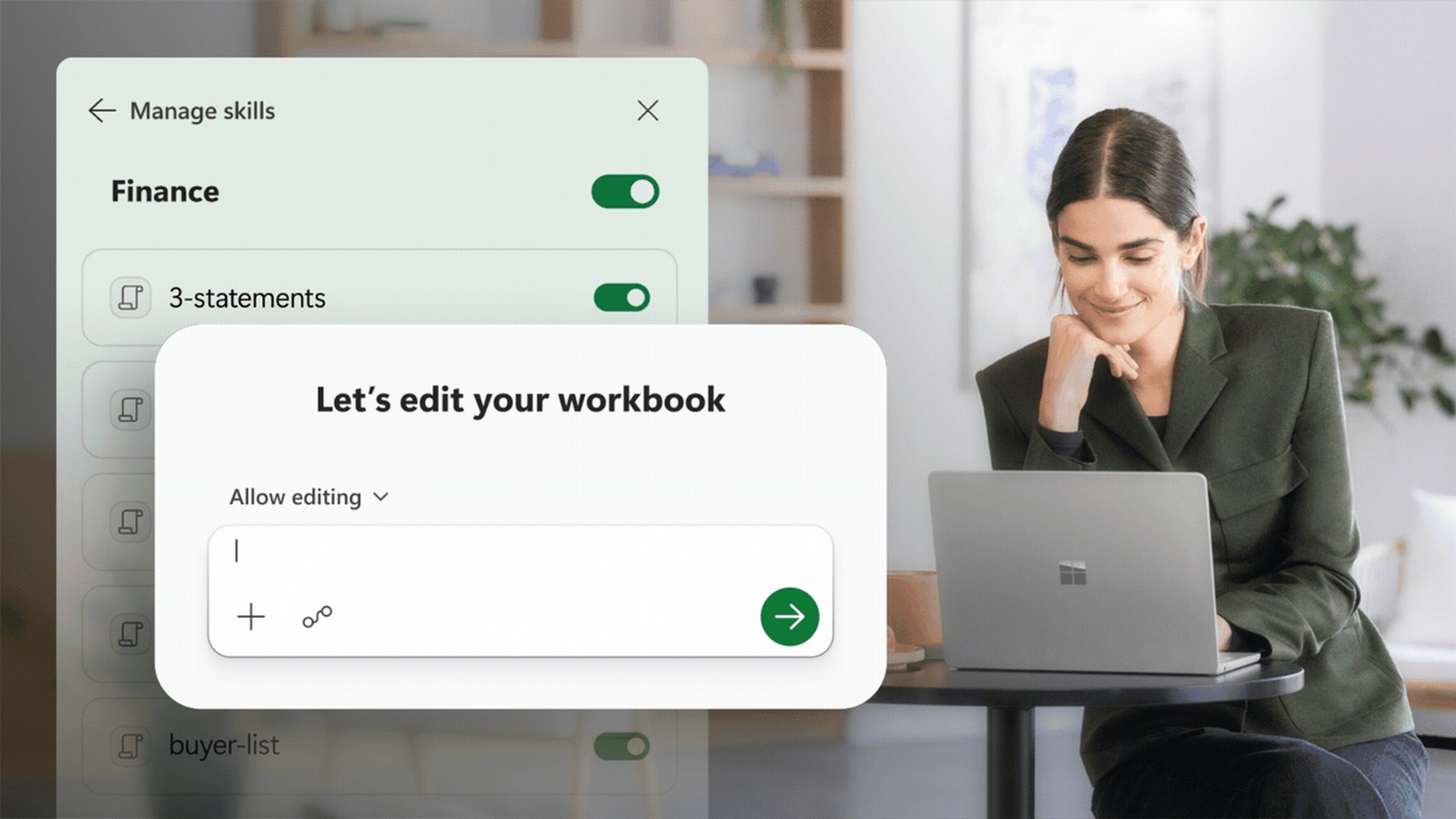
The headline feature is Copilot Skills for Excel. Finance teams can now define repeatable processes like building a discounted cash flow model, closing the books, or running a variance analysis. Instead of retyping the same prompt every time, you save a SKILL.md file in OneDrive. Copilot then follows your steps, formatting rules, and structure automatically.
Microsoft ships a library of prebuilt finance skills and lets teams build custom ones from scratch. Partner-built skills from LSEG, Ramp, Rogo, and Vena will arrive later this year through the Microsoft Marketplace. Meanwhile, Microsoft continues expanding Copilot’s workspace capabilities across the broader 365 suite.
Live data from trusted sources
Six new financial data connectors are now available. CB Insights, Daloopa, FactSet, Morningstar, PitchBook, and S&P Global join the LSEG and Moody’s connectors that launched in May. Copilot can pull live market data, fundamentals, and research directly into a workbook. That means less copy-pasting from reports and more analysis grounded in current numbers. A few connectors will need their own subscriptions.
Every change, fully traceable
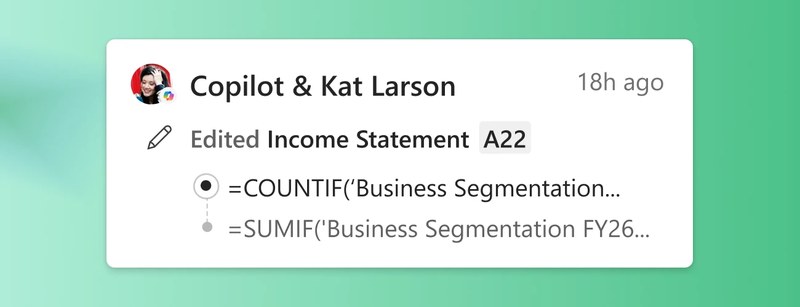
AI and finance have always had a trust gap. So Microsoft built a Plan with Copilot mode that outlines exactly which cells, formulas, and assumptions it intends to touch before making any changes. Afterward, the Show Changes pane tags every Copilot edit separately from human collaborators. The result is a clear audit trail for review.
All three features are live now for Microsoft 365 Copilot customers on Excel for Web, Windows, and Mac. Custom Skills are rolling out over the next month.