



























Verdict: MiniMax Code is interesting to us because it did not just show up as another coding chatbot. We tested it against the kind of work Tech My Money actually gives agents. That means recovering context from a messy workspace, reading our operating docs, following WordPress editorial rules, and respecting source-first reporting. It also means holding a lot of instructions without immediately losing the plot.
That is still the real review. Our view comes from onboarding MiniMax Code into our own workflow, then comparing that behavior against the way we already work with Codex, Claude Code, Cursor-style tools, and local agent skills. The short version is simple: M3’s long context and low price make MiniMax Code useful for training an agent on a house style. The stronger version is that MiniMax is trying to sell the agent as a workspace, not just a model picker.
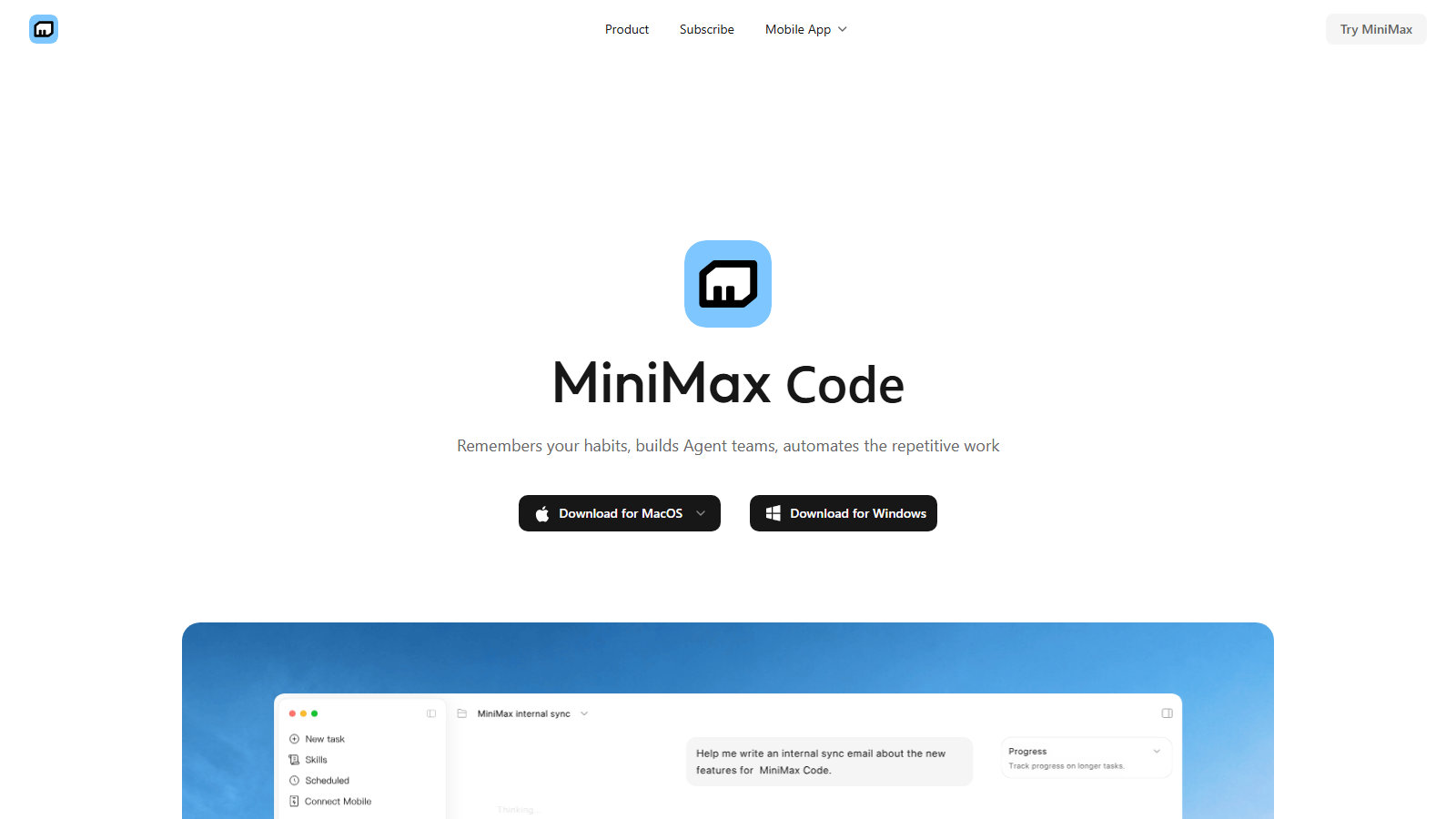
That distinction matters. A normal coding assistant waits for a prompt. MiniMax Code is being positioned as a 24/7 agent workspace with desktop control, team-style agent roles, persistent memory, scheduled execution, and access to MiniMax’s broader text, image, speech, music, and video stack through the Token Plan. That does not remove the need for human review. But it does explain why the product felt more ambitious than a simple “chat with your repo” tool.
That also puts MiniMax Code in the same practical agent conversation as xAI’s Grok Build coding-agent push, but with a stronger focus on long-context workflow economics and repeatable agent operations.
What we gave MiniMax Code
MiniMax Code is MiniMax’s desktop agent app for macOS and Windows. Instead of judging it only from the product page, we treated it like a new agent joining Tech My Money. We pointed it at the rules that matter here: our WordPress draft workflow, Newsmag and Yoast checks, source and Via discipline, image-selection rules, and production safety notes. We also tested whether it understood the habit of verifying live state before saying something is done.
Those details matter more than a splashy demo. A coding agent can look impressive when it builds a landing page from scratch. The harder test is whether it can read a real operating manual and remember why discovery sites are not default Source/Via. It also has to avoid exposing secrets, preserve user changes, and understand that Tech My Money is a live production WordPress site rather than a sandbox.
That is where MiniMax Code started to make sense. It is not just about whether the app can edit files. It is about whether the model underneath can absorb a stack of skills and use them consistently. In our case, we trained the agent around mjwordpress, mjanti, media judgment, Matomo access notes, and the final read-back loop. That loop is what we use before any draft is called ready.
The MiniMax brief also clarified the product’s own intended shape. MiniMax wants users to build an “Agent Team” by describing the work in natural language, then let multiple roles run in parallel. The more important part is the verifier pattern. MiniMax says completed tasks can trigger a Verifier Agent that starts without the task author’s conversation history, closer to a separate reviewer than a self-check. That is exactly the kind of pattern we want in production editorial and coding work: the writer should not be the only reviewer.
M3 is the model reason it works
MiniMax M3 is the model behind the pitch. MiniMax describes it as a coding and agentic model with MiniMax Sparse Attention and native multimodality. It supports up to a 1 million-token context window, with a guaranteed minimum of 512,000 tokens. The company says M3 is built for long-range coding, long agent tasks, and multimodal understanding.
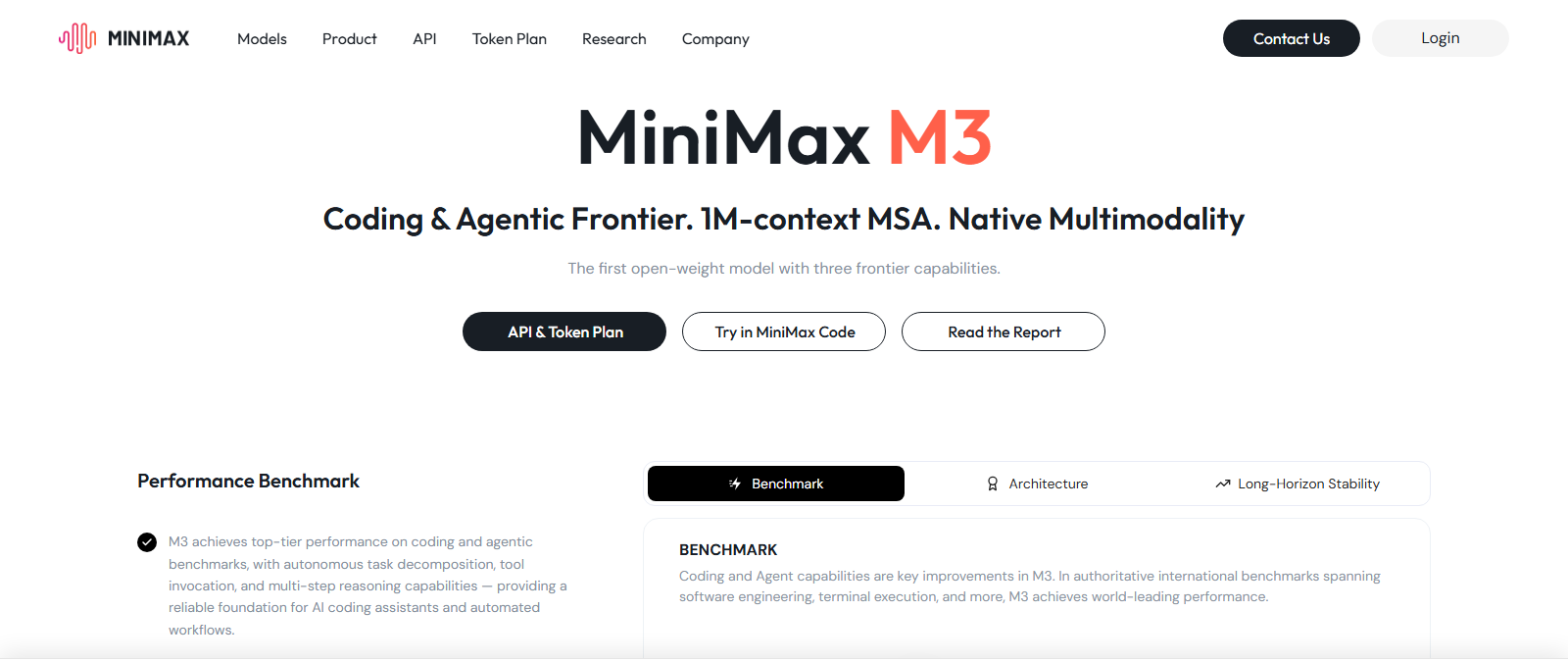
For our workflow, that context window is not a bragging-rights spec. It is the difference between an agent that can read a few files and one that can understand a real operation. Tech My Money tasks often include source links, WordPress read-backs, image inventories, site-health checks, old notes, skill files, and corrections from Michael. A smaller context can still work, but it starts juggling. M3’s pitch is that it can keep more of that work in view at once.
That showed up most clearly in onboarding. When an agent can hold the rules, the draft state, the user’s correction, and the verification checklist together, it becomes more useful. The model does not need to be magical. It needs to be steady enough to keep following the operating system we gave it.
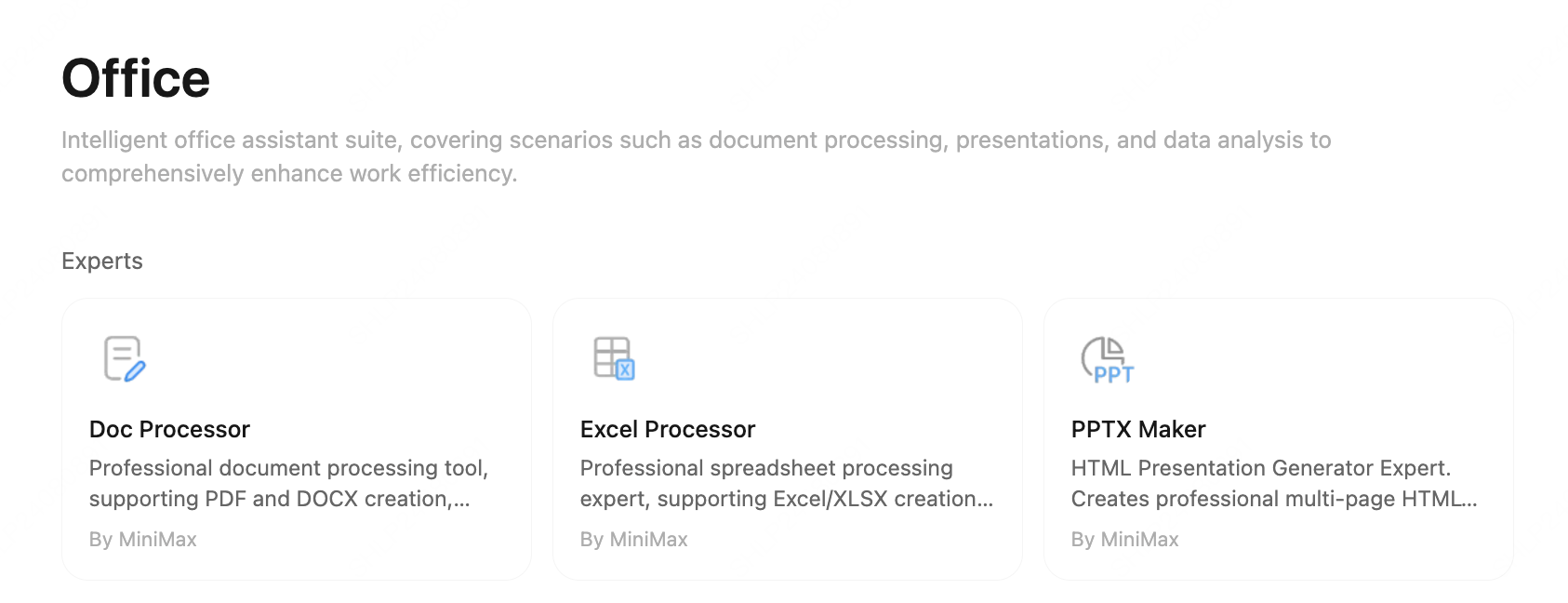
The multimodal claim is also worth watching, even though our review focused on agent workflow rather than video or music generation. MiniMax is not presenting M3 as a coding-only island. The company is tying M3 to a broader stack that includes Hailuo Video, speech, music, image generation, document handling, and computer-use style desktop actions. If that integration matures, the interesting question is not whether one prompt can make a pretty demo. It is whether one agent workspace can move between code, documents, research, media, and local files without losing the task boundary.
The price changes how you use it
The economics are the other reason MiniMax Code deserves attention. MiniMax’s pay-as-you-go pricing page lists MiniMax-M3 standard pricing at $0.30 per million input tokens and $1.20 per million output tokens. That applies to requests up to 512,000 input tokens under its permanent 50% discount. Above 512,000 input tokens, the standard tier is listed at $0.60 input and $2.40 output per million tokens. MiniMax attaches availability notes to that tier, and priority service costs more.
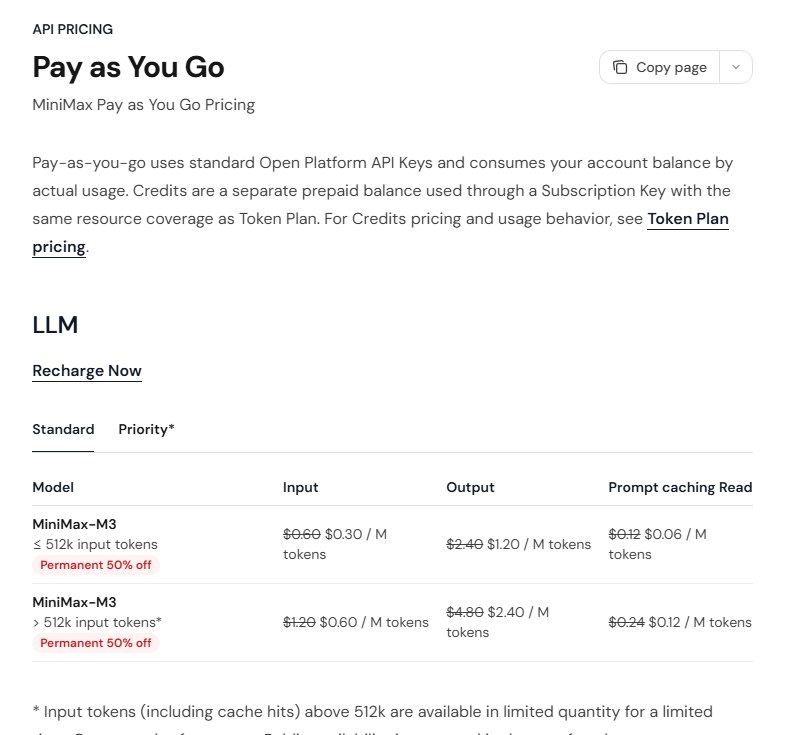
MiniMax is now pushing a second angle too: the Token Plan. The plan starts at $20 per month, with $50 and $120 tiers above it. MiniMax says supported text, image, speech, and music resources share one monthly quota through a Subscription Key, while prepaid Credits can cover eligible overflow after subscription quota is used. That is different from treating M3 as a metered coding model only.
The practical effect is that MiniMax is trying to make experimentation feel less rationed. With expensive models, you naturally paste less. You summarize more. You avoid giving the model the full operating manual unless the task really needs it. With M3 and the Token Plan framing, the cost structure encourages the opposite: hand the agent the real rules and see whether it can follow them.
That matters for Tech My Money because our best agents are not just fast writers. They are systems operators. They need to understand why a draft stays unpublished, why image rights matter, and why Source/Via cannot drift. They also need to know why a WordPress write should wait for site guard, and why live verification beats a confident save message. Cheap long context makes that kind of training more practical.
Where MiniMax Code helped us
The strongest use case we saw is structured, repeatable agent work. MiniMax Code fits tasks where the user has a house style, a pile of skills, and a workflow to follow every time. That includes editorial cleanup, source checking, draft repair, codebase exploration, internal scripts, report generation, and agent onboarding.
It also makes sense for multi-file work where the agent needs to read before it acts. A lot of coding tools fail because they jump straight to editing. MiniMax Code is more valuable when it is given the bigger context. That means the docs, the prior mistakes, the file map, the acceptance checklist, and the command outputs that prove whether the work stuck.
The Agent Team idea is the part we would build around first. A leader agent can split work into source gathering, drafting, verification, media review, and final gate. A separate verifier can then ask the uncomfortable questions: Did the source claim really say that? Did the WordPress read-back match the intended update? Did the post stay published or draft as required? Did a secret or private link slip into the copy?
That is not theoretical for us. The mistake that kills agent work is often not bad prose. It is false confidence after a partial save, stale cache, missing metadata, or a source field that looked right in the editor but did not persist. A multi-agent workflow with an independent verifier is the correct direction for that problem, provided the verification is strict and the human still owns the final call.
The model also helps with the kind of correction Michael gave here. If the user says, “This review should be ours, not theirs,” the agent has to understand that the issue is not a typo. It is an editorial ownership problem. A good coding agent needs that nuance if it is going to work inside a real publication instead of just producing content-shaped text.
Memory, local work, and 24/7 agents
The MiniMax brief puts a lot of emphasis on memory, and that is the right place to look if you care about agent quality. MiniMax describes a three-layer memory system: session memory for temporary conversation context, agent memory for task-specific information, and global memory for durable user knowledge. The brief also says memory is extracted into readable, editable local Markdown files.
That is a meaningful design choice if it is handled carefully. “Starting from zero every time” is one of the biggest productivity drains in agent work. But invisible memory can also become a trust problem. We prefer memory that can be inspected, edited, and scoped. If MiniMax Code keeps the memory files local and understandable, that makes it easier to correct bad assumptions instead of letting the agent carry them silently across tasks.
MiniMax is also pitching IM-native operation and scheduled execution. In plain English, that means sending work through a tool like Telegram and letting cron-style tasks run while you are away. We would not give that kind of setup production access on day one. But for safe monitoring, recurring reports, inbox triage, draft preparation, or local document processing, it is exactly the kind of workflow agent apps should be chasing.
The local desktop angle matters too. MiniMax says the desktop version can run on macOS and Windows, connect authorized local files and tools, and handle local file processing, format conversion, desktop organization, and computer-use actions. That is powerful, but it also raises the permission bar. A desktop agent should start with read-only or reversible tasks, then earn broader access over time.
Where we still keep it on a leash
MiniMax Code is promising, but our posture is still controlled adoption. A coding agent that can read files, write changes, run commands, schedule tasks, and connect to accounts needs strict boundaries. It should not get production secrets, billing access, email-send rights, or broad write permissions by default. First, the workflow has to prove it can ask before risky actions and preserve user changes.
Long context can also create a new problem: the agent may have enough room to overthink. A low token price is useful only if the model uses that room productively. For Tech My Money, the winning behavior is simple: read the right context, make the narrow change, verify it, and stop.
The Token Plan deserves the same kind of practical skepticism. A shared subscription across models and modalities sounds convenient, especially if you use coding, image, speech, music, and document workflows together. But users should still watch quota windows, overflow to Credits, data-access settings, and which actions happen locally versus through MiniMax’s cloud services. A cheap agent can become expensive if it quietly runs broad jobs without clear limits.
That is why MiniMax Code works best when paired with a strong operating manual. The model gives you room. The skills give it direction. Without the skills, it is just another agent app with a big context window. With the skills, it starts to look like a real assistant for repeatable production work.
Should you use it?
If you already use agents and keep hitting usage limits, MiniMax Code is worth a serious trial. Do not start with your most sensitive repo. Start with a real but safe workload. A documentation pass, an internal tool, a draft cleanup, a source-checking task, or a reversible prototype is enough. Give it your rules and see whether it follows them after the task gets messy.
If you run a small team, the Agent Team and verifier pattern are the features to test first. Ask one agent to produce, another to verify, and a third to package the result. Then check whether the final output actually improved compared with a single-agent pass. That is where MiniMax Code could become more than a cheaper long-context wrapper.
If you work across documents, code, media, and local files, the Token Plan and multimodal stack are also worth watching. The value is not that one subscription magically replaces every tool. The value is that one agent workspace may be able to move across more of the work without making you rebuild context every time.
For our workflow, the model’s biggest value is not raw benchmark bragging. It is that M3 makes long-context, rules-heavy agent sessions cheaper to run. That lets us train the agent on the way Tech My Money actually works, instead of pretending every task starts from zero.
MiniMax Code still has to earn trust task by task. But after testing it inside our own agent setup and reading MiniMax’s deeper brief, I understand why it matters. M3 gives MiniMax Code enough context and pricing headroom to become a useful workflow agent. The product becomes most compelling when you combine long context, independent verification, local memory, scheduled work, and clear human guardrails. The real upside is not replacing judgment. It is making our judgment easier to encode.
Primary materials checked: MiniMax Code, MiniMax M3, MiniMax API pricing, MiniMax Token Plan, and a MiniMax-provided product brief. Review judgment: Tech My Money hands-on onboarding and testing with our own agent skills and workflow.