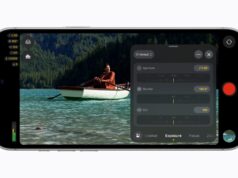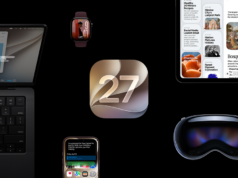






























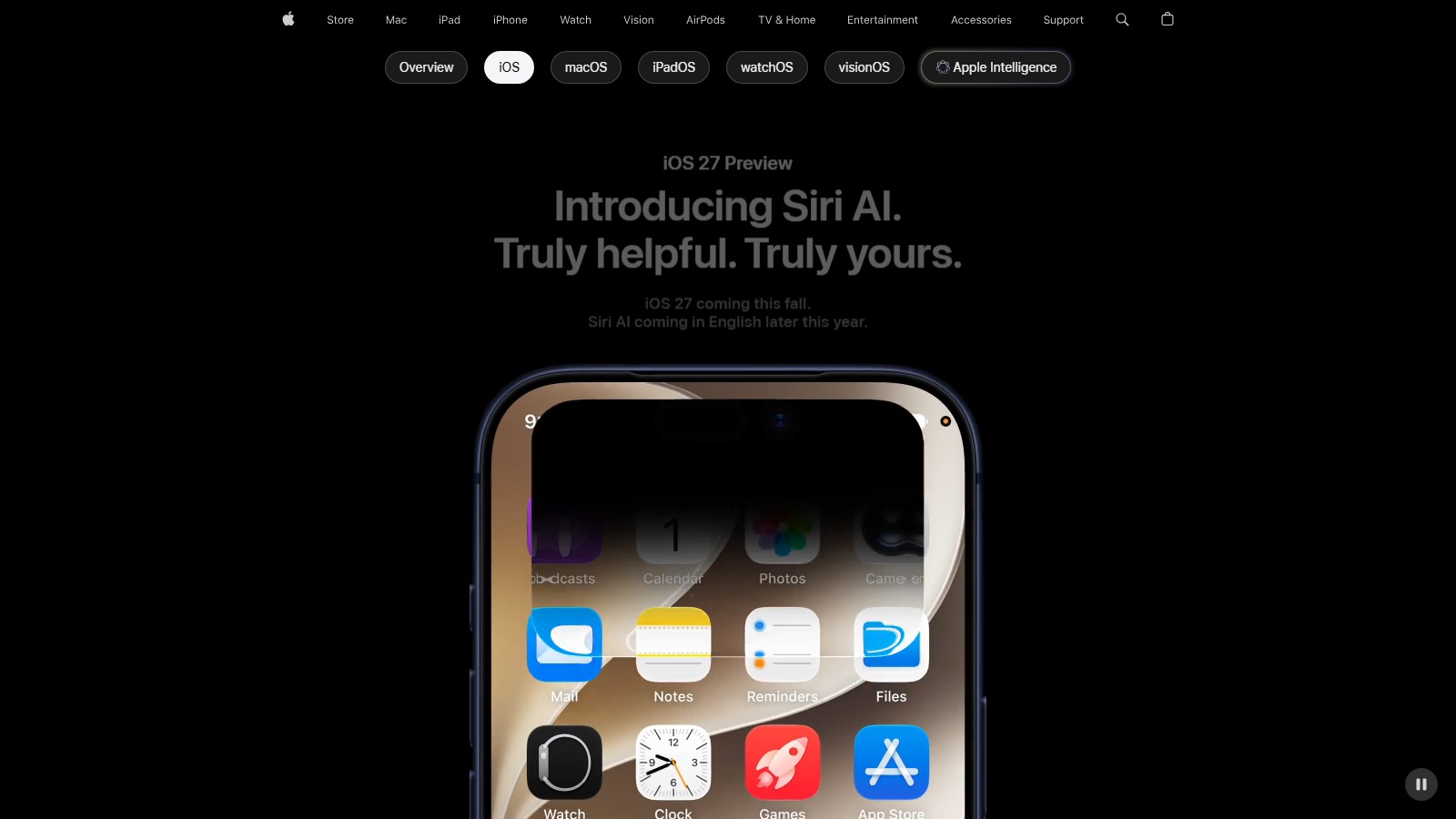
Apple pushed the first iOS 27 developer beta to registered Apple Developer accounts today, and the headline feature is the new Siri AI. Before you tap install on the iPhone you actually use every day, it is worth knowing which iPhones support iOS 27, how the install actually works, and who the dev beta is really for. iOS 27 ships publicly this fall, and Apple’s public beta page currently lists iOS 27 as “coming soon” — no firm date yet.
Which iPhones Support iOS 27?
Per Apple’s iOS 27 page, the compatibility list is the same as iOS 26. If your iPhone is on this list, you can install the developer beta today:
- iPhone 17 Pro Max, iPhone 17 Pro, iPhone Air, iPhone 17, iPhone 17e
- iPhone 16 Pro Max, iPhone 16 Pro, iPhone 16 Plus, iPhone 16, iPhone 16e
- iPhone 15 Pro Max, iPhone 15 Pro, iPhone 15 Plus, iPhone 15
- iPhone 14 Pro Max, iPhone 14 Pro, iPhone 14 Plus, iPhone 14
- iPhone 13 Pro Max, iPhone 13 Pro, iPhone 13, iPhone 13 mini
- iPhone 12 Pro Max, iPhone 12 Pro, iPhone 12, iPhone 12 mini
- iPhone 11 Pro Max, iPhone 11 Pro, iPhone 11
- iPhone SE (2nd generation and later)
How To Install The iOS 27 Developer Beta
Per Apple’s beta install guide, the install takes a few minutes once your iPhone is signed in with the right Apple Account. The official steps are:
- Back up your iPhone first. iCloud or a Mac or PC backup both work, and you will want this to roll back if the beta breaks something.
- Make sure your iPhone is signed in with the Apple Account tied to your Apple Developer access.
- On iPhone, go to Settings > General > Software Update > Beta Updates.
- Choose the iOS 27 Developer Beta.
- Return to Software Update and install when it appears.
Apple also recommends enabling Developer Mode after the install if you plan to build and run apps from Xcode.
Who Should Wait For The Public Beta?
The short answer: not on your primary iPhone. Apple’s developer betas are intended for people who can absorb the rough edges. Apple explicitly recommends a full backup before installing and using a secondary device rather than your main phone. Early builds typically run hotter, drain the battery faster, and crash in third-party apps that have not been updated for the new SDK.
Developers are the obvious install group, since they need Xcode 27 and the new SDKs to test their apps against the release. Enthusiasts with a spare iPhone or iPad they can live without for a few months are a reasonable second group, especially if you are curious about Siri AI.
For everyone else, the right move is to wait. Apple’s public beta page currently lists iOS 27 as “coming soon” with no firm date, and the stable iOS 27 release is expected this fall. One more caveat: per Apple’s iOS 27 page, Siri AI itself is launching “in beta later this year” in English first, requires an Apple Intelligence-enabled device set to a supported language, and will not be available in the EU on iOS or iPadOS at first. So even after the dev beta installs, the headline feature will not be live for everyone on day one. For more Apple coverage, follow our Apple news hub.