
























Google Meet Gemini notes are getting more control for people who want a cleaner recap after a meeting. In a Google Workspace Updates post, Google says users can choose which sections appear in AI-generated Meet notes and use a new Decisions section to track meeting outcomes.
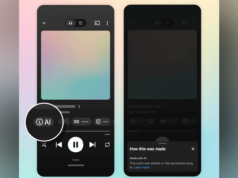
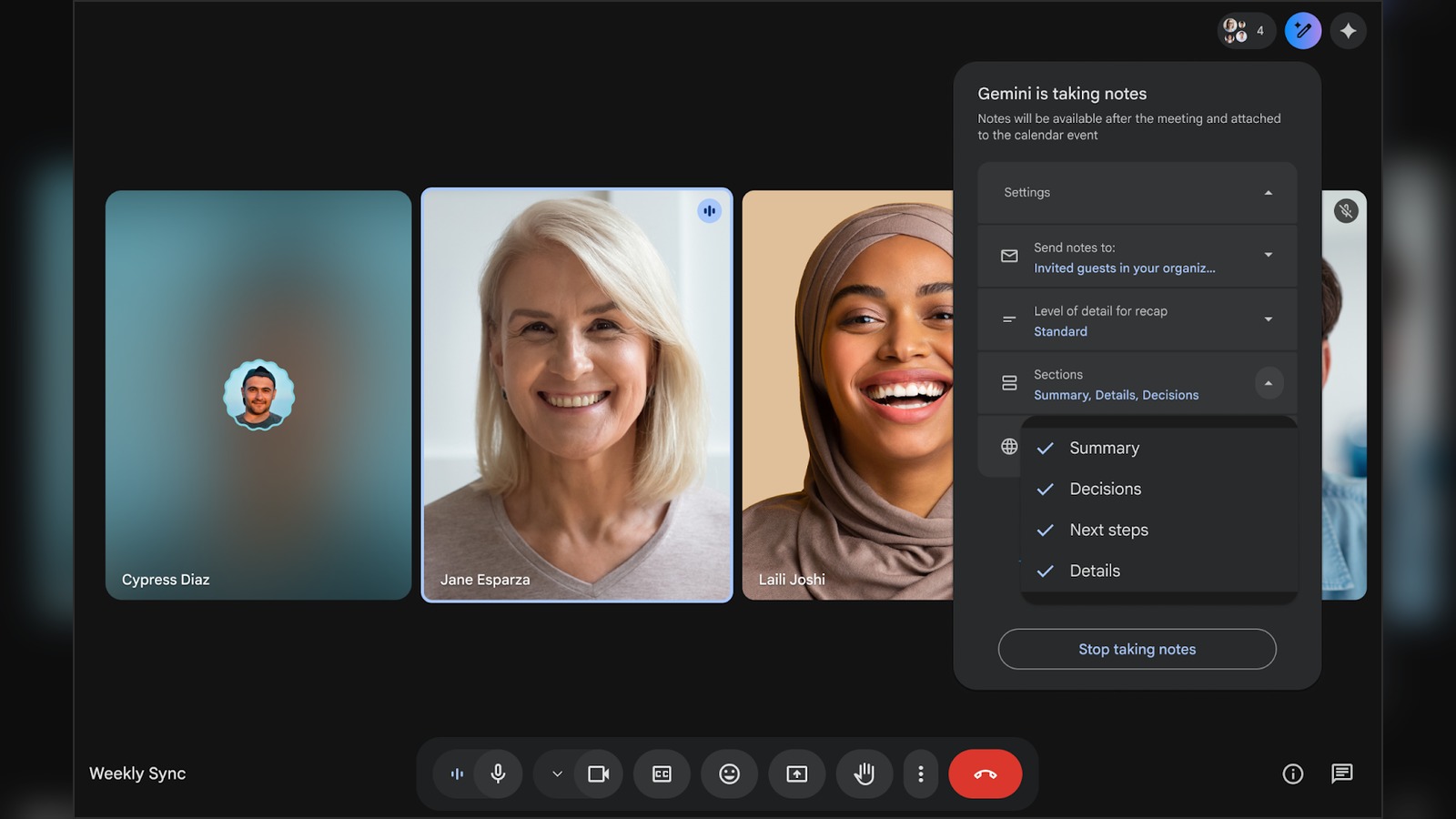
Previously, “Take notes for me” could already create a Google Doc with meeting notes, summaries and follow-up items. Now, Google is making the output less one-size-fits-all. During a call, users can toggle Summary, Decisions, Next steps and Details from the in-call notes menu.
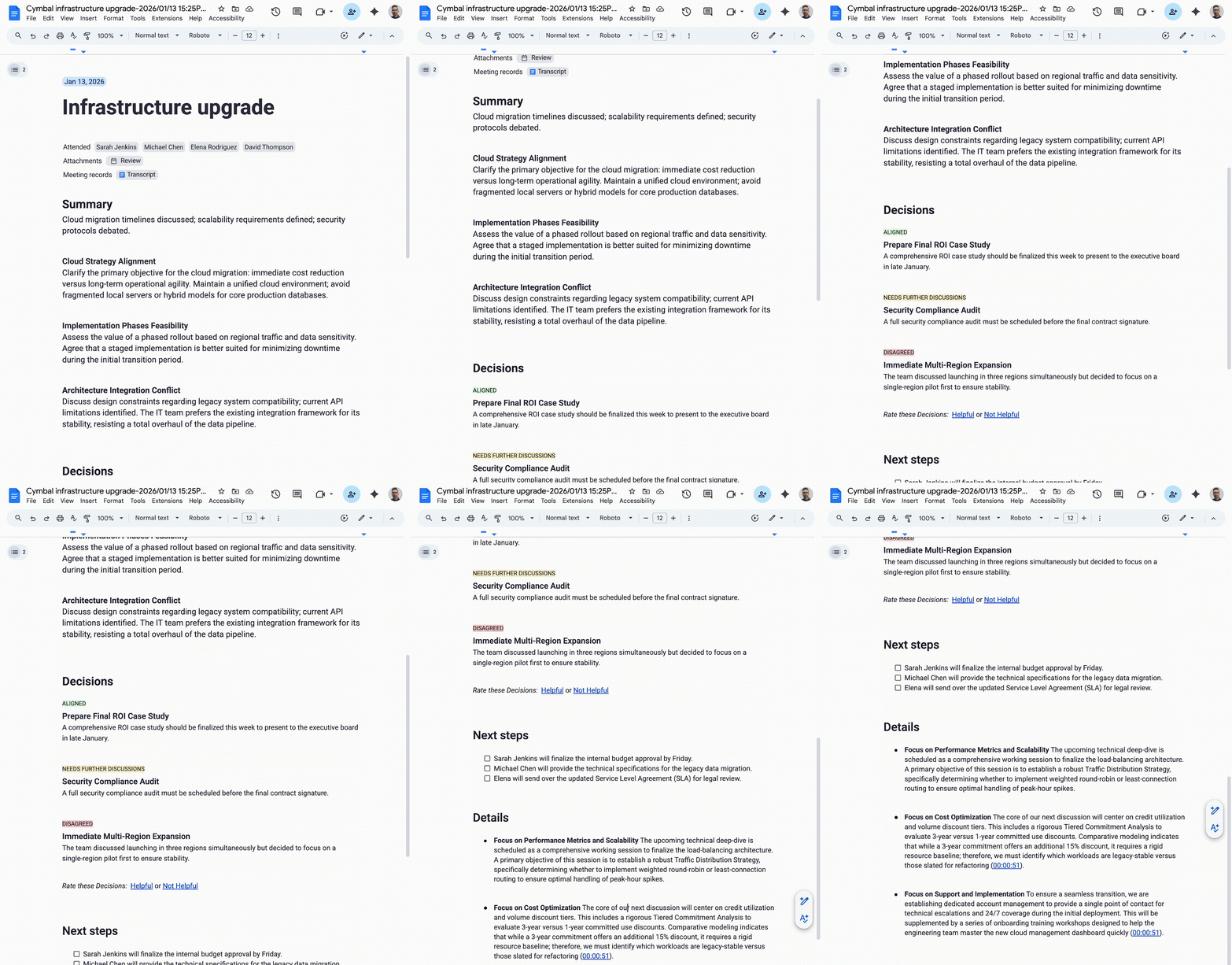
The Decisions section is the most useful change. Google says it can capture outcomes and label their status as Aligned, Needs further discussion, Disagreed or Shelved. That makes the feature feel less like a transcript helper and more like a lightweight project record.
Meanwhile, Google says the Summary section should become more concise and scannable. That matters because AI meeting tools often create a different problem: they save people from typing, then hand them a long document that still needs cleanup.
There are rollout limits. Google says the Decisions section initially works in English only, and the update began a gradual rollout on April 30, 2026, for Rapid Release and Scheduled Release domains. Eligible plans include Business Standard and Plus, Enterprise Standard and Plus, Frontline Plus, Google AI Pro for Education, and Google AI Pro and Ultra.
Google’s Meet Help page adds a useful caveat: some customization settings can depend on feature availability and administrator settings. Therefore, a Workspace user may see the feature later than someone on another domain.
For teams that already live in Google Workspace, this is a practical Gemini update. The value is not flash. It is getting meeting notes that separate decisions from next steps without forcing someone to reformat the recap afterward.
It also fits Google’s larger push to make Gemini useful inside daily work apps. As Tech My Money covered with Gemini Spark, Google is trying to turn AI into a workflow layer across email, docs, meetings and follow-up tasks. Cleaner Meet notes are a small piece of that bigger plan.