

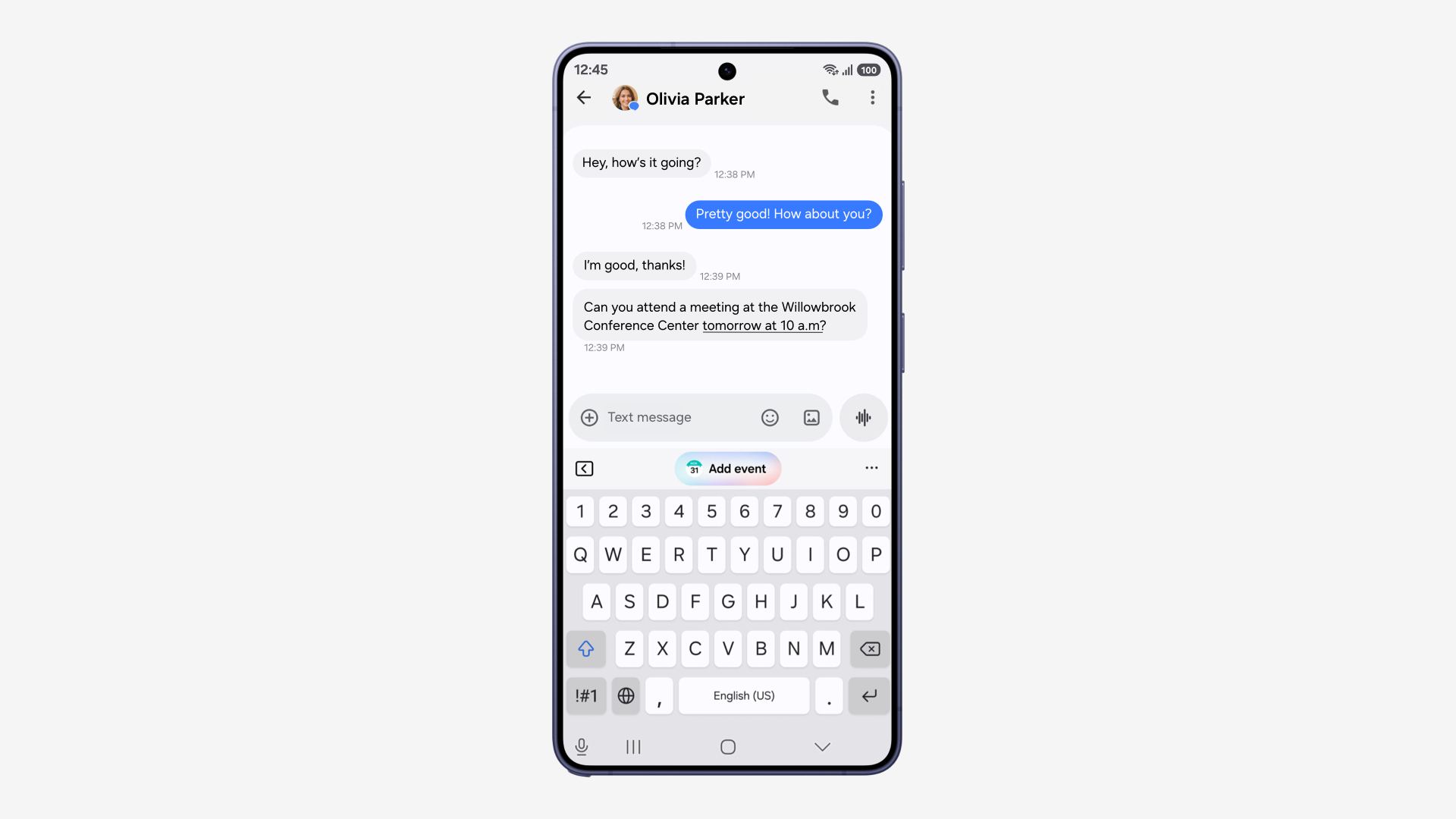
Samsung One UI 9 is rolling out to the Galaxy S26, S26+ and S26 Ultra. Samsung’s September 16 announcement brings the software beyond its latest foldables. However, the start of a rollout does not mean every eligible phone receives it at once.
What Samsung One UI 9 adds
My FanCam follows a person you select in an existing recording, adjusting the framing to keep them centered. Meanwhile, editable Now Brief cards let users shape daily summaries around subjects such as weather, health and video.

Video: Samsung U.S. Newsroom. My FanCam demonstration.
Now Nudge also expands its contextual suggestions. Warranty and Care puts coverage checks, diagnostics and service options inside Settings. These changes could be more useful day to day than another visual refresh: they target editing time and the friction of finding support.
Check the feature requirements
However, individual tools have conditions. My FanCam needs a Samsung account and footage measuring at least 720 by 720 pixels. Now Brief needs personal data intelligence enabled, while Warranty and Care options differ by region.
Samsung says its basic Galaxy AI features remain free. Enhanced Samsung features and third-party AI tools can have separate terms and fees. Therefore, don’t read the update announcement as a blanket promise that every AI service is free.

Video: Samsung U.S. Newsroom. Now Brief card demonstration.
How to check your Galaxy for the update
Open Settings and find Software update or System updates. Then select the available update-check option. Samsung’s official installation guide lists labels including Download and install and Check for system updates; wording depends on the device and carrier.
If a download appears, follow the phone’s installation prompts. Some carriers require Wi-Fi, so use that connection if the check will not proceed. Also, set aside a time when you can leave the phone alone: Samsung says calls and files are unavailable during installation.
This is the next stage after the S26’s One UI 9 beta. Our earlier coverage of the S25’s One UI 8.5 feature update provides context for Samsung’s staggered software releases. For owners, the practical test is the update offered on their own handset, followed by the features that actually appear after installation.


