

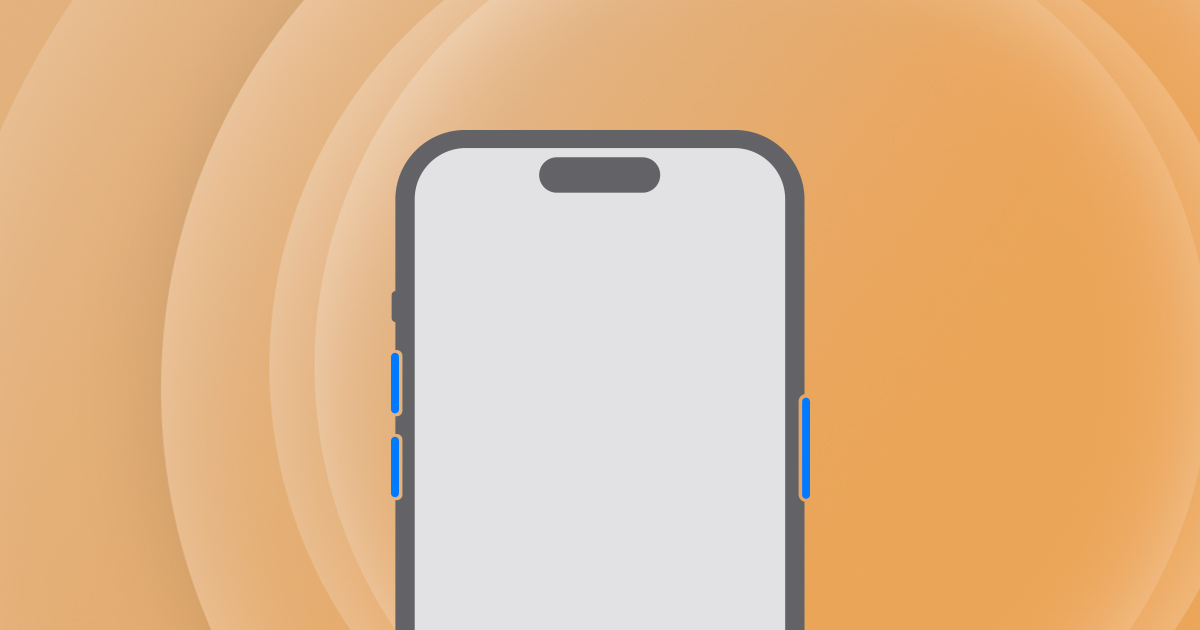
An iOS 27 freeze bug can leave an iPhone’s touch controls unresponsive, according to Benjamin Mayo’s firsthand testing. However, a force restart offers a way out. Apple’s official recovery instructions explain the button sequence, which works without dragging the on-screen power slider.
What the iOS 27 freeze bug report shows
Mayo says he reproduced the problem on an iPhone Air running iOS 27.0. He also reports encountering it in the iOS 27.2 beta. His demonstration involves opening Notification Center and then quickly switching to Control Center before the first animation finishes.
Afterward, Camera and flashlight controls can linger in the wrong place. Meanwhile, Home Screen swipes and taps inside apps stop responding reliably. Even the normal shutdown slider can become unusable, according to his account.
However, that is evidence of a temporary software lockup, rather than proof of permanent hardware damage. Tech My Money has not independently reproduced the issue. Also, the report does not establish how many iPhone models or users it affects.
How to force restart an unresponsive iPhone
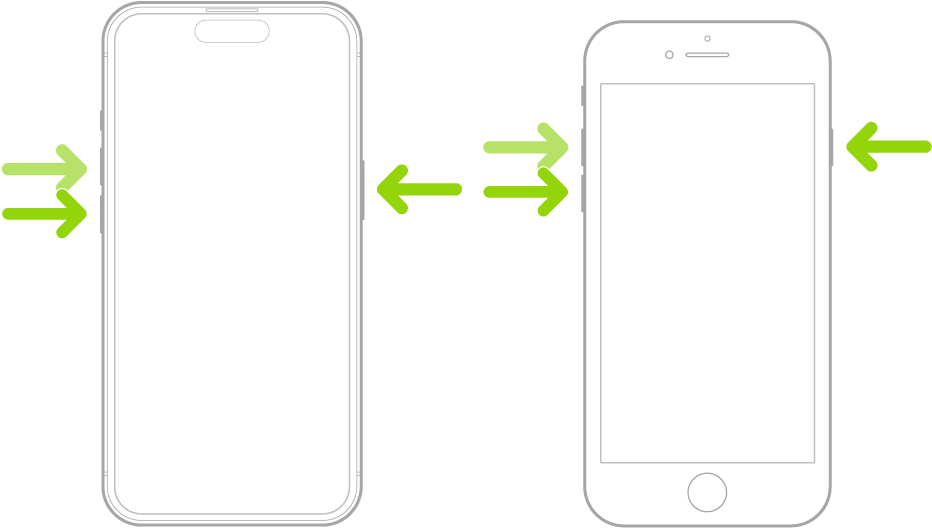
For a modern iPhone, Apple lists three actions in this order:
- Quickly tap and release Volume Up.
- Next, do the same with Volume Down.
- Then keep the side button held until you see the Apple logo.
Importantly, Apple says the final hold can take longer than 10 seconds. Therefore, don’t let go immediately because the display has not changed. This sequence uses the physical buttons, so it avoids the touch controls involved in the reported freeze.

A recovery step, not a software fix
Still, a restart does not install a patch. Apple’s support page provides general recovery guidance; it does not confirm this specific bug or promise a repair date.
If the phone will not power on afterward, Apple recommends charging it for an hour before trying again. Persistent startup trouble may need service, rather than repeated attempts to reproduce a social-media prank.
The report follows the September 14 iOS 27 release. Meanwhile, our guide to iOS 27 creator features covers what the update adds. For now, keep the restart sequence handy if normal controls stop working.


