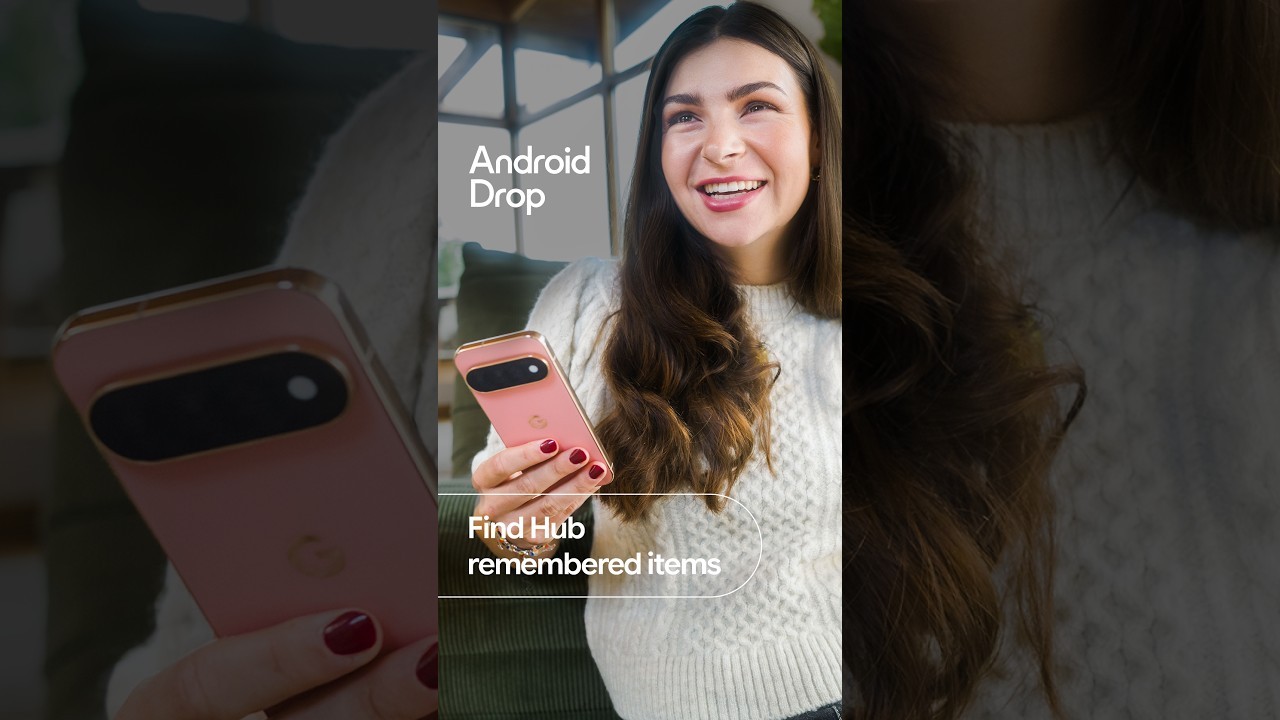
Gemini Find Hub remembered items let an Android 16 phone log where you put a passport or spare key. You do not need a tracker tag. Google spelled out the steps in Android Help after the September Android Drop.
Find Hub already maps phones, earbuds, and tags such as the Google Pixel Tag. However, you may not want to attach a tracker to important documents such as a birth certificate or car title. Instead, Gemini Find Hub remembered items store the location you describe, with an optional photo, in the Remembered tab.
How to save a remembered item with Gemini Find Hub
Install Find Hub and Gemini. Sign both into the same Google Account. Then set Gemini as the default digital assistant. If commands do not save your items, enable Find Hub under Connected Apps in Gemini’s settings.
Say something like, “Hey Google, remember in Find Hub that I put my passport in my bedroom drawer.” Google also lists shorter lines, such as “Save to Find Hub that the spare house key is under the front porch mat.”

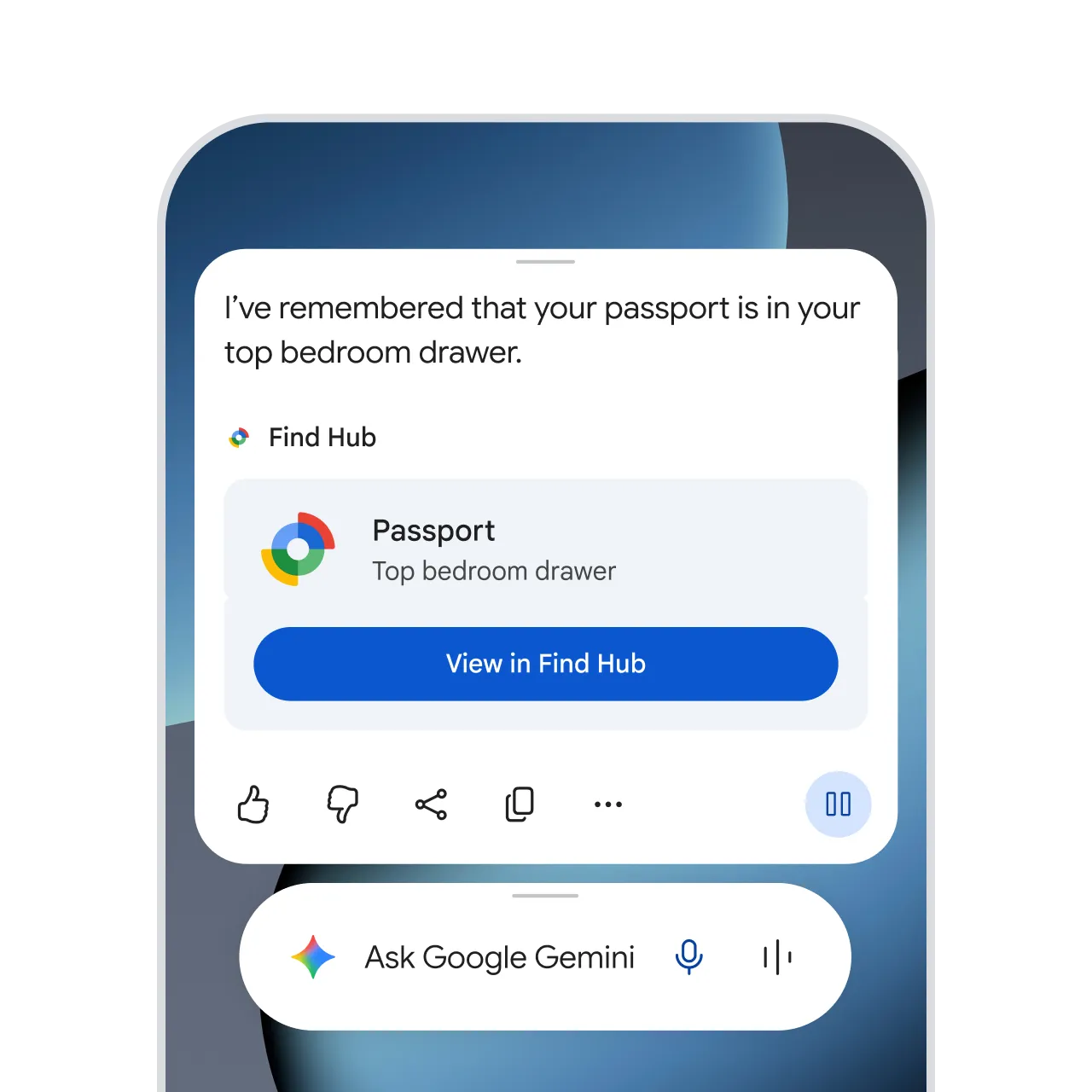
You can also open Find Hub, tap Remembered, then Add. Fill in a name, a storage spot, and a location such as Home or a street address. With location permission, Find Hub can detect and save your current address when you add or update an item. Allow all the time lets it save locations even when the app is closed.

How to find it later
Ask Gemini, “Hey Google, where is my passport?” It should answer with the last saved spot and a Find Hub link. You can also browse the Remembered tab, or search the list.
Later you can add up to two photos and a notes field. To move an item, say “update” or “move,” or edit Storage spot and Location in the app. Using the same name updates that item instead of making a duplicate.
What it cannot do
Google says the tool is for physical things: documents, glasses, keys, tools, a parked car, or a picnic blanket. It will not track digital files, abstract ideas, or events. Also, remembered items stay in your own Google Account. Family sharing is not available.
Gemini needs an internet connection to save or recall by voice. Meanwhile, you can usually still view saved items in Find Hub if you temporarily lose internet access. The feature requires Android 16 or newer in countries where Gemini and Find Hub are supported.
A hardware tag still helps when something leaves the house. The Moto Tag 2 is one Find Hub tracker with a long battery rating. Remembered items only know what you told Gemini, so the notes are only as good as the last update.