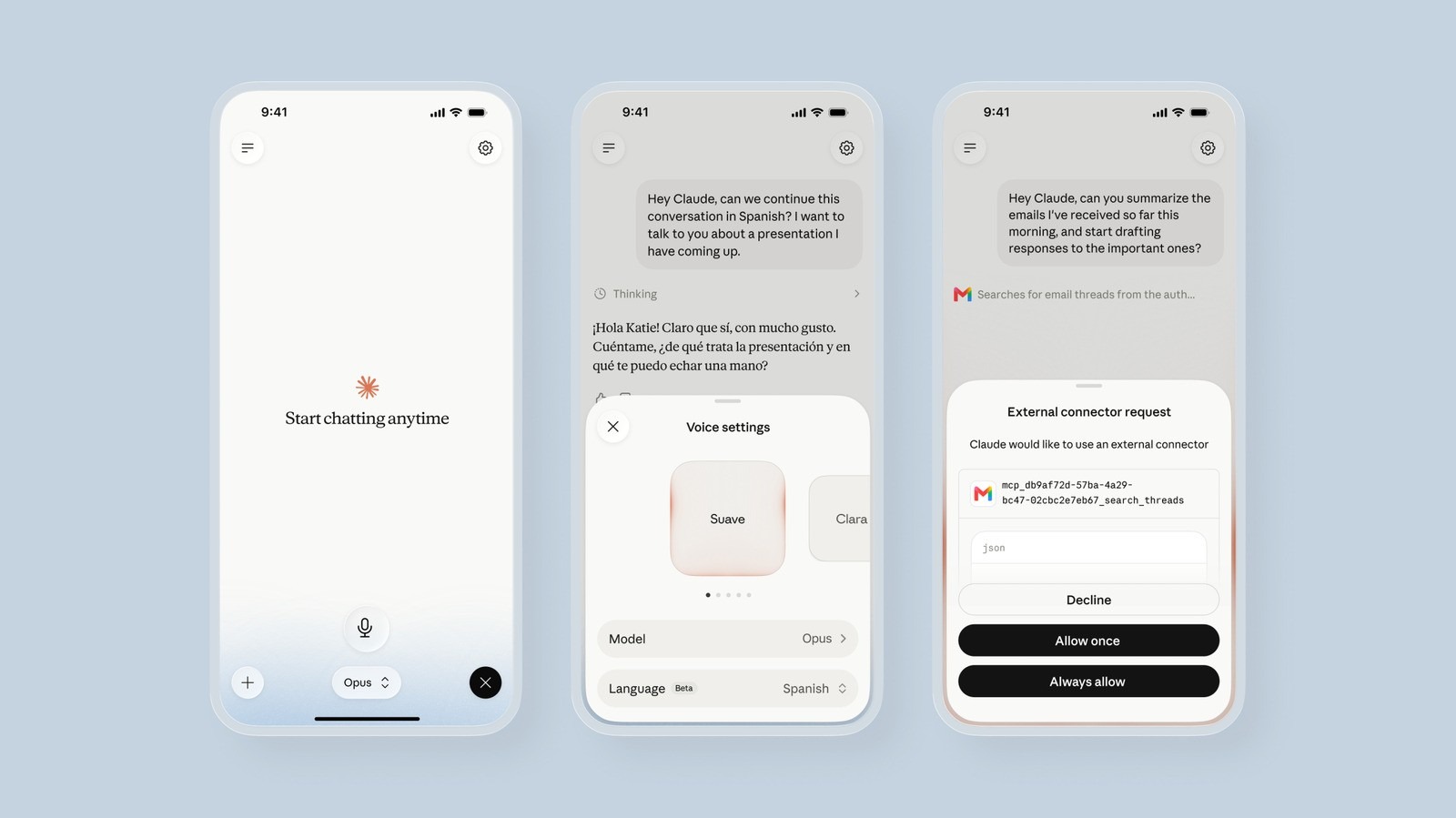
Anthropic just upgraded Claude voice mode so paid users can run spoken chats on Sonnet and Opus, not only Haiku. The Claude voice mode beta now also pulls context from connected tools like Gmail, Google Calendar, Google Docs, and Slack when you grant permission.
Therefore voice mode finally matches the model you already use for typing. Claude Help says the feature starts with the last text-chat model and automatically switches to the latest generation of that family. You can also switch Haiku, Sonnet, or Opus mid-conversation through the model picker.
Smarter models for spoken work
Until this update, Anthropic kept voice on Haiku to cut latency. That choice helped quick answers but struggled with harder requests. Paid plans now inherit Sonnet or Opus intelligence for spoken sessions. Anthropic notes that voice mode uses the fastest version of whichever model you select so the conversation stays responsive.
Free accounts still route voice through Haiku. Free users also keep a single connected tool, while paid plans can connect more. Claude Fable does not ship in voice mode yet, according to the Help Center.


Connected apps during voice chats
Claude can use your connected tools inside a voice conversation. You can ask for an email catch-up, a calendar check before a meeting, or a Slack thread summary without leaving the spoken session. Tool use follows the same plan rules as text chat. Using several tools at once can add a short delay, and not every result appears on screen in voice mode.
Hands-free mode listens for natural pauses and answers when you finish a thought. Push-to-talk mode gives more control in noisy rooms. You can interrupt Claude by speaking again, switch between text and voice in the same thread, and keep full context across both modes.

Languages, limits, and architecture
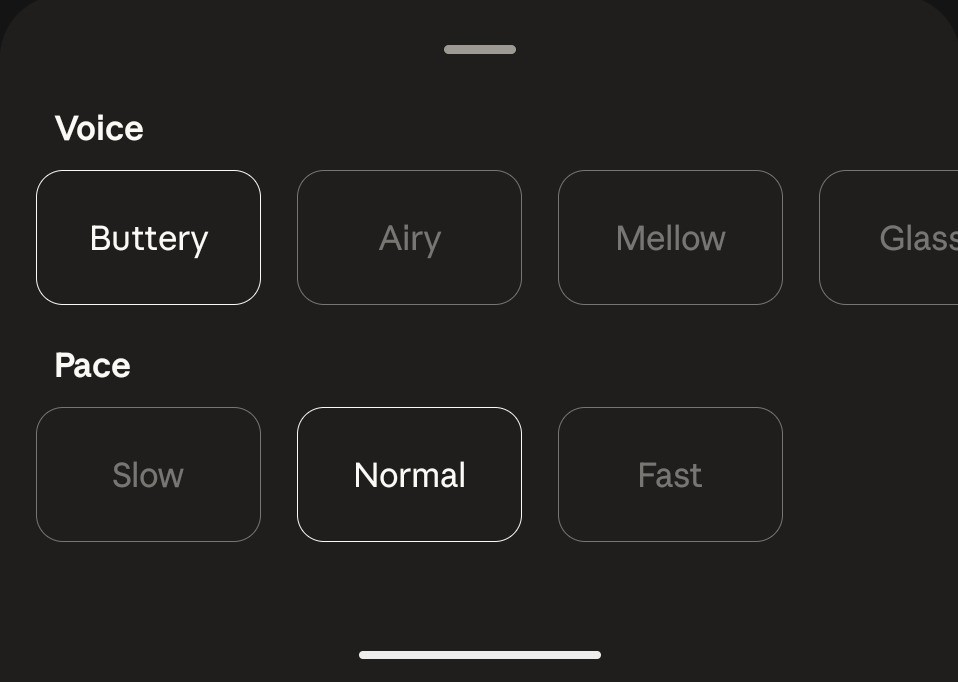
Voice mode supports many more languages on Free, Pro, Max, Team, and Enterprise plans across mobile, desktop, and web. Multilingual support remains in beta. Set the spoken language under Settings, General, Voice, Language, because display language does not change voice language by itself. You can also ask Claude to switch languages during a session.
Engadget reports that an Anthropic spokesperson described a turn-based design: Claude listens, pauses to think, then answers. That approach differs from full-duplex systems that process speech and audio at the same time. Anthropic told Engadget this release focuses on intelligence and tool access, with more voice investment later this year.
Where it fits
Voice conversations still count toward regular usage limits. Transcripts land in chat history like text chats. Voice mode does not cover Claude Cowork or Claude Code; those surfaces keep dictation but not full two-way voice.
The upgrade lands in a busy voice-assistant race. Tech My Money covered how ChatGPT Voice Mode moved to full-duplex GPT-Live listening. Separately, Claude keeps growing as a work surface, including tools like 1Password for Claude agent logins that hide secrets. Smarter models and connectors make Claude voice more useful for real tasks – as long as you accept turn-based pacing and plan limits.