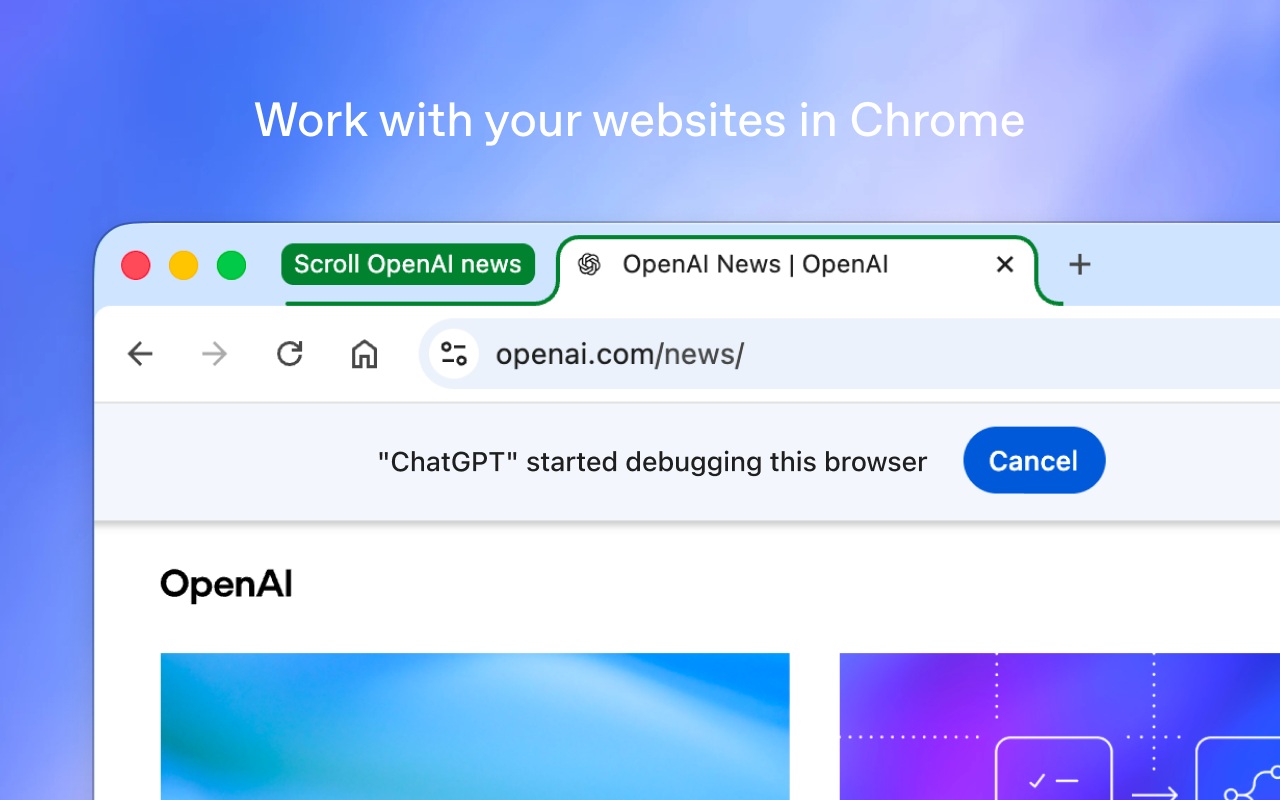
OpenAI updated the ChatGPT Chrome extension on October 15, 2026, bringing browser-based computer use directly to open tabs. According to the official Chrome Web Store listing, the add-on connects desktop and web ChatGPT to live browser sessions. As a result, users can pull context from open pages and automate browser tasks without leaving their active window.
OpenAI says the update splits browser capabilities between its Chat and Work modes while adding a side-by-side browser panel. Beyond Google Chrome, the extension supports other Chromium-based browsers, including Microsoft Edge, Brave, and Opera. OpenAI also confirms the extension is available across all ChatGPT plans.
How the ChatGPT Chrome Extension Separates Chat and Work
The update gives each mode a distinct role when interacting with open browser tabs. When users choose Chat mode, the assistant reads across multiple open tabs to gather information and answer questions. For example, OpenAI’s launch thread suggests comparing three open couches by dimensions, material, delivery time, and return policy.
Meanwhile, switching to Work mode lets the assistant control Chrome tabs to complete multi-step tasks. Building on ChatGPT Work on desktop and web, the browser tool fills out forms, sends messages, and downloads files. Work can also organize and group a cluttered row of open tabs into tidy topic folders.

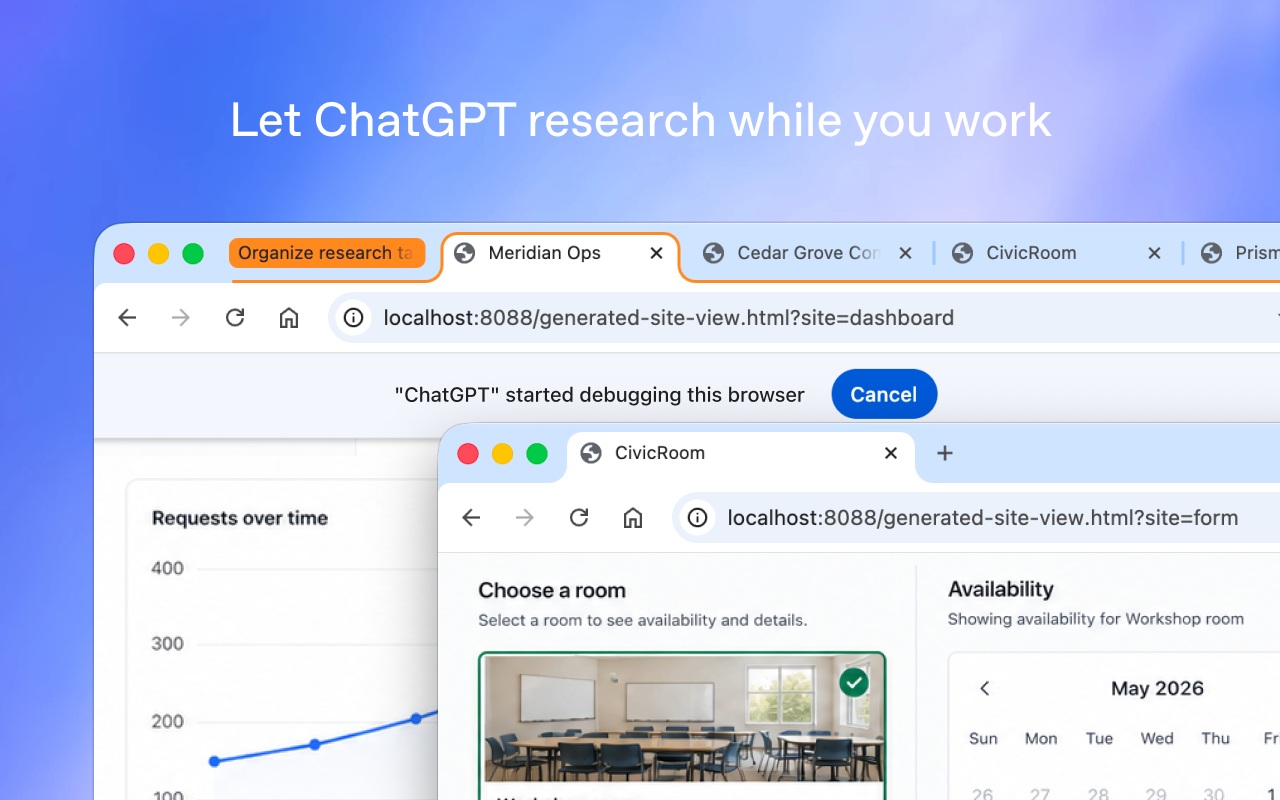
OpenAI notes that these browser actions run alongside the user in the background. Consequently, the assistant does not take over the active browsing session while completing assigned work. Instead, users can continue browsing in other tabs while the extension processes tasks in parallel.
Side-by-Side History and Connected Workspace Tools
Alongside multi-tab control, OpenAI overhauled the in-tab sidebar experience. Users can now access their full ChatGPT conversation history inside a tab and work beside any webpage. The ChatGPT Chrome extension also supports installed plugins and local file system access when connected.
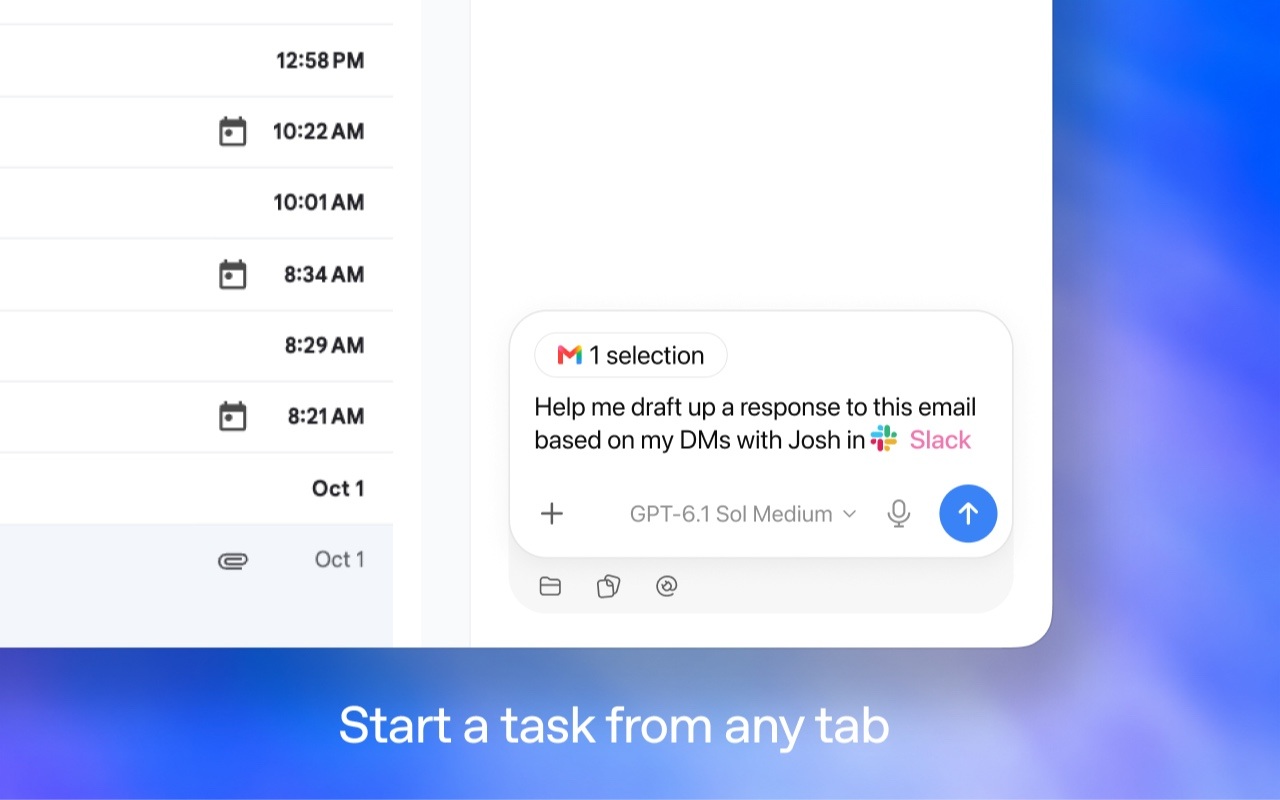
Next up: using ChatGPT right within a Chrome tab got a major upgrade – the full power of ChatGPT is now in your browser. Your entire ChatGPT history is right there, and you can ask question in Chat or get things done in Work – side by side while you’re on a site.
— ChatGPT (@ChatGPT) October 15, 2026
Watch OpenAI’s 48-second side-by-side Chrome history video on X (@ChatGPT)
That browser integration complements OpenAI’s broader push into personal AI agents across everyday workflows. In its store documentation, OpenAI lists several practical tasks for signed-in websites and business tools. The extension creates and edits documents, spreadsheets, and slides, or enters data into timesheets, inventory tools, and CMS dashboards. It can also file expenses, download images in bulk, and validate checkout flows on authenticated sites.
Browser Compatibility, Permissions, and Plan Availability
Because the extension reads and acts inside live sessions, OpenAI includes permission checkpoints for sensitive actions. The company states that ChatGPT always asks for user permission before referencing browser history or uploading and downloading files.
Still, prospective users should review the Chrome Web Store privacy disclosures before installing the add-on. OpenAI discloses that the ChatGPT Chrome extension may handle personal, financial, authentication, communication, web history, and website content data. However, OpenAI certifies that it does not sell user data outside approved use cases or use it for creditworthiness decisions.
In a follow-up post on X, OpenAI says the updated extension is available for all ChatGPT plans. Version 1.26.1005.11759 is a 1.07MiB download on the Chrome Web Store. As of October 16, 2026, the listing shows 7,000,000 users and a 2.2-out-of-5 rating across 922 reviews.