




























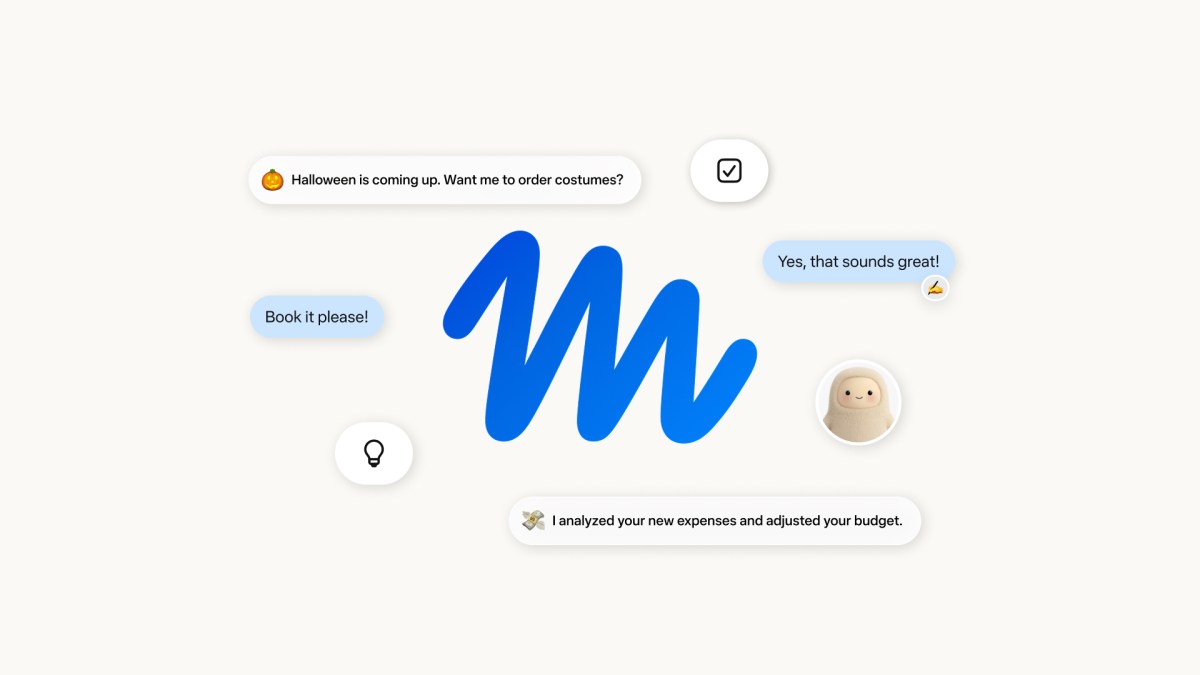
The Meta Muse launch brings the personal AI agent to US users for shopping, email and travel tasks. In its September 8 announcement, Meta describes an assistant that can keep working after you close the app. However, that convenience comes with decisions about account access, purchase approvals and personal data.
Muse is available through iOS, Android and muse.ai. Meanwhile, Meta says smart glasses support will follow. Basic use is free, with subscriptions for heavier use; the announcement does not list subscription prices.
What the Meta Muse launch offers
Muse can turn a request into a plan, then use a browser to carry out its steps. For example, it can help compare shopping options, prepare emails or organize a trip. It also asks for approval before sensitive actions such as sending an email or buying something.
Meta’s launch video introduces the service and its intended uses. However, this is a company demonstration; Tech My Money has not independently tested those tasks.
The shift matters if a useful chat answer still leaves you with work to finish. A travel suggestion, for instance, does not organize an itinerary by itself. An agent promises to carry that work forward. Still, the value depends on whether it follows your instructions accurately.
Meta Muse launch: goals and activity
Meta’s design notes explain how Muse presents ongoing work. The Goals view separates longer plans from tasks it is already tracking. For example, the official screenshot below shows meal planning and a family trip with brief progress updates.
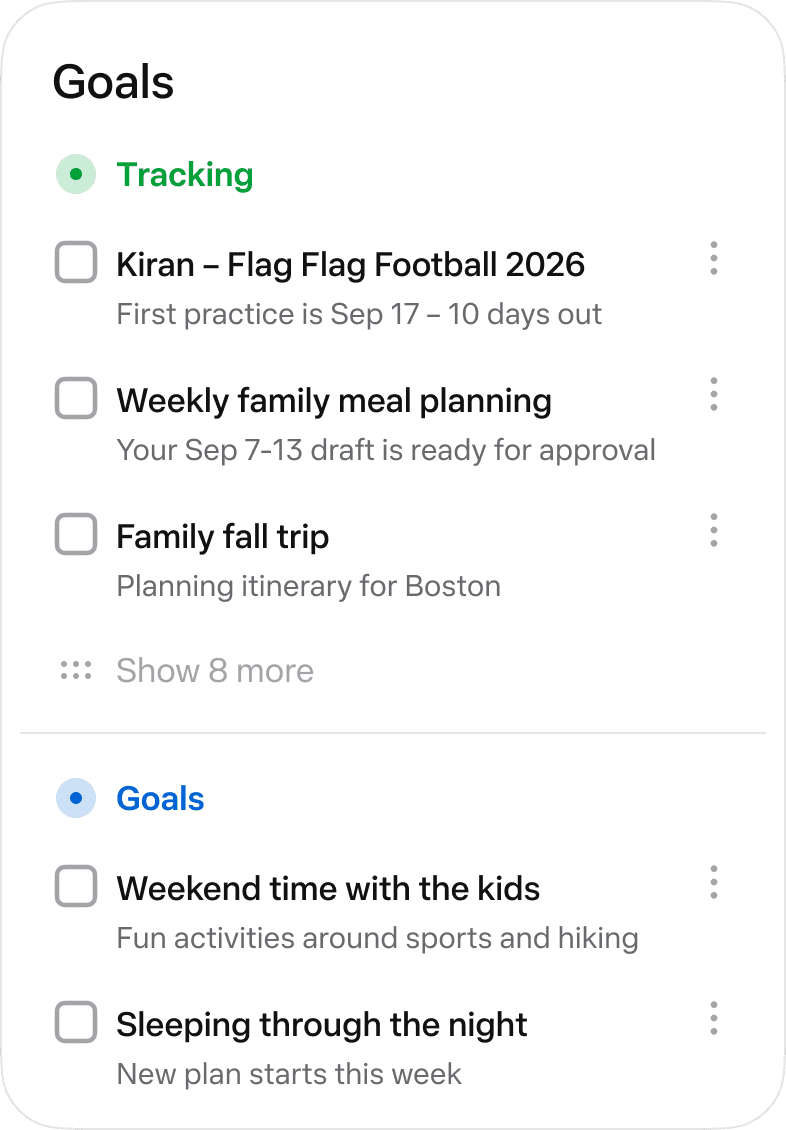
Meanwhile, an activity indicator opens a log of what the agent is doing. Muse also supports separate conversations for different contexts. These controls give users places to check the work without relying only on a final answer.
Additionally, Meta says users can inspect and edit the memory files Muse keeps about them. Its design notes also describe outputs such as documents, web pages and dashboards. That matters because the result of a task may need to live outside a conversation. For example, a saved itinerary is easier to revisit than a long exchange about possible destinations.
That builds on Meta’s broader push beyond mobile chat, including its Meta AI desktop app for Mac. However, readers should also distinguish this consumer service from the Muse Glimmer model covered previously. A model announcement and a finished assistant describe different things.
Purchase approval deserves a close look
Meta’s checkout example presents the merchant, order total and payment method alongside Allow and Deny buttons. It also asks the user to review the merchant’s terms. The screenshot illustrates an approval flow, not a shopping recommendation or a verified deal.
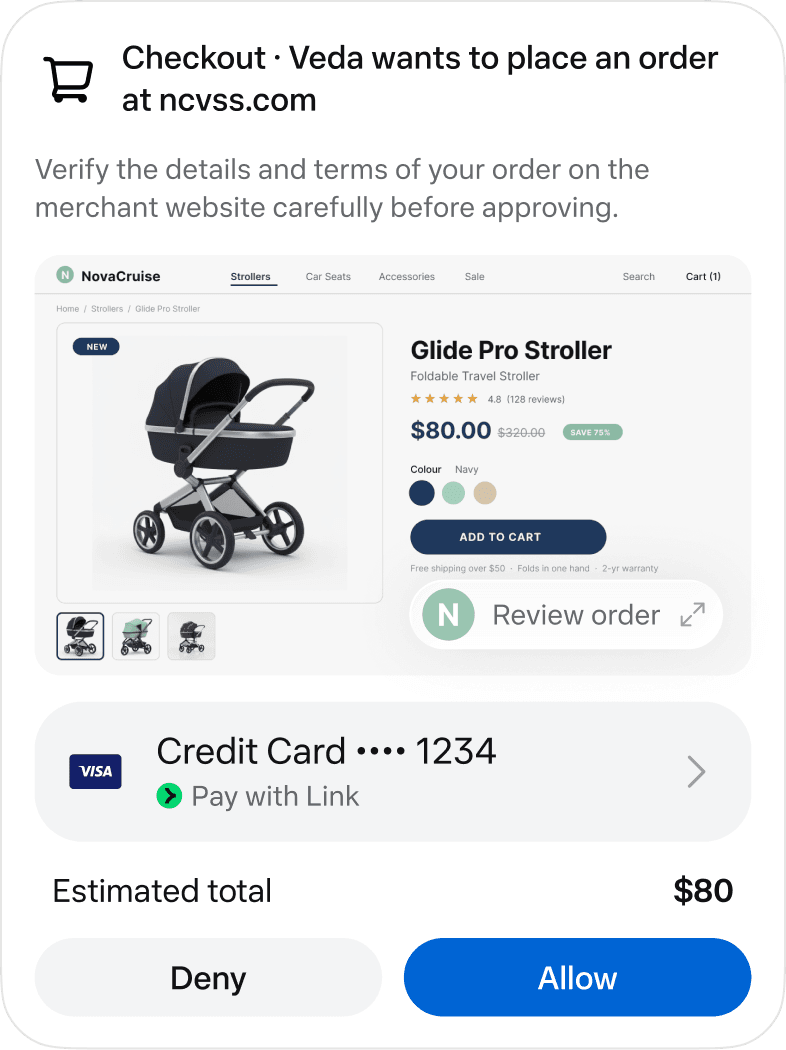
For payments, Meta says Link by Stripe supplies a single-use card. Meanwhile, Shop Pay and 1Password support remain planned additions in the launch announcement. Readers should therefore check which connections are available before building a routine around them.
Approval is a decision, not a guarantee of a good outcome. In particular, a correct-looking total does not settle whether the item, seller or delivery terms suit your needs.
Privacy now and protections planned for later
In its security and safety explanation, Meta describes a separate virtual machine for each user’s agent. A separate permission system, Sentinel, controls sensitive access. However, the current Secure VM does not rule out Meta access needed to operate and support the service.
By contrast, Meta plans Confidential VM protections intended to prevent even Meta from accessing the environment. That stronger mode is a future feature, not a launch-day promise users can assume already applies.
Users can also opt out of model training. Meta says it does not send VM conversations to its advertising systems. However, visits to shopping sites can still indirectly affect ads through activity outside that environment.
These distinctions matter before connecting personal accounts. Ultimately, the useful test is whether Muse can complete a real task while keeping its actions understandable and its permissions manageable.