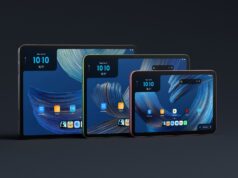























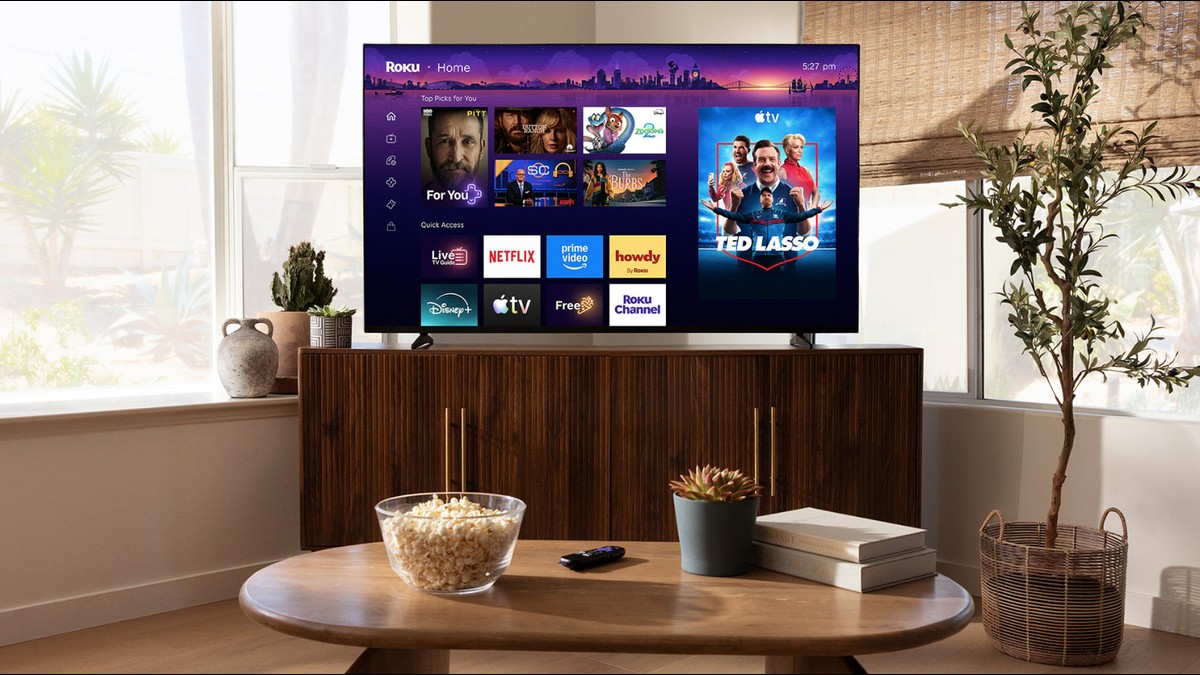
A major Roku UI redesign is rolling out to television screens across the United States today, marking the streaming giant’s first significant home screen overhaul in more than a decade. The fresh update introduces a series of dynamic, content-first changes while keeping the familiar purple interface and beloved Roku City screensaver intact.
According to Roku’s official newsroom announcement, the upgrade is centered entirely around smart personalization. Users will immediately notice a new ‘Top Picks for You’ row powered by machine learning algorithms. This row scans viewing habits across subscribed channels to suggest new movie and television show recommendations.
This major design shift marks a significant departure from the static layout that has powered devices like the TCL 55UP130 4K Roku Smart LED TV for years.
AI Recommendations and Quick Access
To help users launch their favorite entertainment faster, Roku is adding an AI-driven ‘Quick Access’ panel right below the top picks. This row dynamically populates with a user’s most frequently opened streaming channels, though viewers can still manually customize the shortcuts. Furthermore, a new ‘Your Daily Scoop’ digest row provides a curated, automated list of trending shows and pop culture news.
Roku is also introducing streamlined navigation. The left-hand navigation sidebar has been condensed into clean icons to maximize on-screen space. Eager viewers will also find elevated shortcuts for essential system tools, such as ‘Continue Watching,’ a universal ‘Save List,’ and an easily accessible sleep timer.
Controversial Marquee Ads
However, the update has also brought some controversy. The new home screen introduces larger ‘marquee’ advertisement slots, which occupy a significant portion of the primary interface. Because Roku derives a massive portion of its platform revenue from ads rather than hardware sales, the inclusion of more prominent promotions is a calculated business move.
For users who prefer a traditional, uncluttered layout, Roku has fortunately included customization toggles. Viewers can easily navigate to the Home Screen menu in the system Settings to turn off recommendation rows and the Quick Access panel, restoring the classic tile look.
Did the new Roku UI redesign land on your streaming device today? Let us know in the comments below if you prefer the new AI-powered shortcuts or if you’ll be toggling them off in the settings.