Sonos Voice Control for Lutron now lets compatible Sonos speakers control Lutron lights, dimmers, motorized shades, and scenes with spoken commands. Sonos says the integration became available on July 20, giving households another way to run supported Lutron rooms without opening a phone app.
What the new integration can do
A compatible speaker can turn lights on or off. It can adjust brightness, raise or lower shades, activate scenes, and report whether a device is on. Sonos maps speakers to Lutron Home Control rooms. Therefore, a speaker with the same name as a Lutron room can map automatically. Users can also assign a room manually in the Lutron app.
The update adds a voice route inside an audio system many homes already use. However, it does not turn every smart-home device into a Sonos accessory. Sonos lists Lutron lighting controls, dimmers, shades, and scenes among the supported actions. Thermostats and some other Lutron features remain outside this launch.
Which Lutron systems are supported
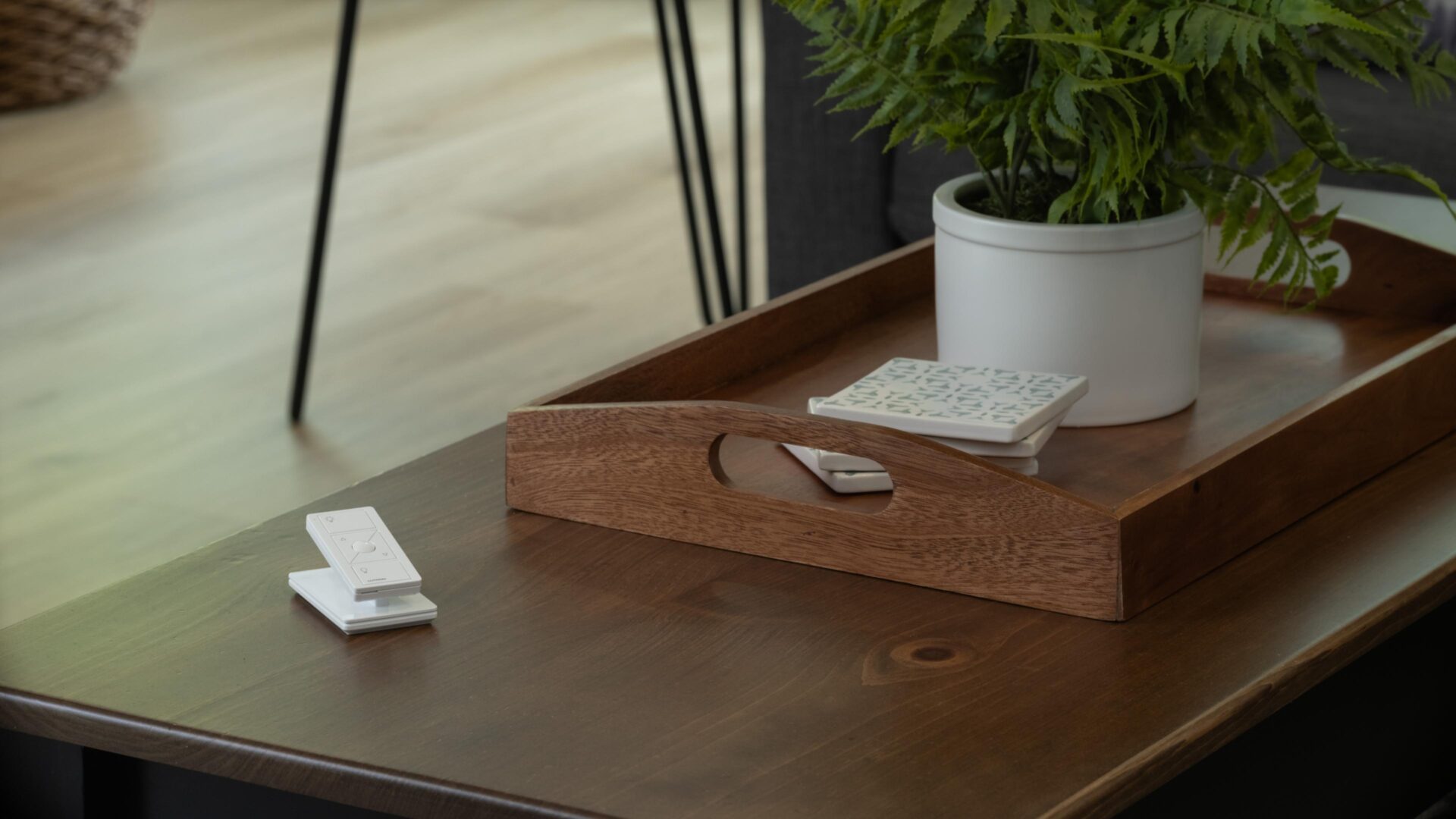
According to Sonos, setup needs a Sonos account, a Lutron account, and a voice-enabled Sonos product. It also needs a Lutron Smart Hub plus current apps and firmware. The supported systems are Caséta, Radio RA2, Radio RA3, and HomeWorks. Therefore, this is a hub-based integration, not a shortcut for standalone switches.
Caséta already connects with a wide range of smart-home brands. Lutron says its Smart Hub brings app control and connected-device integrations to Caséta devices and compatible window treatments. Meanwhile, the Sonos option joins that broader ecosystem. It follows the smart-lighting approach in our coverage of Nanoleaf’s Matter-ready ceiling light.
A local-control angle, with limits
Sonos says the commands for Lutron devices stay on the local network. That may appeal to people who want voice control without a cloud service. Still, the home network must be working. The feature is currently available in US English. It is also a control layer, not a replacement for Lutron remotes, wall controls, or the app.
To enable it, Sonos directs users to open the Lutron app and choose Settings. Next, select Integrations and Sonos, then sign in and approve device control. The approach follows the move toward voice-controlled rooms. For example, we covered the smart-home assistant changes in Amazon’s agentic Alexa plans. For eligible Lutron owners, this is a practical new choice. It does not require replacing current controls.