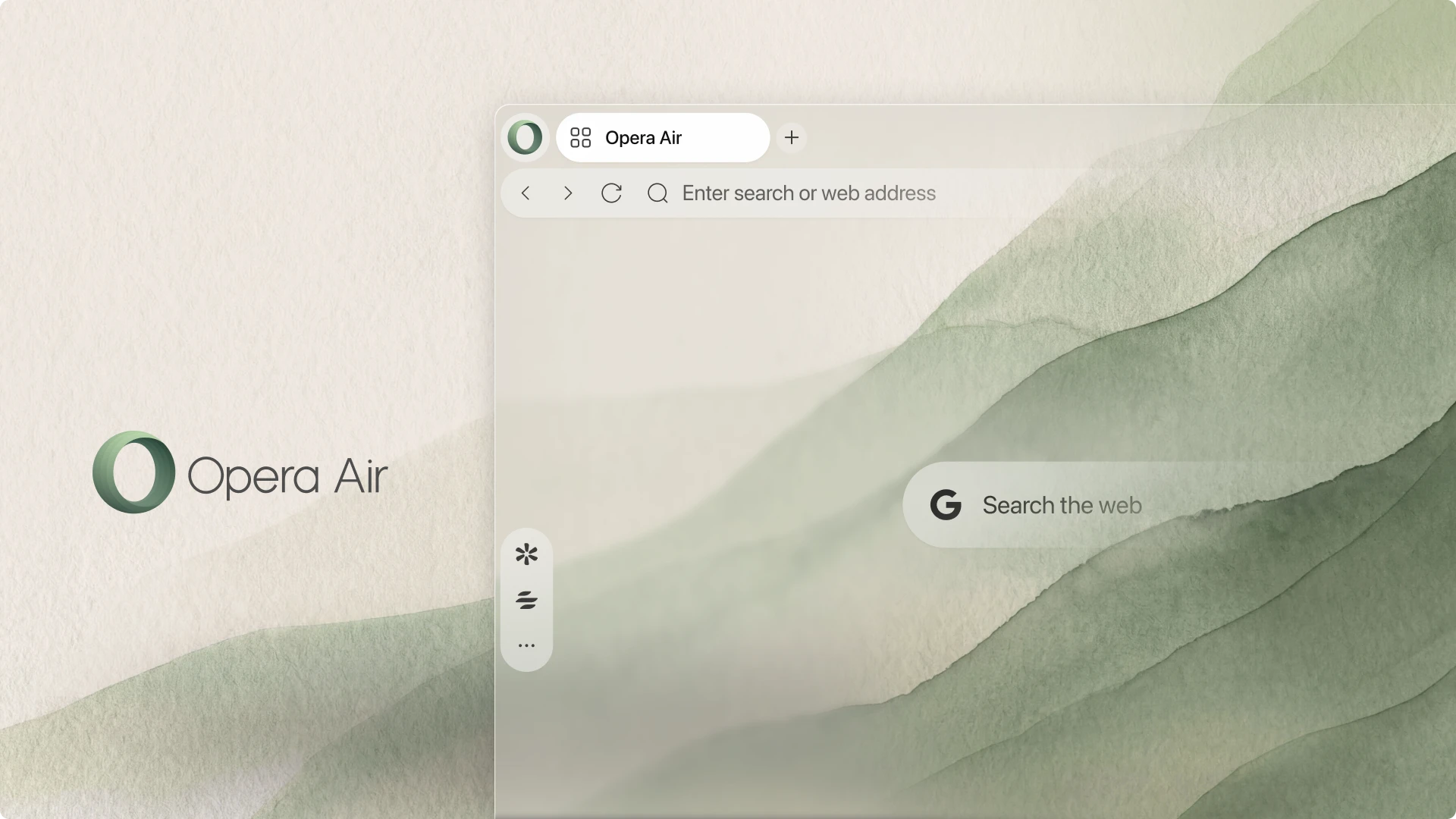
Software developer Opera has relaunched Opera Air, a stripped-back desktop web browser built specifically to counter digital distraction and workflow fatigue. While mainstream web browsers increasingly layer artificial intelligence sidebars, shopping assistants, and cluttered feed widgets over everyday navigation, the redesigned software removes visual noise by default. Specifically, the updated application arrives as a free download for Windows and macOS, combining a quiet visual canvas with dedicated ambient audio tools and guided physical resets.
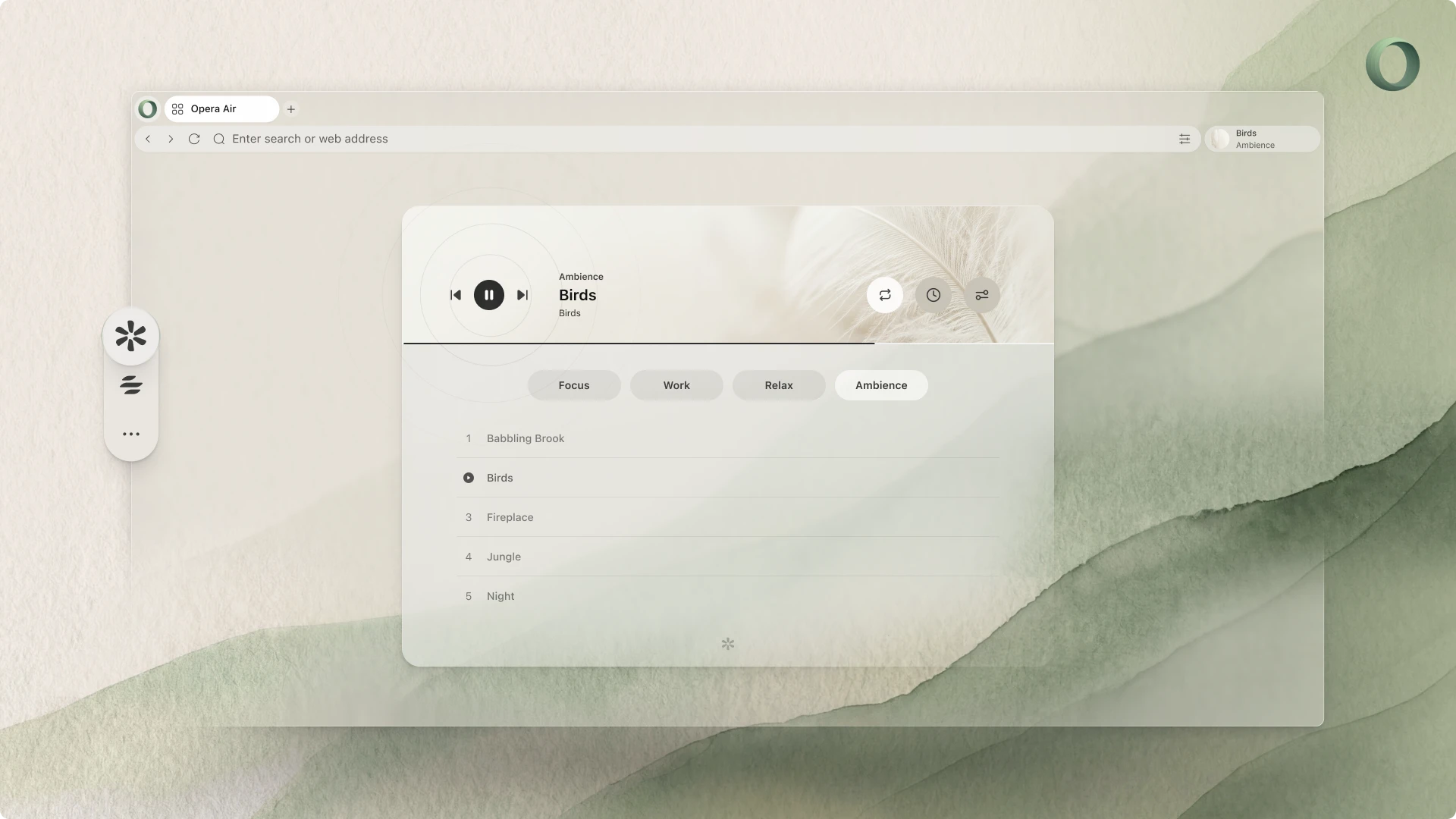
Central to the overhaul is an integrated audio player dubbed Soundscapes. Rather than requiring users to maintain separate streaming tabs or external audio players, Opera Air embeds soundtracks divided across four targeted moods: Focus, Relax, Work, and Ambience. The Ambience category delivers atmospheric environmental recordings such as Sea Waves and Spring Forest. Furthermore, the browser features five original musical compositions created exclusively for Opera Air, led by Hyperfocus, an upbeat tempo track tailored for deep-work sessions.

Breaks and physical wellness cues
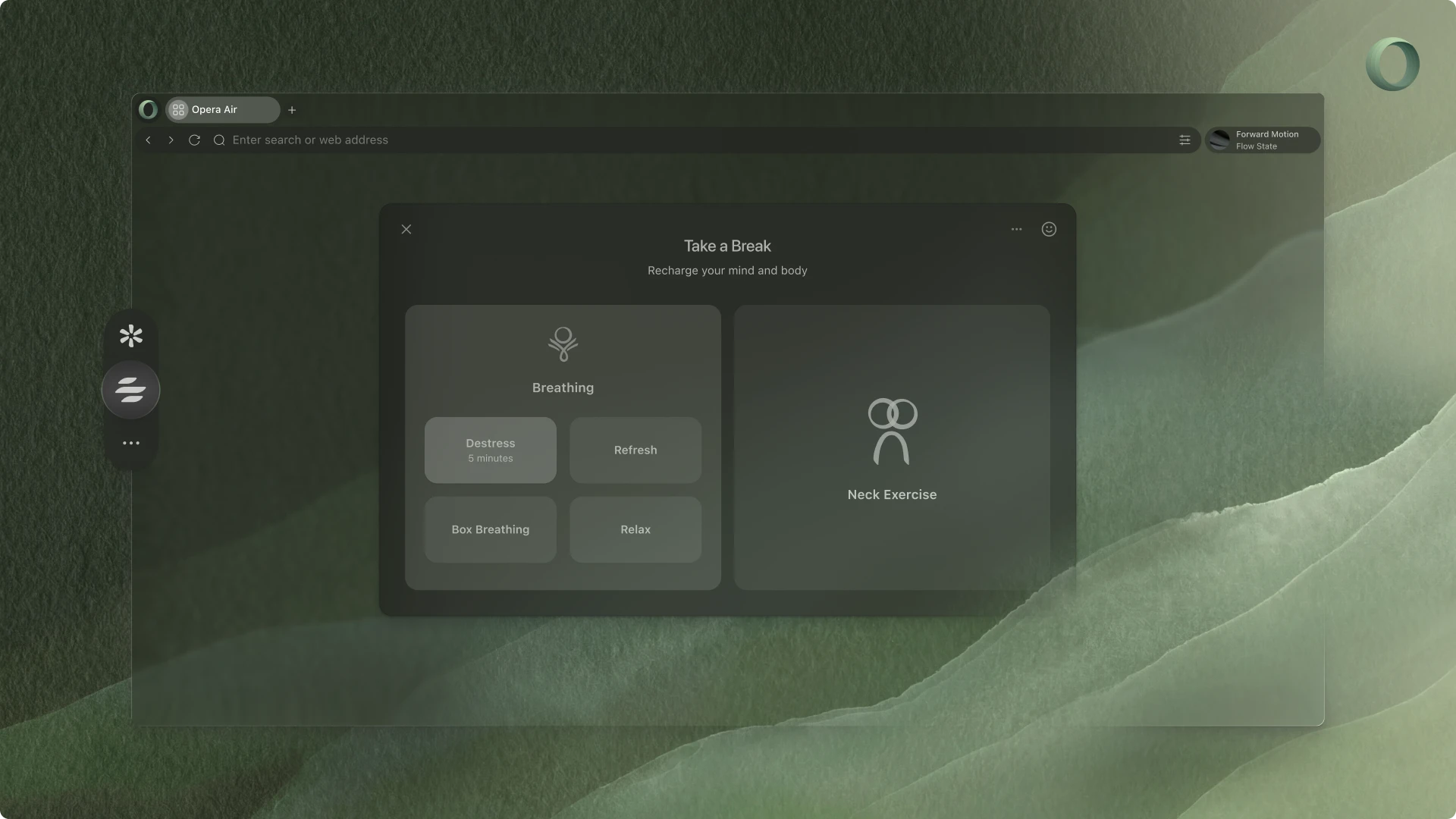
Beyond audio isolation, Opera Air introduces a structured wellness tool called Breaks directly into the browser sidebar. Users can configure optional timers that trigger brief breathing exercises and neck stretches during long working blocks. Consequently, the feature interrupts prolonged screen sessions before cognitive strain sets in, providing structured micro-pauses without forcing users to leave their current workspace. According to Maciej Kocemba, Product Director at Opera, the deliberate restraint mirrors an orderly physical workstation.
“We think of Air like an uncluttered desk: the tools you need are there, but nothing is fighting for your attention.”
Maciej Kocemba, Product Director at Opera
Built-in utility without the bloat
Visually, the browser adopts refreshed panoramic wallpapers that feature open landscapes and natural textures, shifting automatically between light and dark display modes. Despite its minimalist profile, the browser retains core privacy protections, including a native ad blocker and a free virtual private network. Additionally, optional messaging shortcuts and social media integrations remain disabled until users manually enable them in sidebar preferences. Therefore, the interface stays focused on primary tasks rather than persistent alerts. This release mirrors broader design experimentation across the industry, similar to Mozilla’s streamlined Nova design rollout in Firefox 157 and ongoing platform adaptations such as GeForce NOW desktop browser support.
Finally, readers interested in trying the distraction-free environment can download Opera Air directly from Opera’s official site at no cost for both Windows and macOS systems. The browser supports fast bookmark, password, and history imports from existing browsers, allowing users to test the mindful layout alongside their daily production setups without losing existing account data.