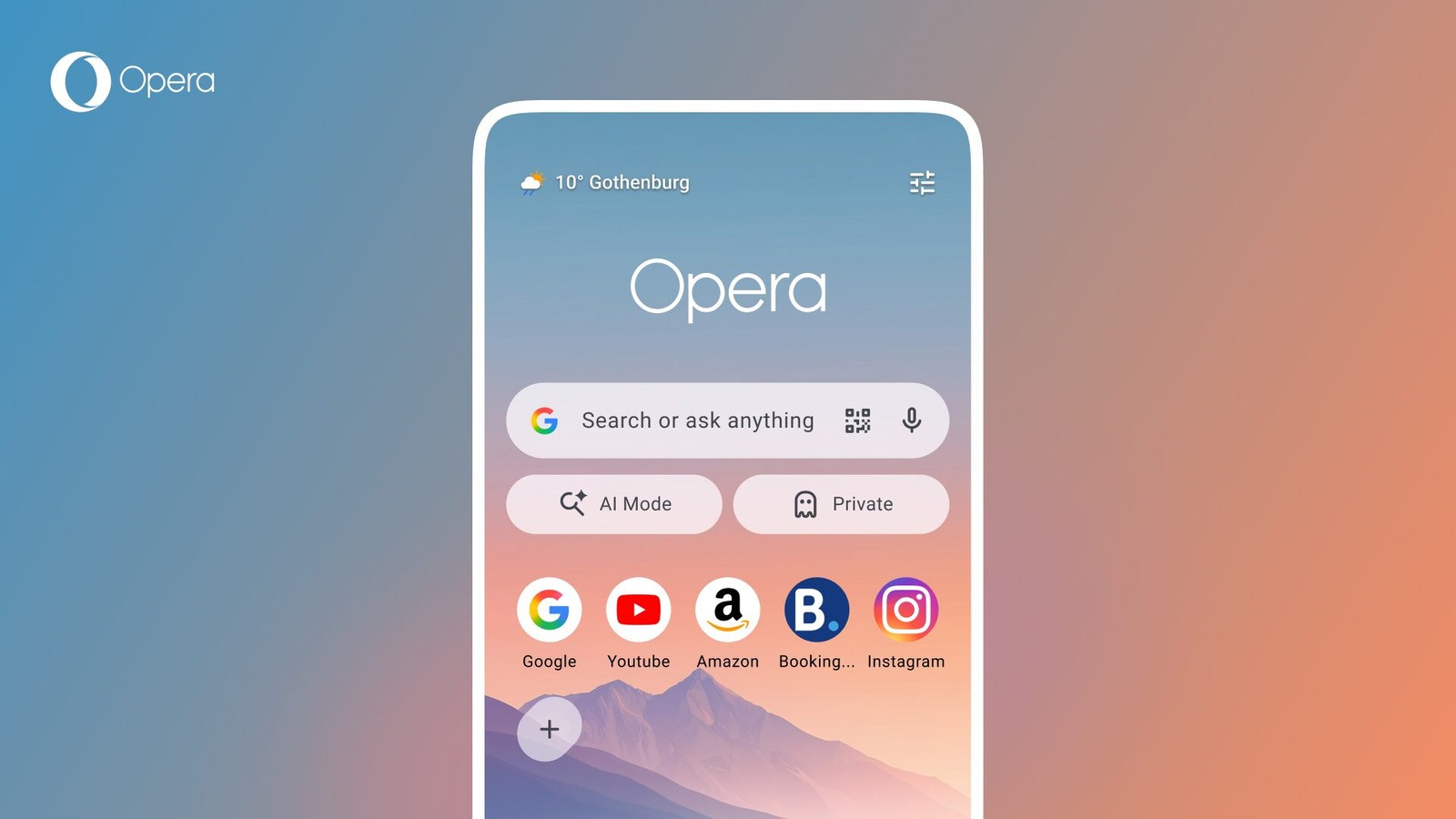
Opera for Android is getting a cleaner start page and a built-in soccer hub for a busy summer of football. In an official Opera blog post, the company says the redesigned start page puts search front and center, softens Speed Dials and adds warmer wallpapers.
The update is not just cosmetic. Opera is also turning live scores into a full matchday layer inside the browser, so fans can follow matches without jumping between a search page, a sports app and social feeds.
A calmer start page
Opera says the old start page had plenty of customization. That flexibility could become noise for people who simply wanted to search and move on. The new layout cuts that friction by giving the search bar more visual priority and making the page feel less crowded.
That is a practical change for a mobile browser. The start page is the first thing many users see every time they open the app. Even small layout changes can make the browser feel faster before a page loads.
The football hub
The bigger seasonal feature is the football hub. Opera says the Live Scores carousel can appear on the start page or inside the menu. From there, users can open a match view with lineups, live events and head-to-head stats.

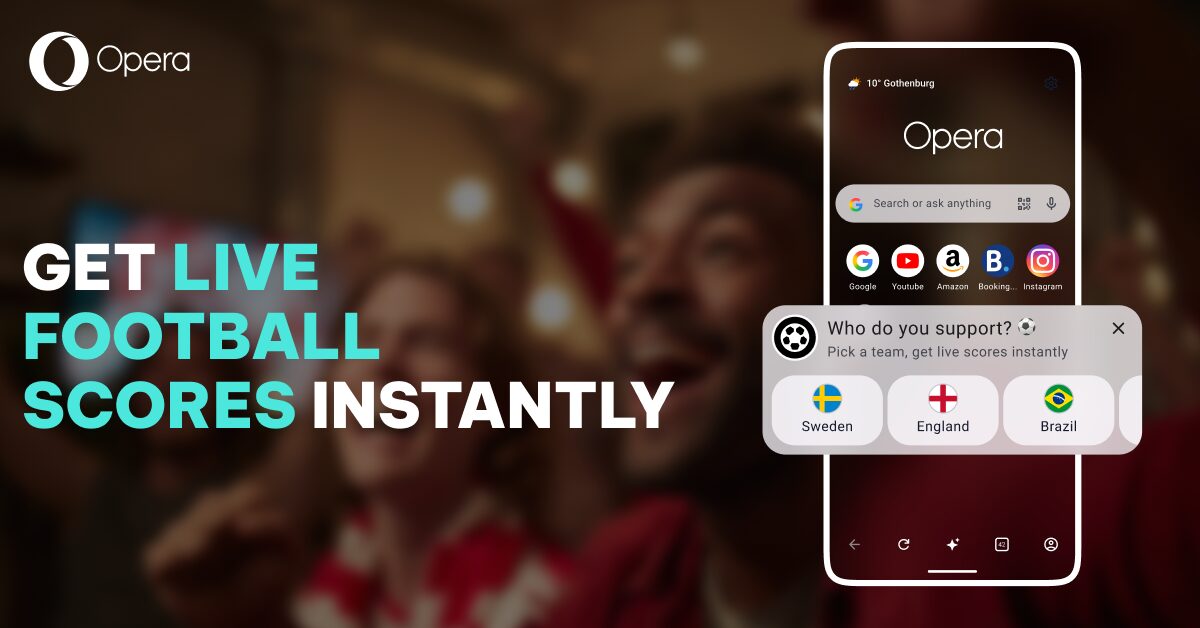
Users can choose favorite teams and receive alerts for kick-off, goals, red cards and full-time. Opera Mini is adding match reports for the biggest 104 matches this summer, with reports available after matches end.
Why it matters
The pitch is convenience. Opera wants match information inside the browser people already have open. Fans do not have to stitch together updates from several apps. The company says an AI-powered news feed will also adjust to what users read over time.
For readers who follow football mostly through live scores, this is a useful browser-native idea. It also gives Opera another way to separate its Android browser from Chrome and Samsung Internet. For more mobile app coverage, follow our apps hub.