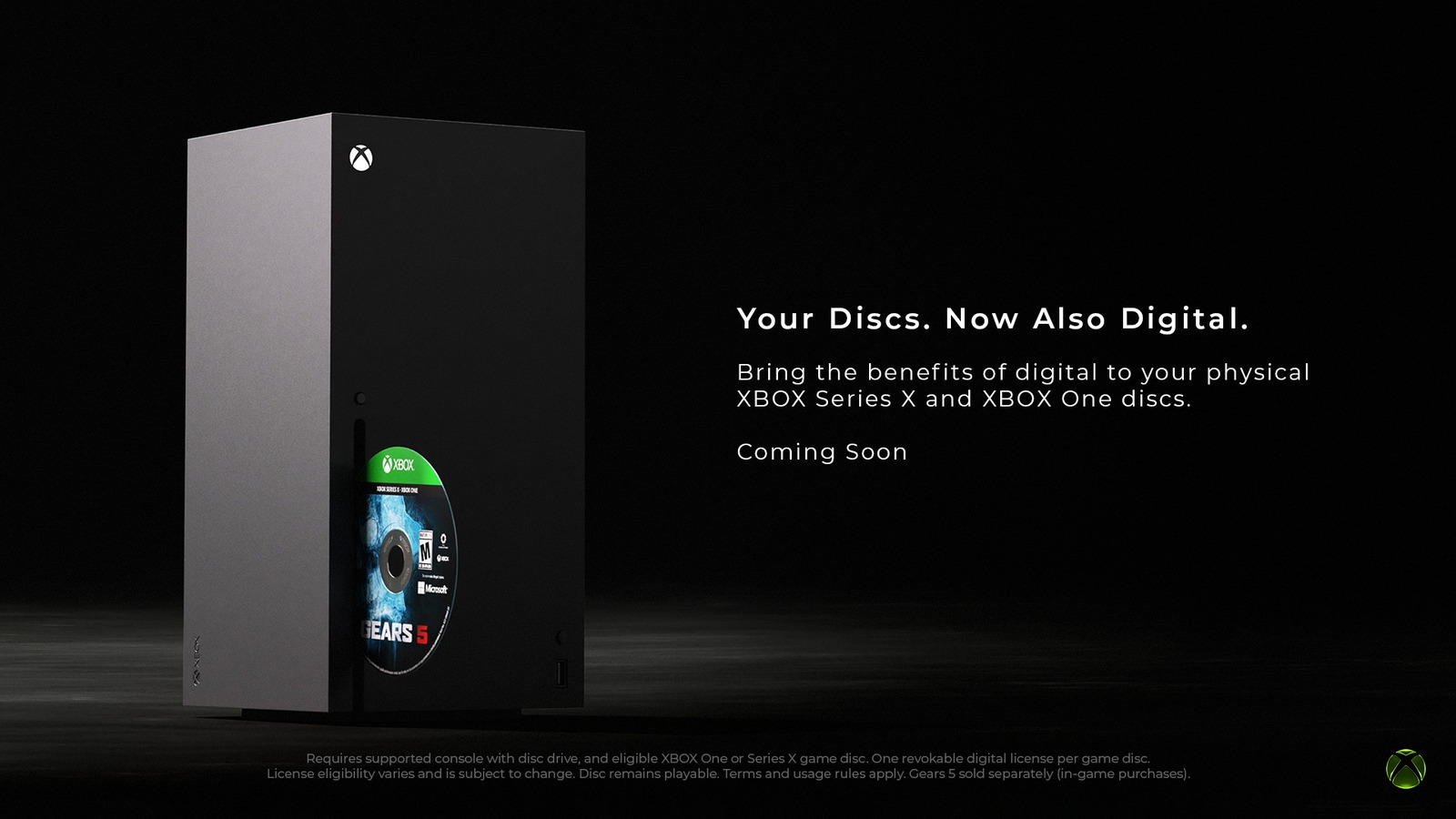
In case you missed it, Xbox Disc-to-Digital licensing is now open to every Xbox owner. Microsoft first introduced the preservation tool on Xbox Wire for Xbox Insiders in late August. After a month of testing, the program expanded to all players across thousands of Xbox One and Xbox Series X discs. Once claimed, supported games launch straight from your console library without keeping the disc in the drive. Any Xbox console with an optical disc drive can register eligible Xbox One or Xbox Series X discs. Even an older Xbox One optical drive can claim an Xbox Series X disc license for your account.
Watch the official @Xbox Disc-to-Digital rollout video on X.
“This is part of our broader commitment to game preservation. As technology, devices, and distribution continue to evolve, preserving access to the games people own matters more than ever.”
Jason Ronald, VP Next Generation at Xbox.
How to Claim Single Discs or Convert Your Shelf in Bulk
According to Microsoft’s official Xbox Support guide, playing a supported disc while signed in grants a digital license. An on-screen pop-up confirms when the entitlement attaches to your account. Converted titles then appear under My Games & apps with a disc-to-digital licensing badge. Still, inserting dozens of discs one by one normally triggers automatic installs that slow down a full-shelf conversion.

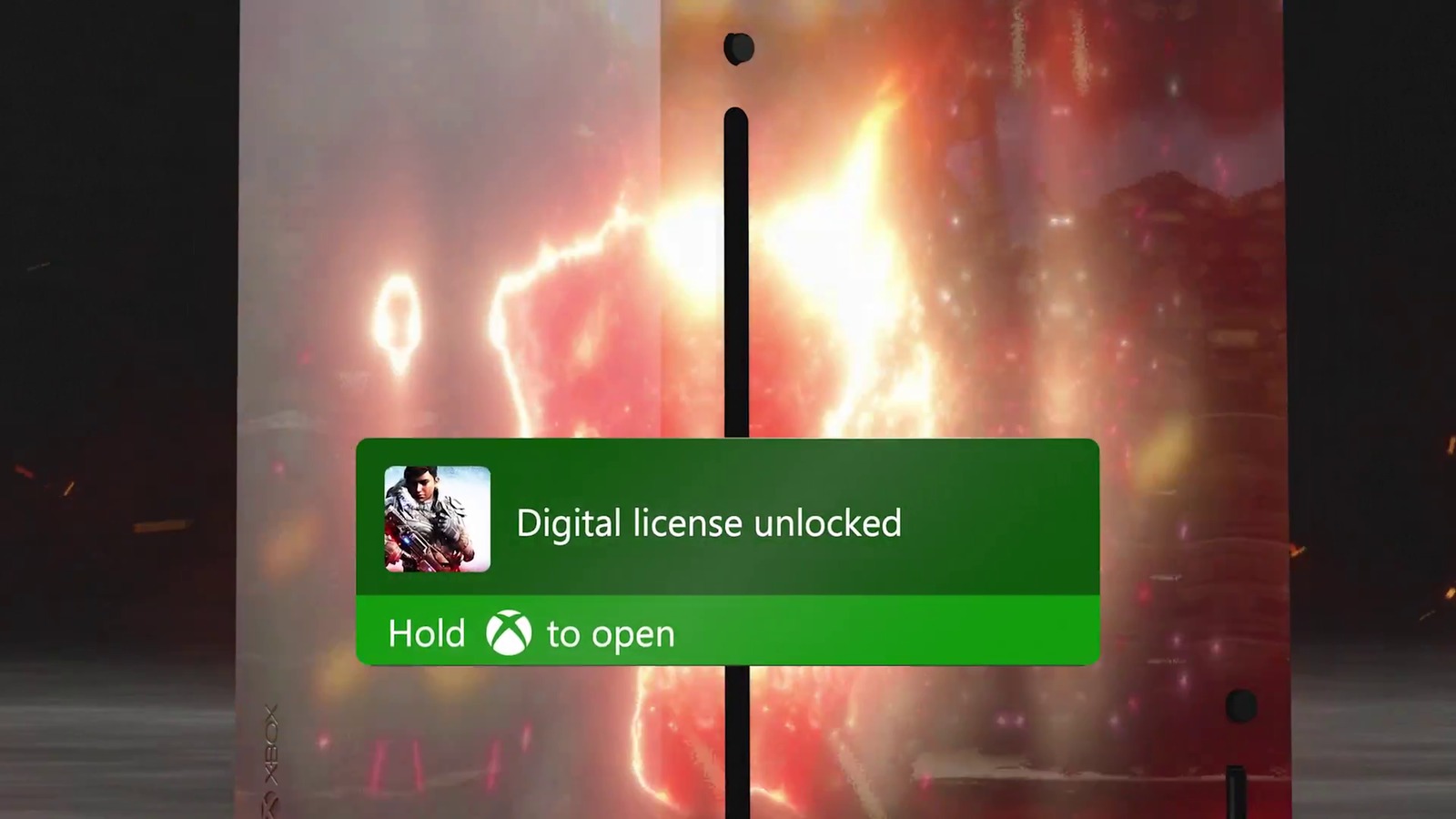
To claim multiple discs quickly, open Profile & system, select Settings, and open Devices & connections and Disc. Next, uncheck the Play disc automatically box and return to the Home screen. Insert a disc, highlight its box art, press the Menu button, select Get digital license, and choose Claim. Once the confirmation banner appears, eject the disc and repeat the process across your stack. For multi-disc games, always insert disc one to claim the digital license. While on-disc add-ons from Ultimate Edition releases may carry over, separate paper redemption codes in the case do not.
Why It Matters Now for PC, Handhelds, and Secondhand Discs
Claiming digital licenses today pays off right away if you play beyond a living-room TV. When a physical disc supports Xbox Play Anywhere, its digital license unlocks play in the Xbox app on Windows PCs. It also works on portable gaming PCs like the ASUS ROG Xbox Ally X20 handheld. Supported titles gain Xbox Cloud Gaming access where available as well. As Microsoft prepares its next-generation Xbox Project Helix family of devices, converting discs now keeps your library ready for disc-less hardware.
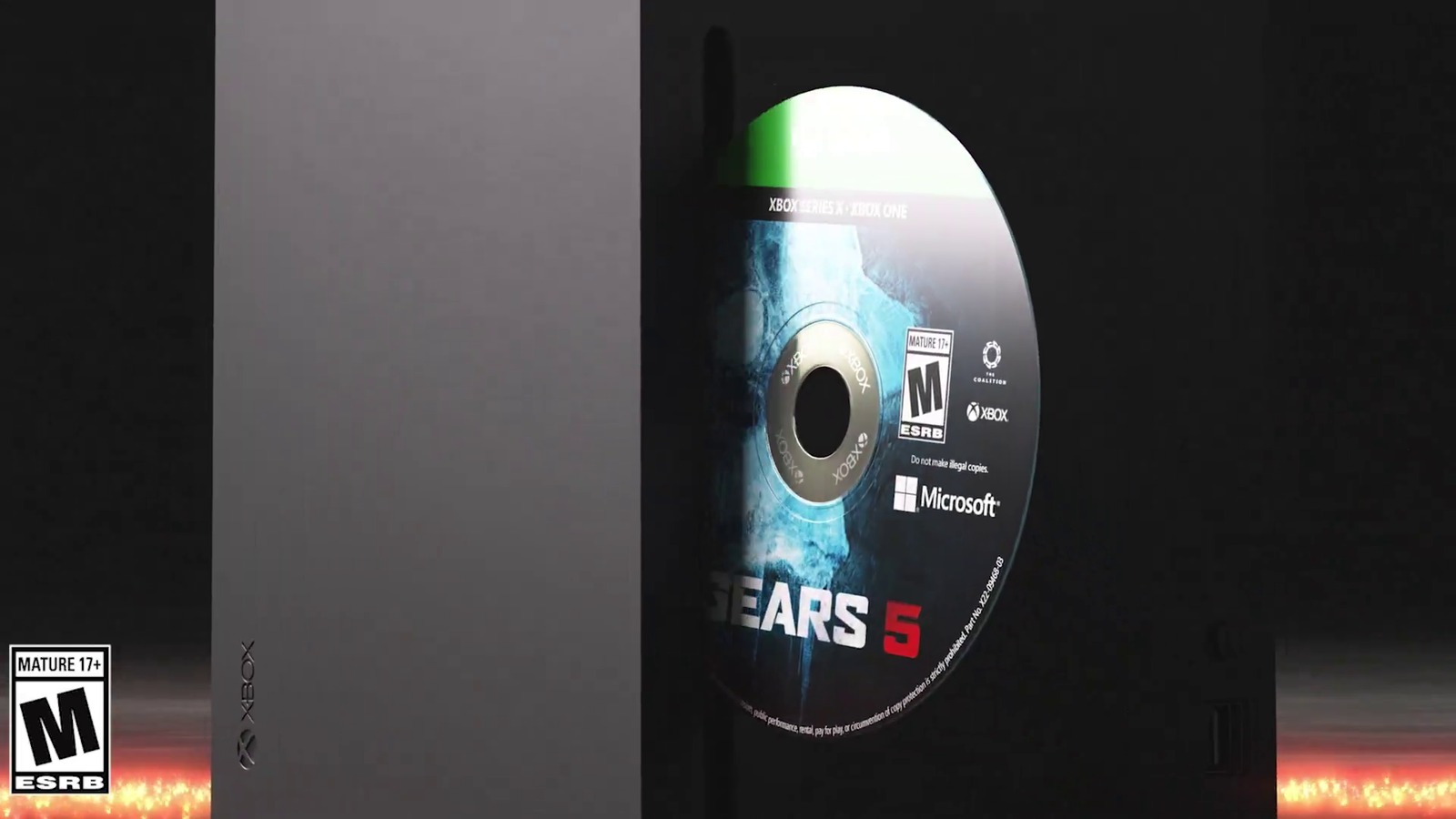
However, a few key rules apply to every converted disc. Original Xbox and Xbox 360 discs are not supported, and not every Xbox One or Series X game qualifies. In addition, your digital license stays tied to physical possession of the qualifying disc. Your disc still works normally, so you can lend or sell it at any time. Even so, if another player inserts that disc into their console, your digital license revokes and transfers to them. Finally, you can check revoked licenses anytime under My games & apps, Manage, and Customize games & apps.