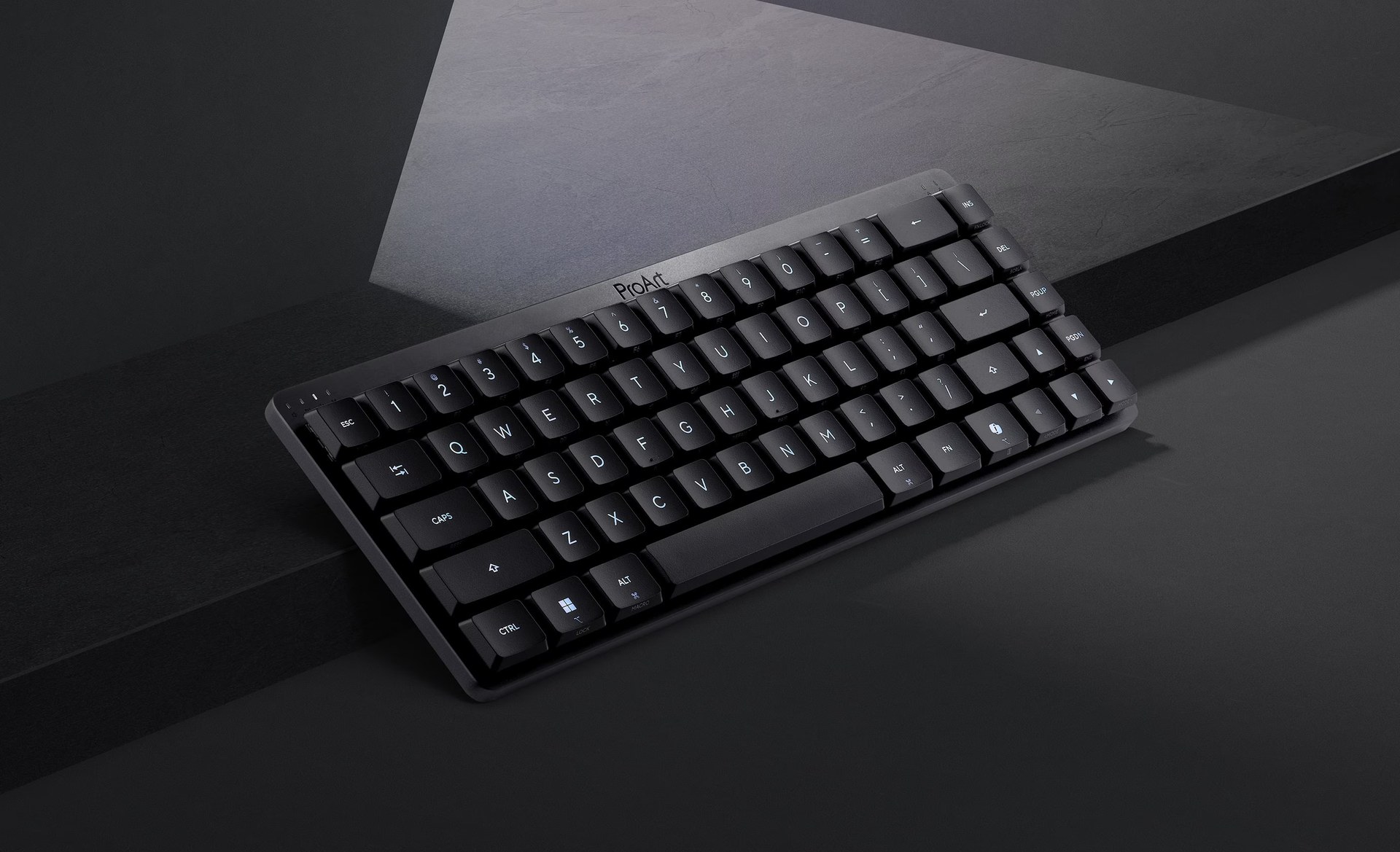
The ProArt KD300 keyboard just joined ASUS’s creator accessory lineup, alongside a companion ProArt Mouse MD301. The company’s product pages introduce both peripherals as tools built for people who edit photos and video for a living. ASUS has not listed a price or launch date on either page yet.
The pairing fits neatly into ASUS’s broader ProArt push. Earlier this month, the company brought RTX Spark power to its ProArt P16, P14, and Mini PC lineup. These new input devices give that hardware family matching accessories.
A Compact Keyboard Built for Switching Devices
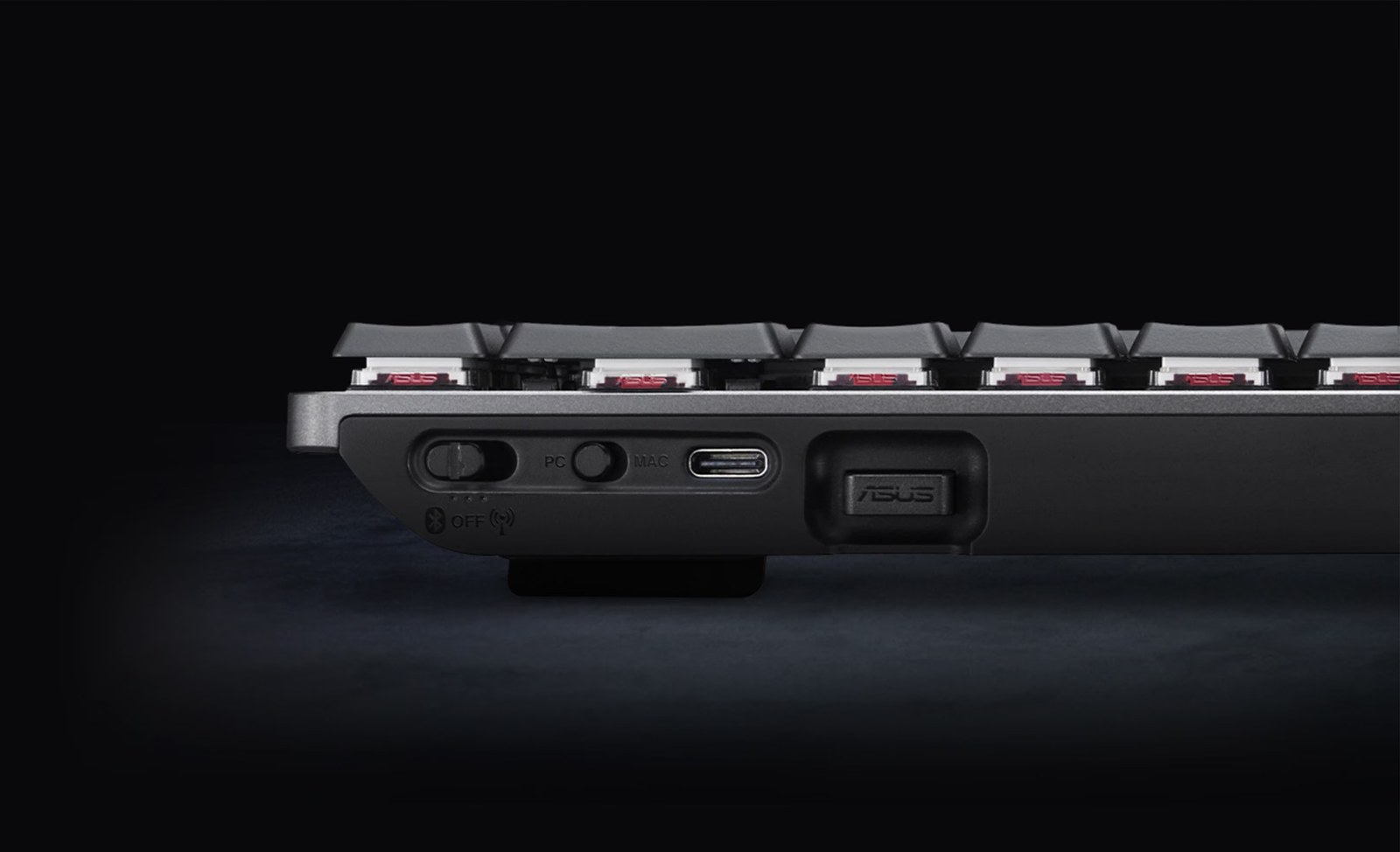
The KD300 packs a 65% layout into a slim 26.8mm body. ASUS RX Red low-profile optical switches handle every keypress, while a touch panel and creator-focused shortcut keys sit ready for quick edits. Because the keyboard uses tri-mode wireless, it pairs with up to five devices at once and switches between them instantly.
ASUS also built a web-based tool called Gear Link into the setup. Through it, creators store custom profiles and macros without installing separate desktop software. That detail matters for anyone who bounces between a desktop rig and a laptop mid-project.

A Mouse That Reads the Task
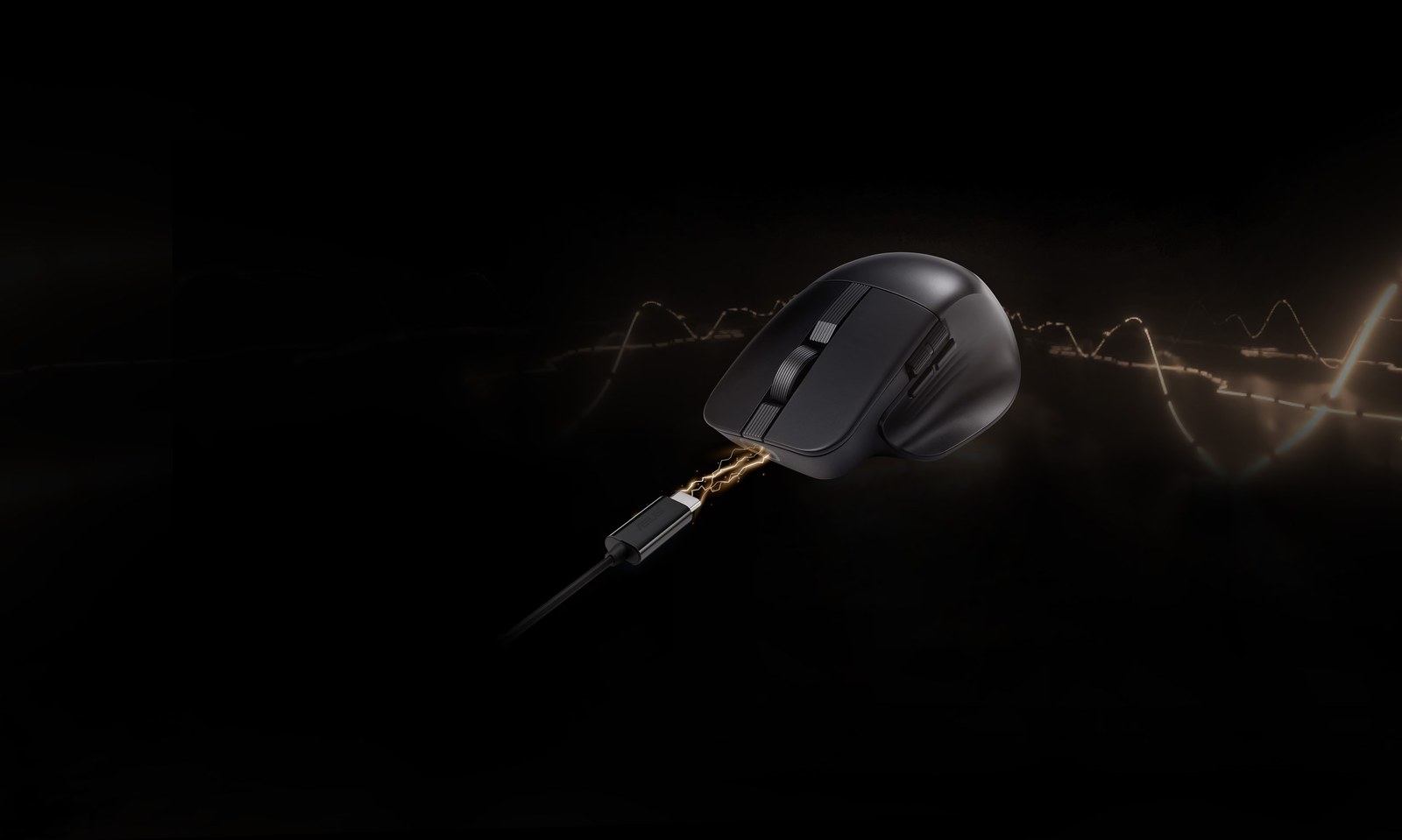
The MD301 mouse leans on an 8,000 DPI optical sensor that tracks accurately even on glass surfaces. However, its standout feature is the SmartShift scroll wheel. That wheel automatically switches between precise, line-by-line clicks for spreadsheets and a free-spinning mode for scrubbing through video timelines. A second side wheel adds further control for detailed work.
Six programmable buttons round out the controls, and ASUS made the two main buttons hot-swappable through Push-Fit sockets. So when a switch wears out, replacing it takes seconds instead of a repair visit. Battery life stretches to roughly 180 days per charge, and a one-minute USB-C top-up delivers about eight hours of light use.

Function Over Flash
Neither accessory chases the RGB lighting or ultra-high polling rates that dominate gaming peripherals. Instead, ASUS is clearly courting editors, illustrators, and other creative professionals who need reliable multi-device switching more than flashy lighting effects. Rivals are making similar bets right now, as Logitech showed when it added a palm cushion to its Signature Comfort Plus line for comfort during long sessions.
Without pricing or a release window, it’s hard to say how the KD300 and MD301 will land against established creator gear. Still, the spec sheet reads like ASUS studied exactly where editors lose time, then built two accessories to close those gaps.