

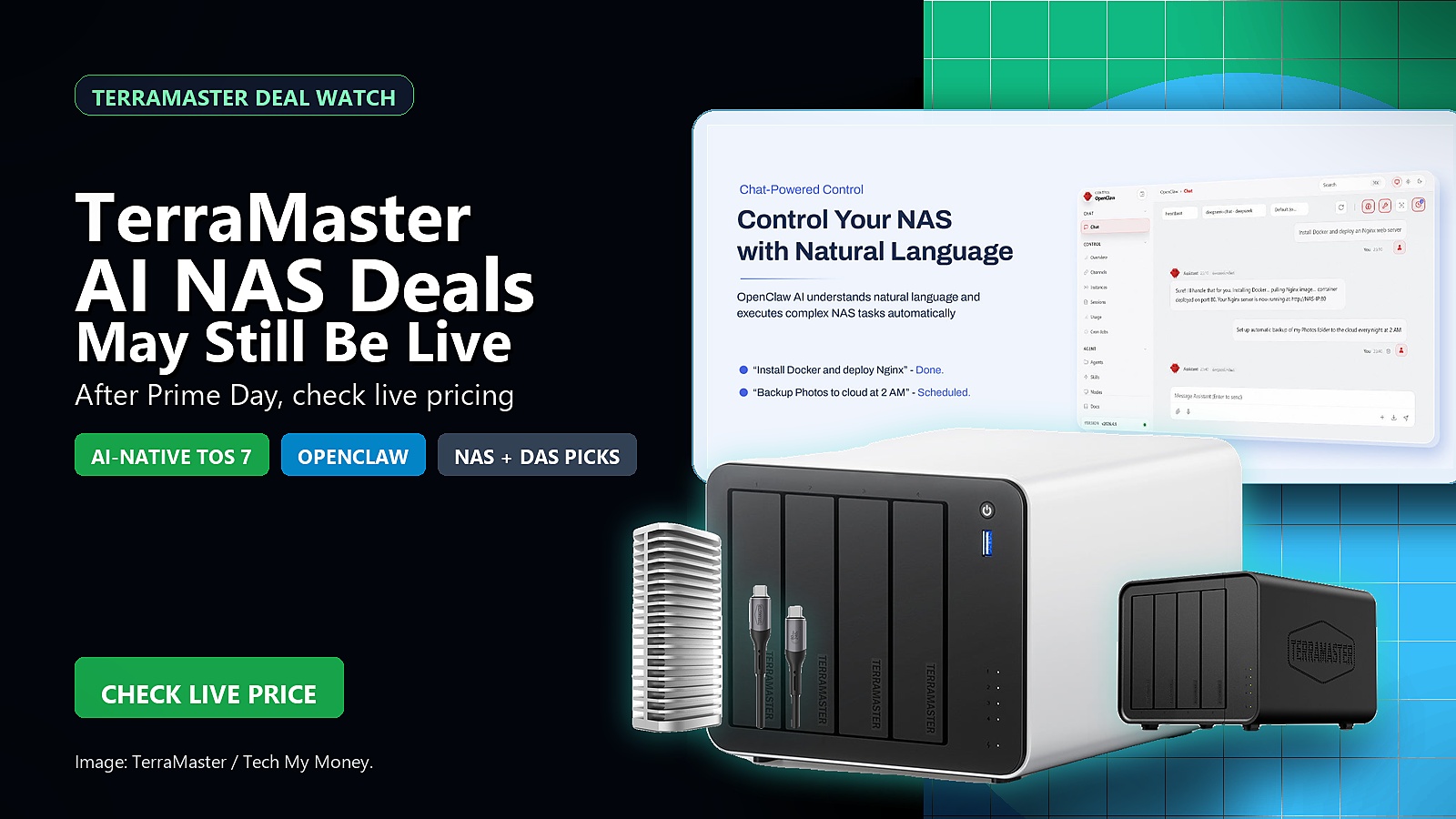
TerraMaster AI NAS deals are worth one more look if you missed the main rush. TerraMaster says its Prime Day 2026 storage sale was extended through June 30 with up to 25% off NAS and DAS gear. The official PRNewswire release points shoppers to the company’s deal hub, Amazon, and other retail channels.
As an Amazon Associate, Tech My Money earns from qualifying purchases. Prices and availability can change. The affiliate blocks below should reflect current Amazon data when available.
The useful angle is not only the discount. Local storage matters more as photos, 4K video, AI projects, game captures, and backups pile up. TerraMaster is also talking up its next software push around TOS 7. It includes AI-assisted storage management and easier natural-language controls. That makes these boxes more interesting than another generic hard-drive sale.
Still, do not treat the sale prices as permanent. TerraMaster’s release lists starting prices and percentage discounts from the promotional window. However, Amazon pricing can move quickly after Prime Day. Therefore, use the product cards below as a live check before buying.
If you are comparing storage gear more broadly, Tech My Money recently covered how UGREEN is pushing Ryzen and 10GbE into home NAS. We also looked at why high-capacity SSD storage is getting expensive fast. TerraMaster’s lineup sits in that same pressure point: more data, more local control, and fewer reasons to trust a single laptop drive.
TerraMaster F4-425 Pro: the AI NAS pick

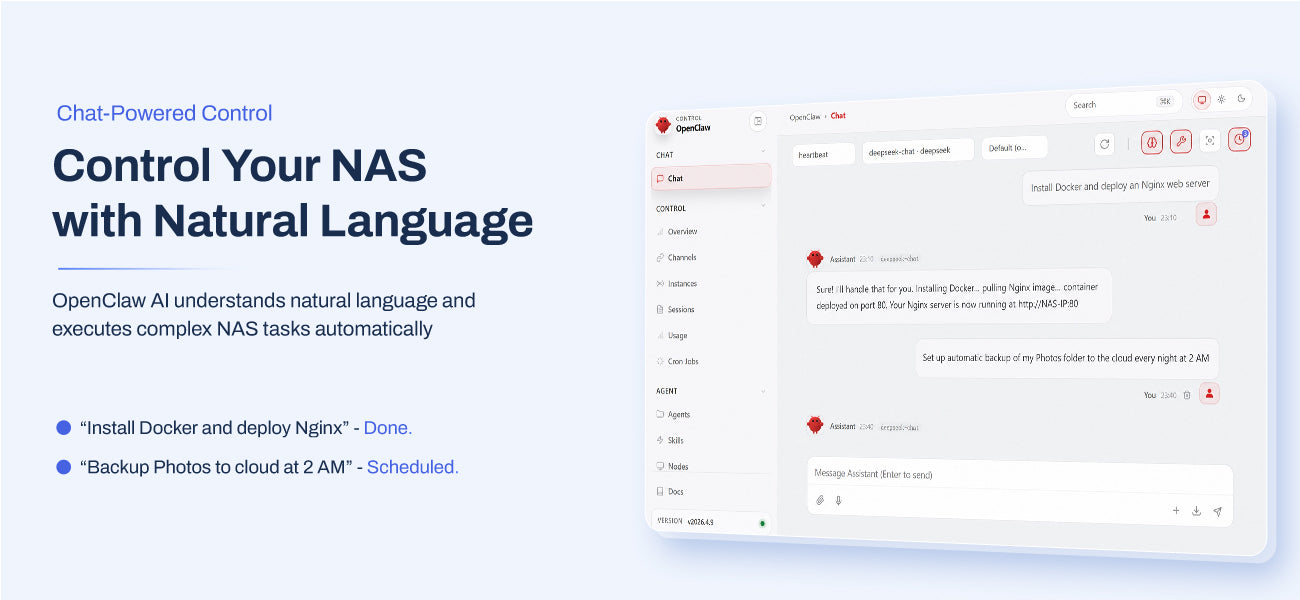
The F4-425 Pro is the one I would check first if you care about the AI story behind this sale. TerraMaster’s official F4-425 Pro page calls it a 4-bay AI NAS and shows OpenClaw controlling the NAS with natural-language tasks, including Docker deployment and scheduled photo backup. The hardware side still matters: TerraMaster says it uses an Intel 8-core N350 processor and 16GB of DDR5 memory, with dual 5GbE ports, four SATA bays, three M.2 slots, and up to 1,010 MB/s throughput.
TerraMaster F2-425: the easier home NAS

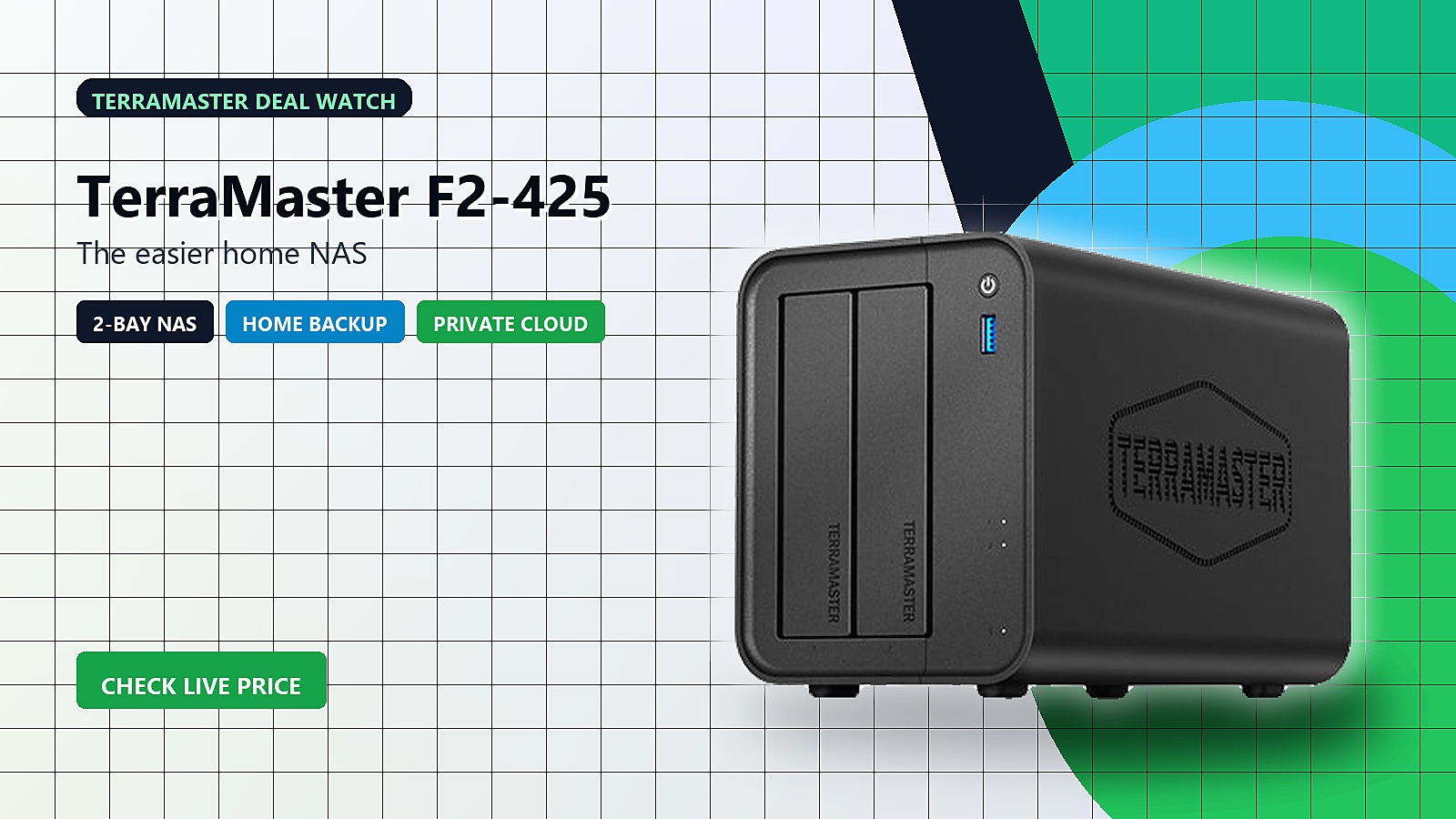
The F2-425 is the simpler path for family photos, media, device backups, and a private cloud. It also avoids filling four bays on day one. TerraMaster describes the F2-425 and F4-425 as entry home NAS devices with Intel quad-core processors and 2.5GbE networking. For most homes, that is the sensible tier: enough performance for everyday storage, but not a server rack.
TerraMaster F4-425 Plus: hybrid storage for creators
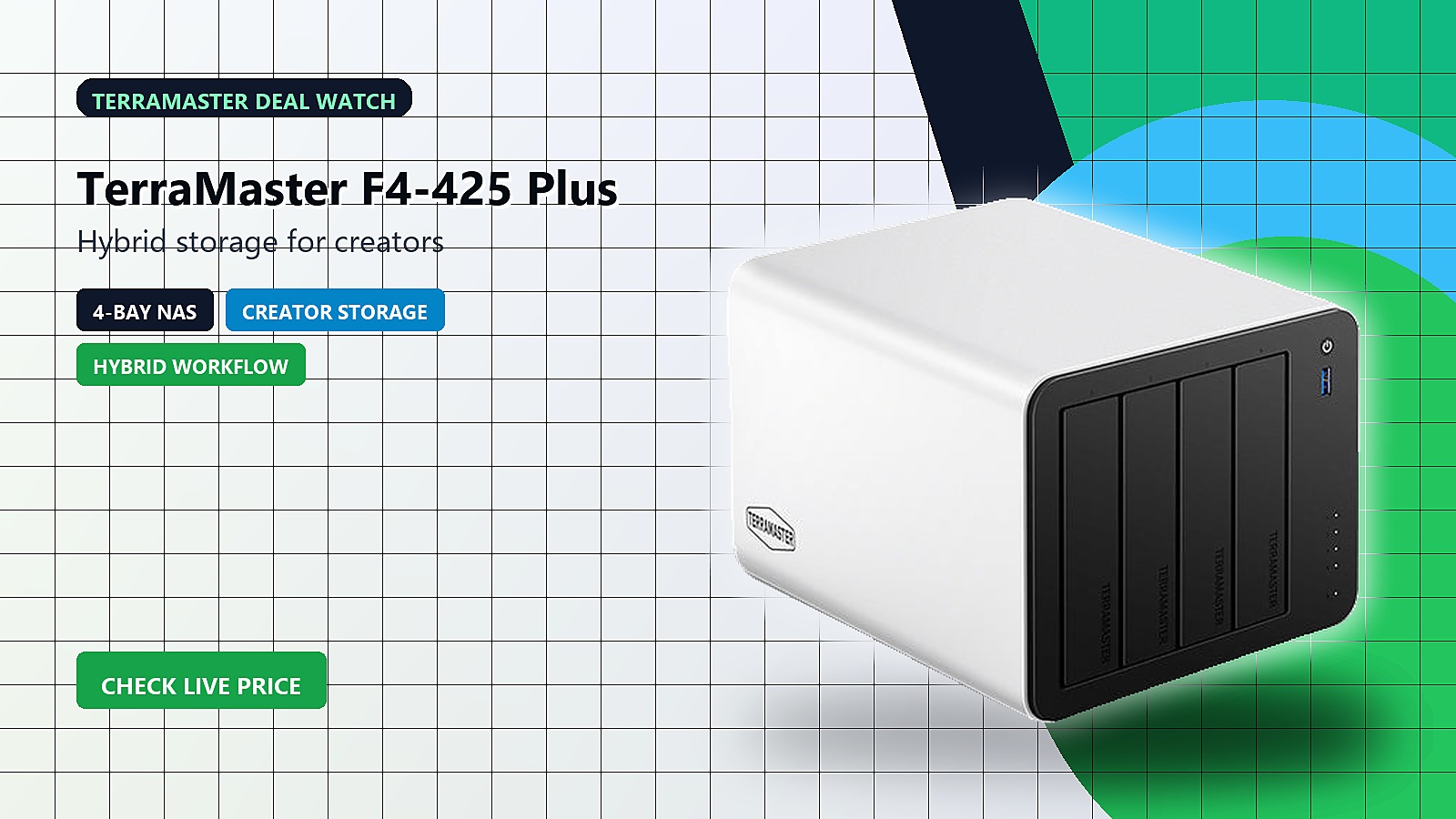
The F4-425 Plus is the more creator-focused lane. It mixes hard-drive capacity with M.2 SSD flexibility. TerraMaster says the Plus models use Intel N95 or N150 processors, dual 5GbE ports, three M.2 SSD slots, hardware-accelerated 4K decoding, and TRAID support. If you edit video or run a Plex-style library, this is one of the more interesting sale items.
TerraMaster F4-424 Pro: the business-heavy option
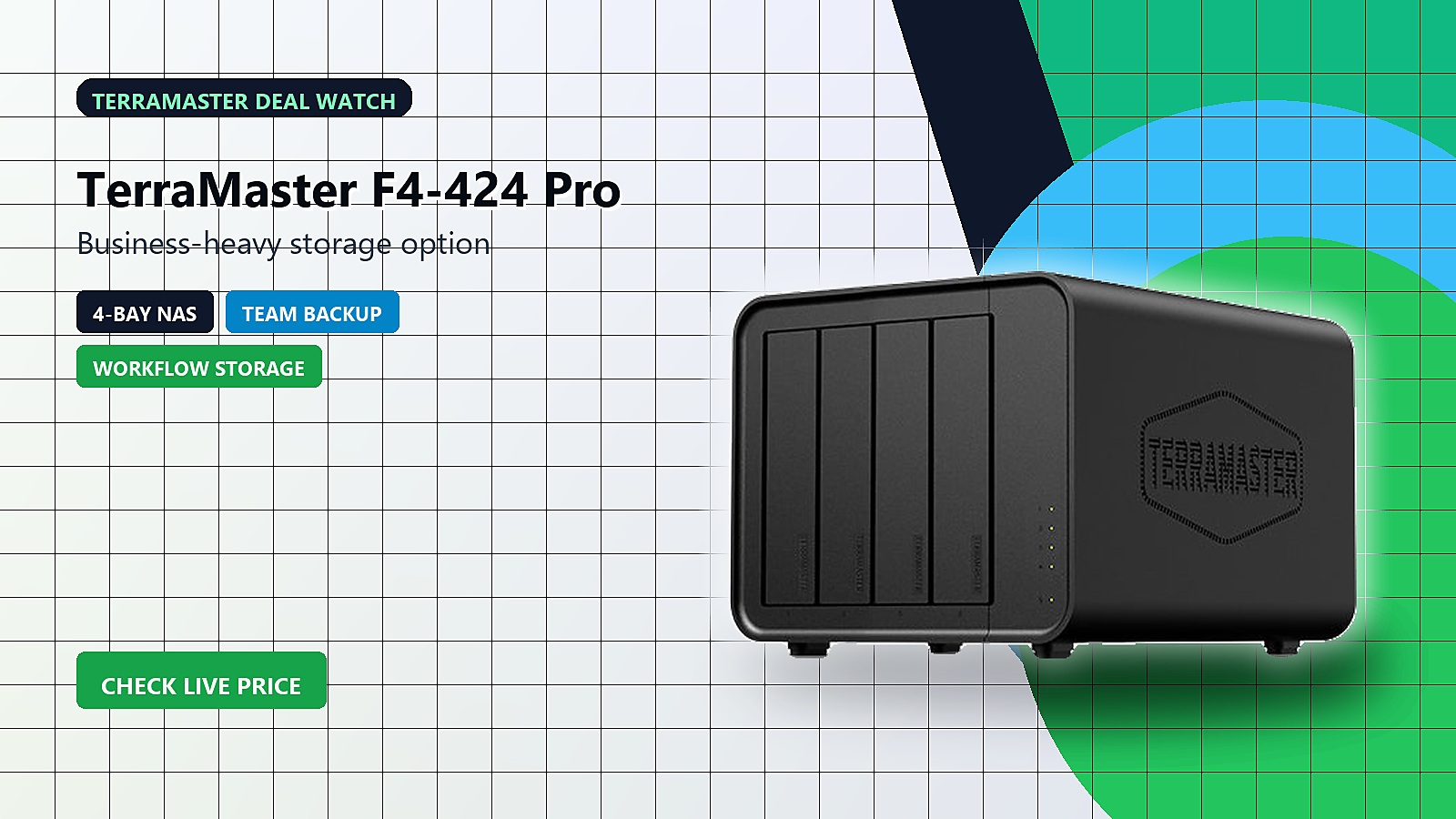
The F4-424 Pro is aimed at heavier team workloads. TerraMaster lists an Intel Core i3 processor and 32GB of DDR5 memory. That makes more sense if several people will hit the NAS at once. It is not the cheapest option. Still, it is the one I would look at for small teams and higher-workload shared storage.
TerraMaster D4-320: local expansion without a NAS
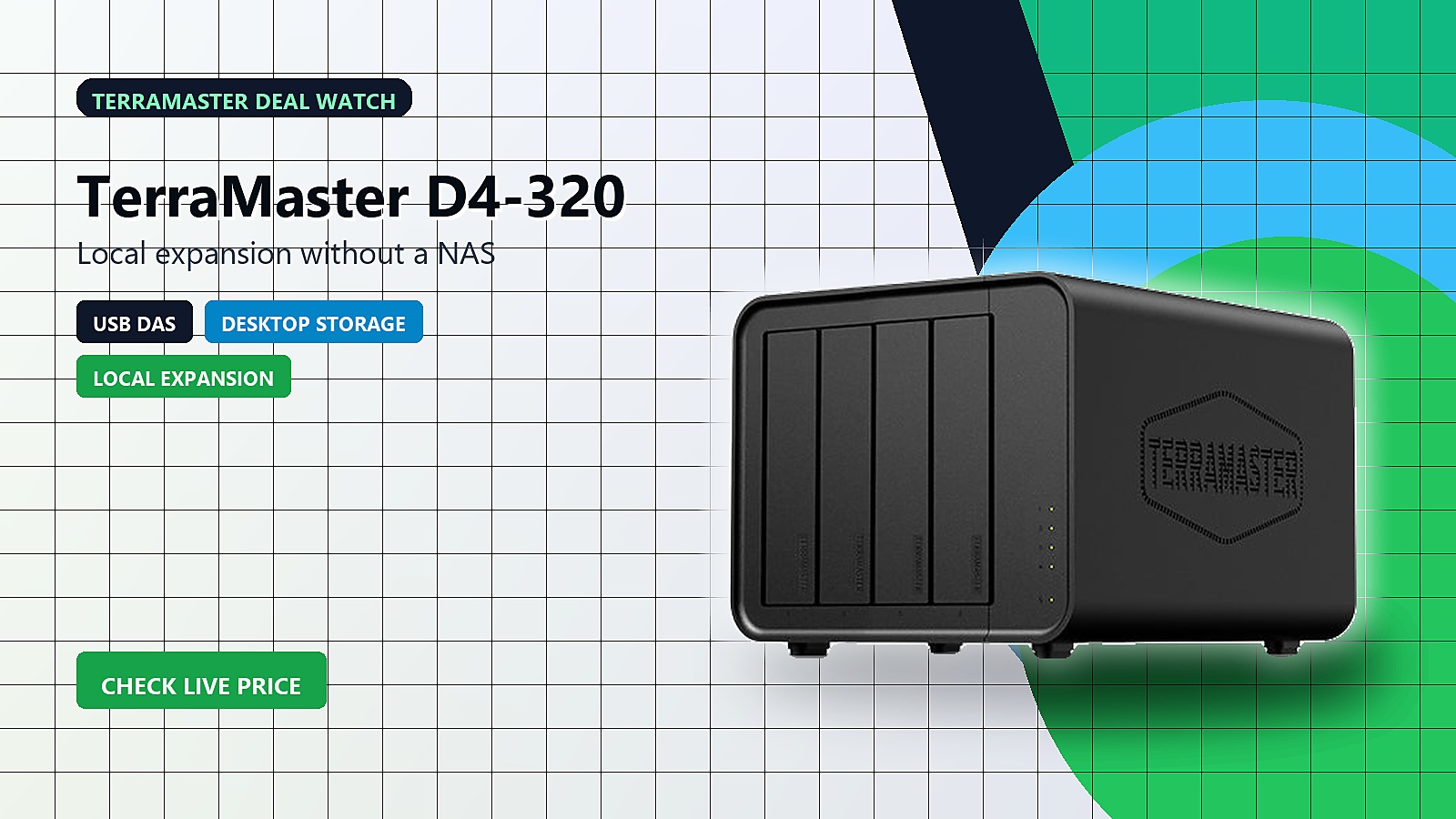
Not everyone needs network storage. The D4-320 is a direct-attached storage enclosure for big local expansion over USB 3.2 10Gbps. That makes it useful for deskside backups, video production, photo archives, and local project storage. You do not get the always-on NAS experience. However, you also avoid managing another network box.
TerraMaster D1 SSD Plus: the fast portable lane
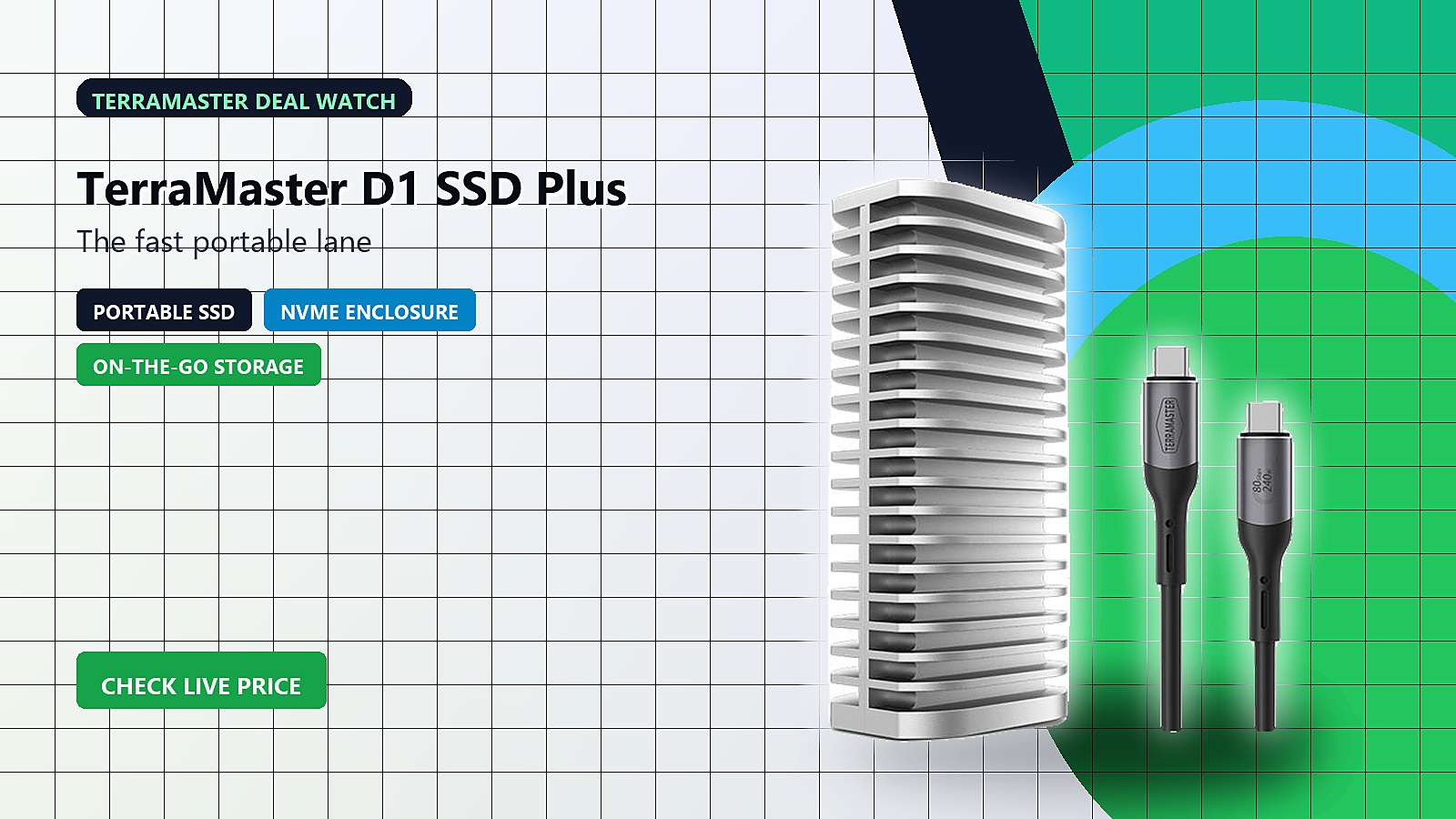
The D1 SSD Plus is the compact all-flash pick for fast project shuttling, backups, and creative work. It makes sense when a spinning drive enclosure is too bulky. TerraMaster’s all-flash D1 family spans 10Gbps, 40Gbps, and 80Gbps options. The release also calls out USB4 and Thunderbolt 5 support across the lineup. Check the exact model carefully before buying because the speed tier matters here.
Which TerraMaster deal should you check first?
For most people, the F2-425 is the practical home pick. The F4-425 Pro is the better long-term upgrade. Creators should compare the F4-425 Plus and D4-320. The choice depends on whether they want networked storage or direct desktop expansion. Meanwhile, the F4-424 Pro is the safer bet for a small team. The D1 SSD Plus is the travel-friendly option for fast local work.
The bigger takeaway is that AI-era storage does not have to mean sending everything to the cloud. A good NAS or DAS can keep raw files, backups, models, media libraries, and team assets closer to the people who use them. If TerraMaster’s remaining discounts are still live when you check, this is a useful moment to upgrade.


