
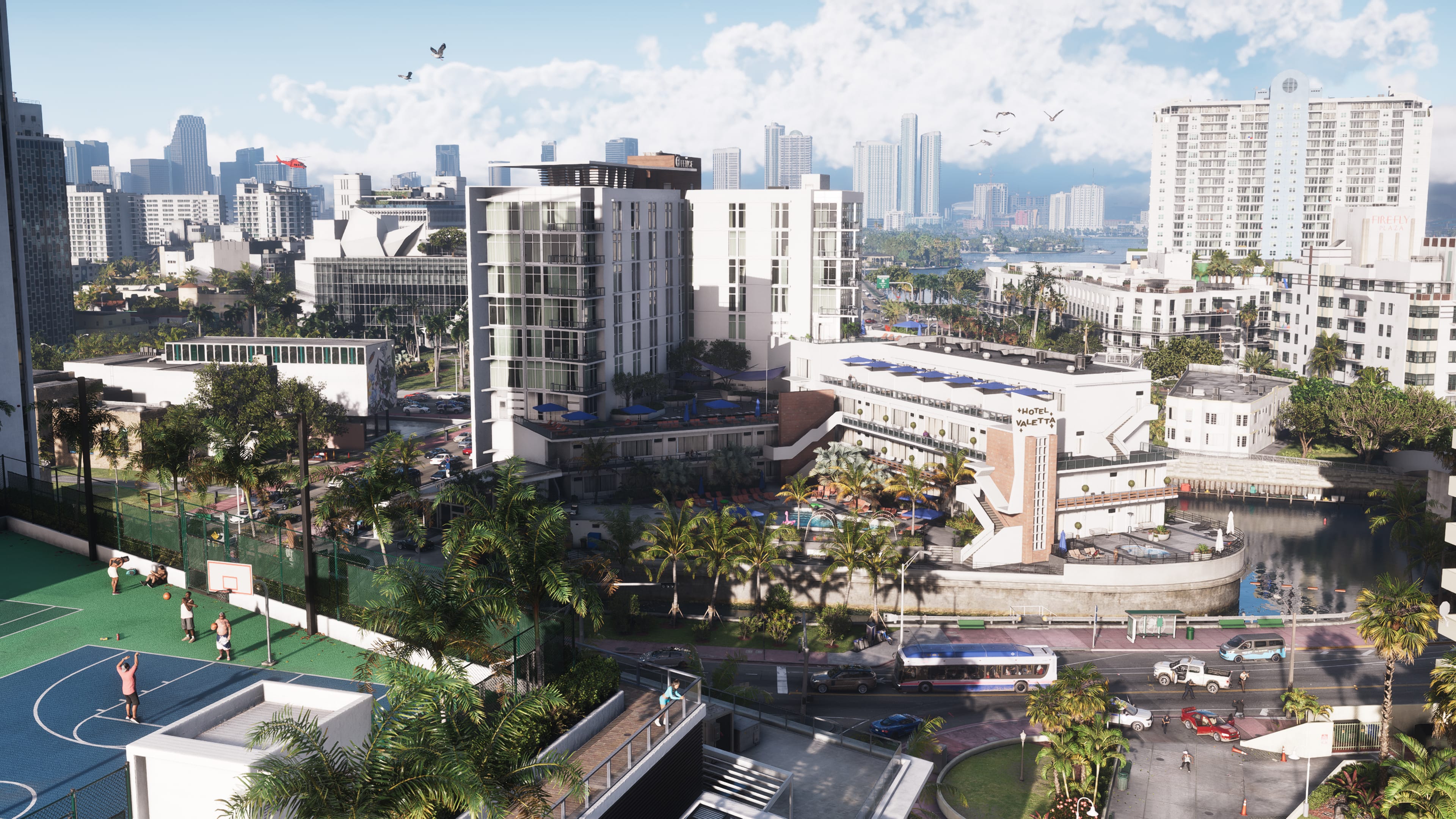
A GTA 6 player said in a November 20 X post reproduced by Dexerto that PlayStation Network suspended their access to social features for 30 days after they sent a friend an in-game photo containing nudity. The player, who goes by DerrickGott007 on X, said they took the photo with the game’s built-in camera at a nudist colony and sent it through PlayStation messaging. PlayStation describes this kind of restriction as a communication suspension in its guide to suspensions.
The 30-day term comes from the player’s account. PlayStation’s code of conduct prohibits sharing obscene or pornographic material through its services. The code describes the network’s rules for what users share. It doesn’t explain how PlayStation flagged the photo in this case.
What a communication suspension blocks
The GTA 6 player described losing social features. According to PlayStation Support, a communication suspension can prevent a player from interacting with others, joining party chat or playing online. On a PS4, a communication suspension acts as an account suspension when the player tries to play on that console.
An account suspension goes further. It blocks sign-in and access to PlayStation Network features, including the PlayStation Store and online multiplayer. A console suspension blocks the affected device from accessing PlayStation Network with any account. That can also cut off access to games or modes that require a connection and content bought from the store.
Where to check the scope and end date
PlayStation says the type and length of a suspension depend on the severity of the violation and the player’s history. If a social feature shows an error, check the email address you use to sign in, including the spam folder. PlayStation Safety usually sends a notice explaining the reason for the suspension and how long it lasts.
You can also check the status and remaining time under My Support. If neither place shows a notice, PlayStation directs players to contact support for details.