
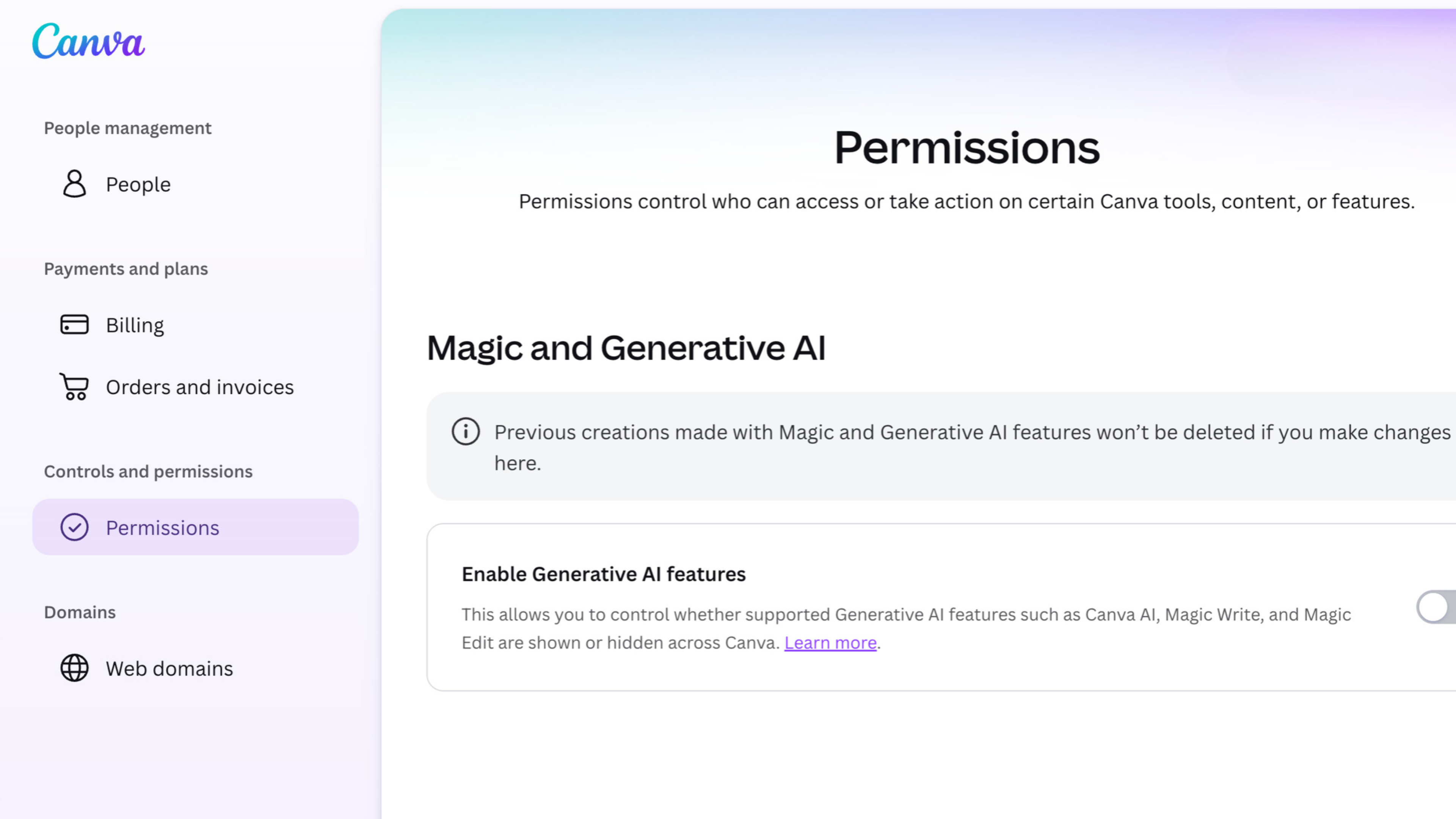
Canva AI controls began rolling out on November 19 to Canva Free and Pro accounts at no extra cost. In its announcement, Canva introduced one switch for supported generative AI tools and another for the templates and elements you see in its library. However, Canva’s help center says both settings are rolling out gradually. They may take time to appear in your account.
How to turn off Canva’s generative AI tools
Open your profile and choose Settings. Under Controls and permissions, open Permissions and switch off Enable generative AI features. Canva enables those features by default, but you can turn them back on from the same menu after switching them off.
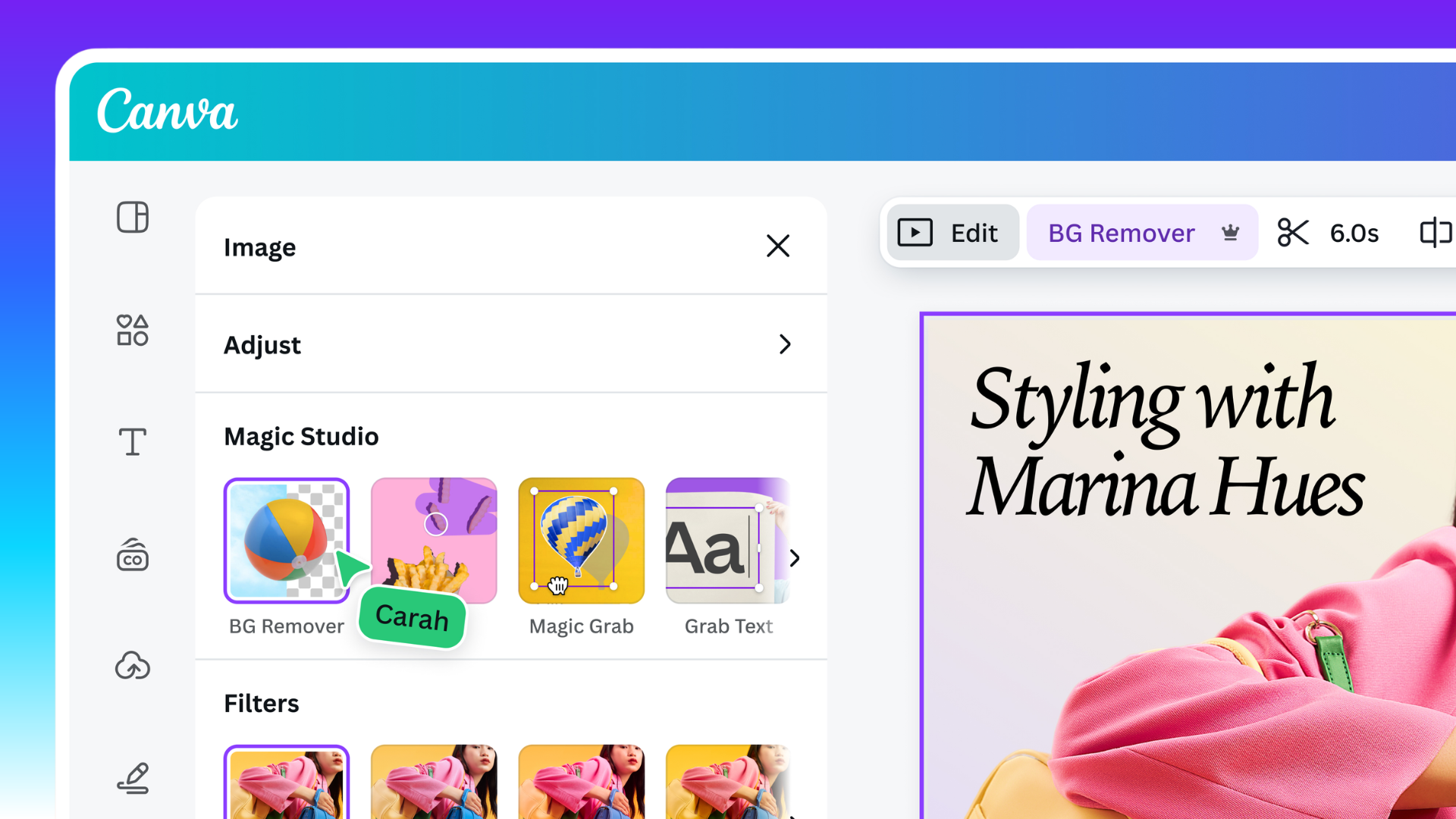
Canva’s list of affected tools includes Magic Write, Magic Design and Dream Lab. However, Background Remover and Magic Grab remain available. For example, you can still remove the background from a photo or reposition an object within one after you turn off generative tools. Canva says new generative features will follow the setting as it adds them.

How to see fewer AI-generated templates
From your profile, open Your account, select AI personalization and turn off AI-generated content. This switch reduces templates and elements Canva has tagged as AI-generated in search and recommendations. As a result, AI-generated templates and elements can still appear when Canva has yet to label them.
The settings work independently. You can reduce AI-generated suggestions while keeping the tools available, or disable the tools while leaving library suggestions as they are. The library setting leaves existing designs intact. It applies to search and recommendations on the Canva homepage and in the editor. Canva AI, third-party apps and searches of your own uploads fall outside that setting.
Who gets the Canva AI controls
The two personal controls are for Canva Free and Pro. Canva says Business, Enterprise, Teams and Education already have separate controls for administrators. If you’re on Free or Pro and the switches are missing, check again as the rollout reaches more accounts. If you’re on a managed plan, ask your administrator which AI tools your workspace allows.