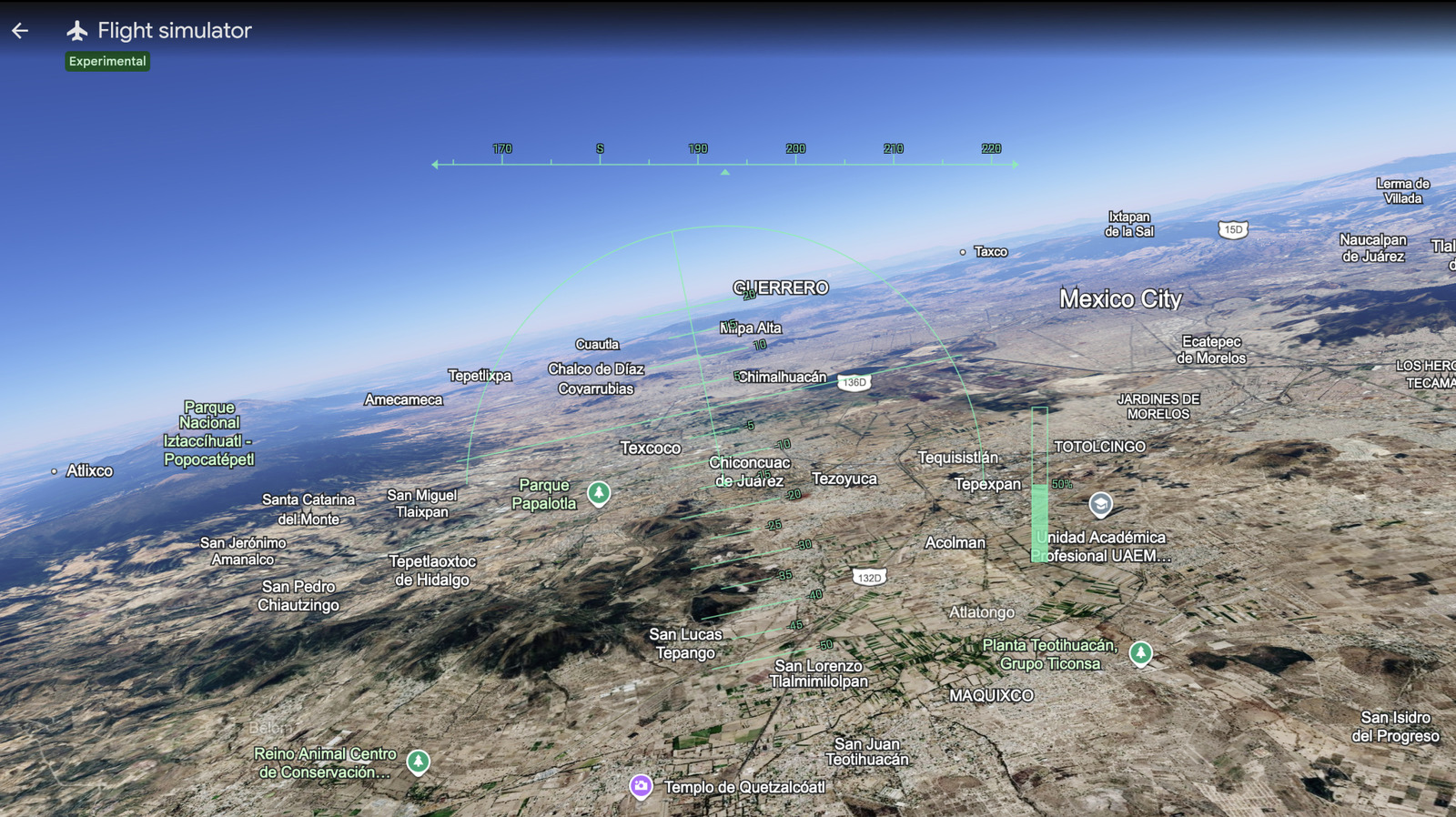
Google Earth flight simulator mode is now available globally inside your web browser, allowing virtual pilots to explore the globe without installing desktop software. Previously, Google locked this hidden gem inside its legacy desktop application, requiring a full software download to fly. However, the company has officially ported the feature to the web version of the service as an experimental tool.
Google announced the update on social media, highlighting its ongoing effort to move professional desktop features to the web. Over the past year, the development team has introduced tools like elevation profiles and new file import formats to browser users. Still, the flight simulator remains the most interactive addition.
How to Access the Google Earth Flight Simulator on the Web
To start your virtual flight, open Google Earth in your web browser. Next, navigate to the Explore Earth section and click on the Tools menu to find the simulator option. From there, you can choose between a standard SR22 propeller plane or an F-16 jet fighter. The system supports keyboard commands, joysticks, and mouse controls to steer through the virtual skies.
Google includes a detailed developer guide to help beginners learn the controls. Notably, the company emphasizes that the Google Earth flight simulator serves casual exploration rather than high-fidelity aerodynamic training. As a result, users should expect simplified physics and occasional experimental bugs while flying over 3D rendered cities.
Google continues to expand its web ecosystem, deploying smart AI search agents alongside Gemini settings on Google TV. Meanwhile, the web browser remains the company’s primary testing ground for experimental features. This release follows other historical map updates, such as the World War II imagery archive introduced in recent years. By comparison, this interactive simulator represents a much more hands-on way for users to engage with Google’s planetary database.